What does photo to video AI do?
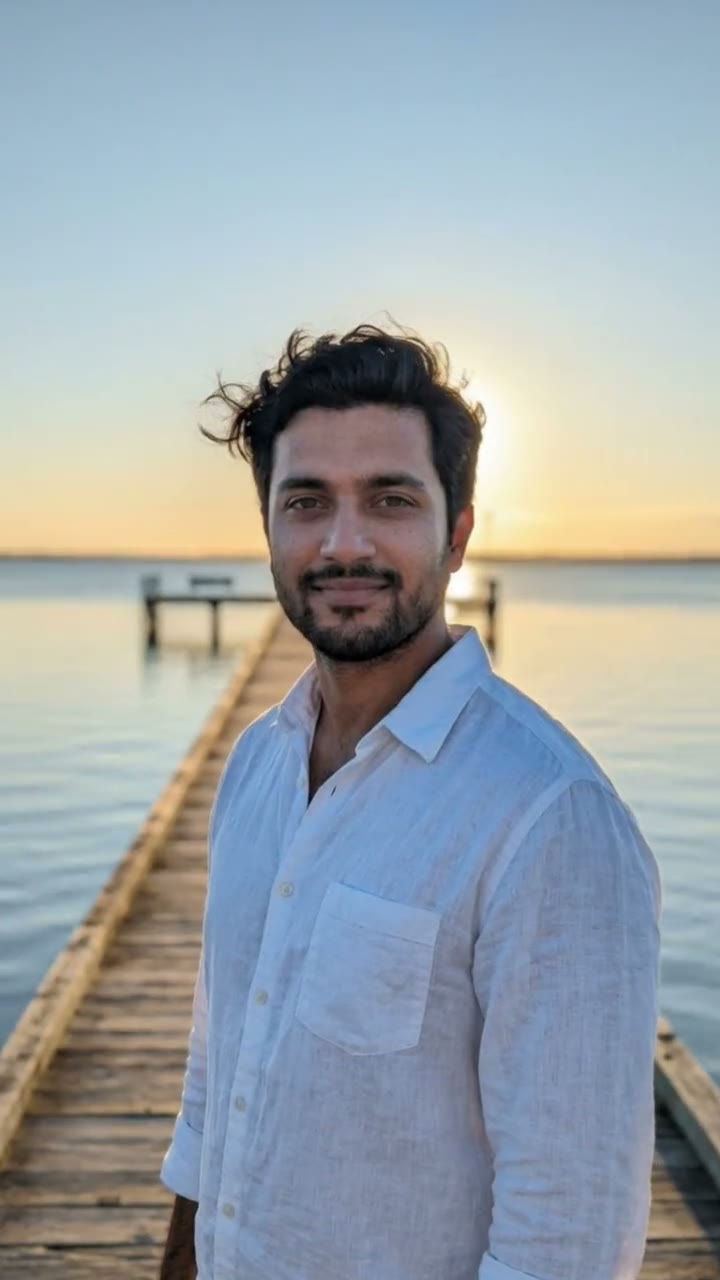
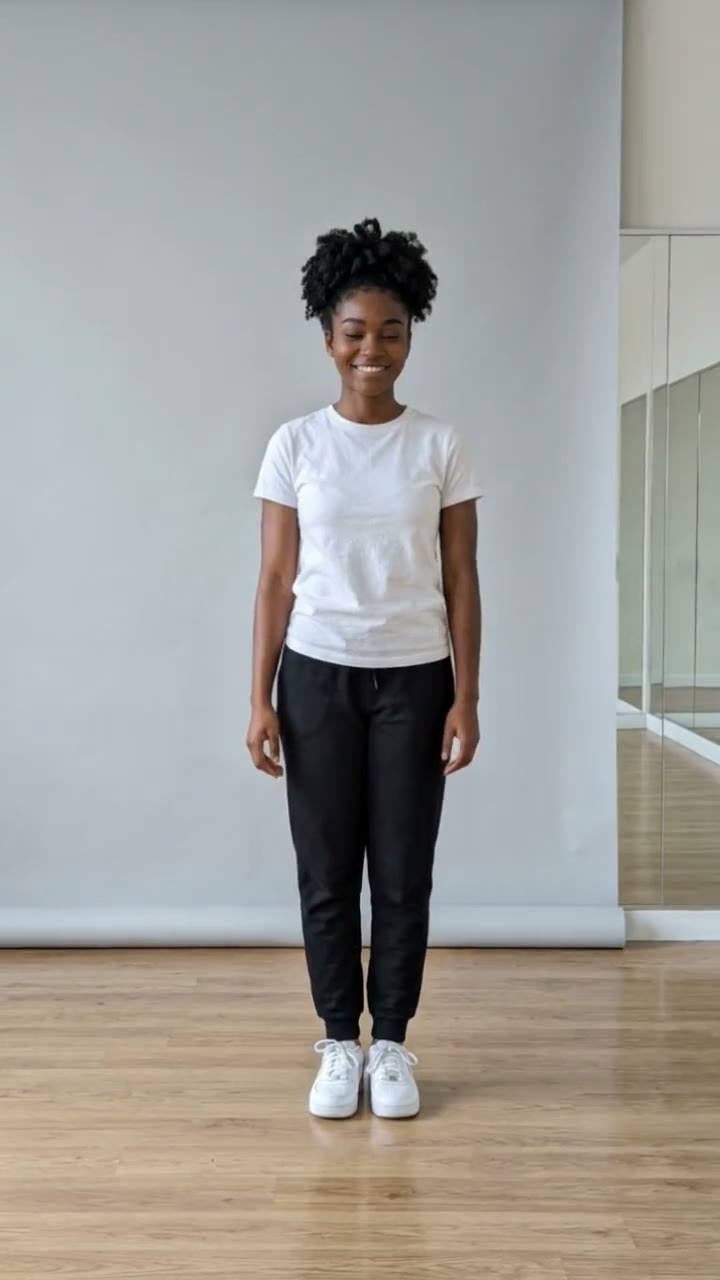
Photo to video AI, also called image to video AI, takes a still picture and adds motion. Here it is made for portraits: your face blinks, gives a subtle warm smile, turns slightly toward the camera and your hair moves softly while the camera pushes in slowly. Your outfit and the setting stay as they are in the photo.
SelfieTrend works in two steps. First we turn your photo into a clean vertical still, so you can check that it looks like you and adjust the framing or setting. Then we animate that still into a 10-second 9:16 video with gentle ambient sound generated with it. The still is a free watermarked preview; you only pay for the video.
Updated October 29, 2026
How to turn a photo into a video
- 1
Upload your portrait
Choose a sharp photo of yourself, one adult, face fully visible. Selfies, profile pictures and travel photos all work.
- 2
Check the still and adjust it
We recreate your photo as a vertical portrait. Use the description box to change the framing or setting, then re-run the preview until it looks right.
- 3
Make the video
Sign in, confirm the price and we bring the still to life with a blink, a smile and a slow push-in. Download the MP4.
What happens in the 10 seconds
0-3s
Stillness, then a blink
The portrait settles and you blink naturally as the camera begins to move in.
3-7s
A subtle smile
A slight warm smile appears, your head turns a little toward the camera and hair moves softly.
7-10s
Slow push-in
The camera creeps closer and holds on your face with soft room sound.
Tips for a portrait that moves well
Face the camera
A front-facing or slightly angled face gives the cleanest blink and head turn.
Good, even light
Daylight or a bright room beats a dark photo, which can look noisy when animated.
No obstructions
Sunglasses, masks, hands over the face and heavy filters make the motion less natural.
One person only
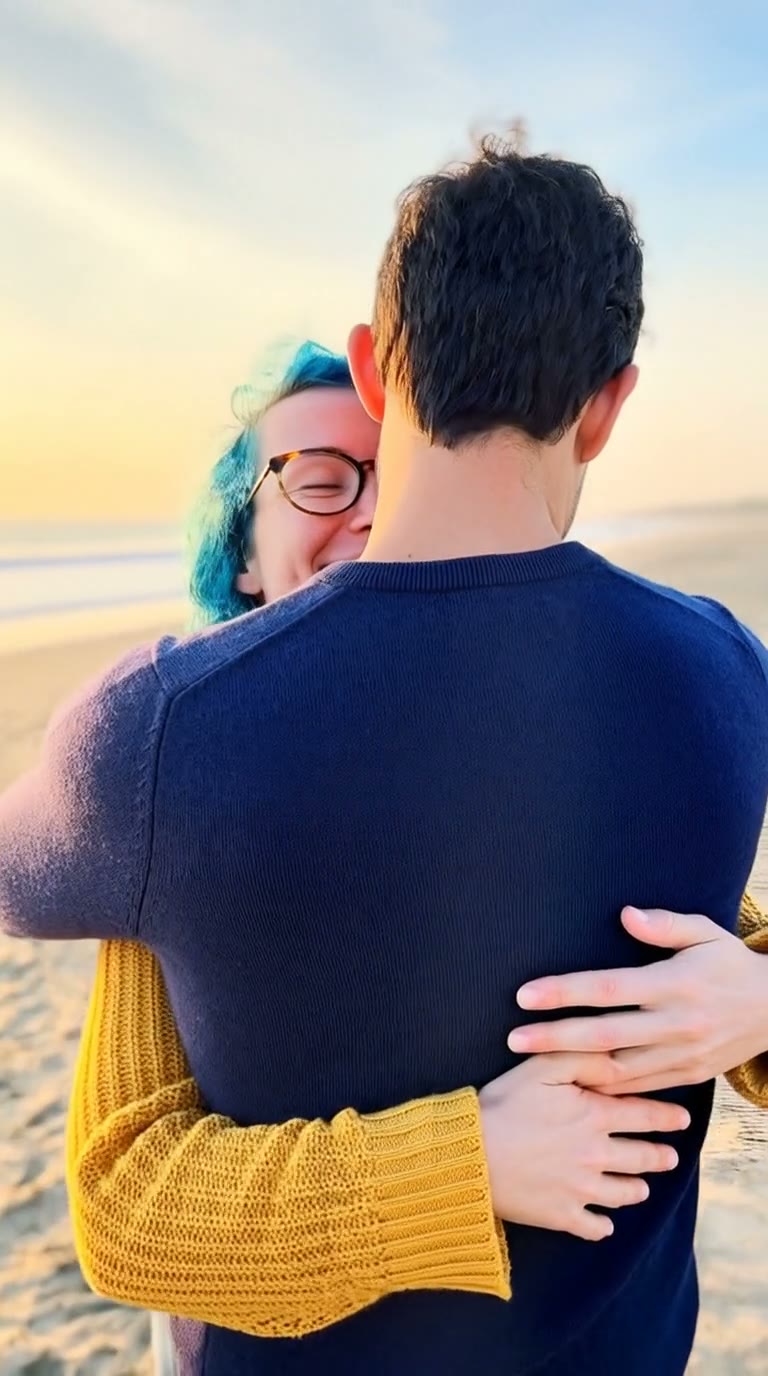
Crop out friends and group shots. The video is built around a single adult.
What it can and cannot do
This is a portrait animator, not an editor for any picture. It keeps your outfit and setting, and adds small, natural motion: blinking, a slight smile, a head turn and a slow push-in. It will not make you walk across a room or change who you are. Use the description box to tweak the framing or setting before you animate.
Adding captions or trending audio
The clip comes with gentle ambient sound, but it is easy to replace. Download the MP4, open your editing app, and add captions, a voice-over or a trending song. It is vertical 9:16, ready for Reels, TikTok and Shorts.
Pricing
Your first preview still is free and watermarked, with no sign-in needed. Once you have a video in your balance, you can make more previews. The video is $6.90 for one or $24.90 for five ($4.98 each): a one-time payment, no subscription, valid for 365 days. A failed video is returned to your balance automatically. You sign in when you buy or make the video.
Consent comes first
Only use photos of yourself or adults who agreed to it. Do not upload public figures or anyone under 18. Our sample clips use fictional AI people.
Frequently asked questions
Is this photo to video AI free?
The preview is free: one watermarked still per person, with no account. The video is $6.90, or $24.90 for five, as a one-time payment.
How much does it cost?
$6.90 for one video or $24.90 for five ($4.98 each). No subscription, valid 365 days, and a failed video goes back to your balance automatically.
How long is the video and does it have sound?
It is 10 seconds, vertical 9:16, with gentle ambient sound generated alongside the picture. You can replace it in any editing app.
Which photo works best?
A sharp, well-lit, front-facing photo of one adult, head-and-shoulders or a little wider. Skip sunglasses, masks and group photos.
Will it keep my outfit and background?
Yes, by default the still keeps your original setting and outfit. You can change the framing or setting in the description box before making the video.
Can I animate a picture of someone else or a pet?
Only photos of yourself or adults who agreed. Public figures and anyone under 18 are not allowed, and this template is built for human portraits.
What motion will I get?
A blink, a subtle smile, a slight head turn, soft hair movement and a slow camera push-in. The motion is calm on purpose so it still looks like you.
Is my video private?
Yes. Your photos and results stay in your private library and are never added to the public explore feed.