
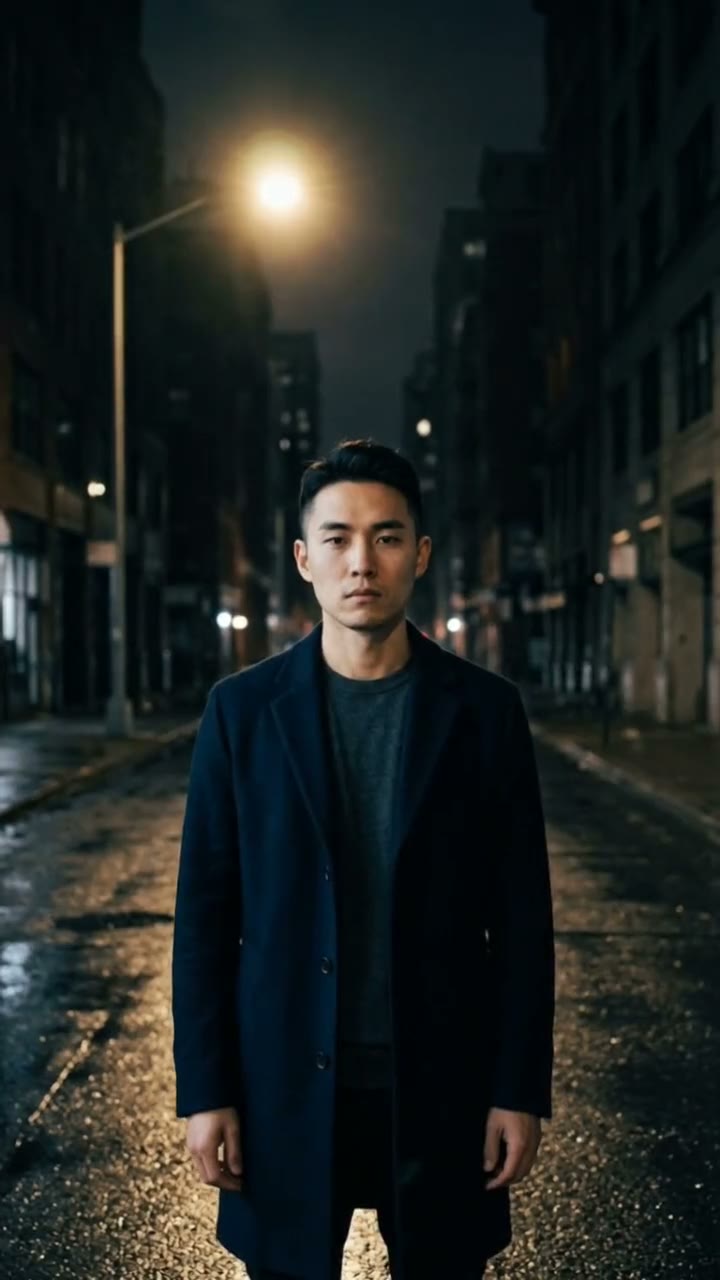
The newest TikTok AI trends, from one photo
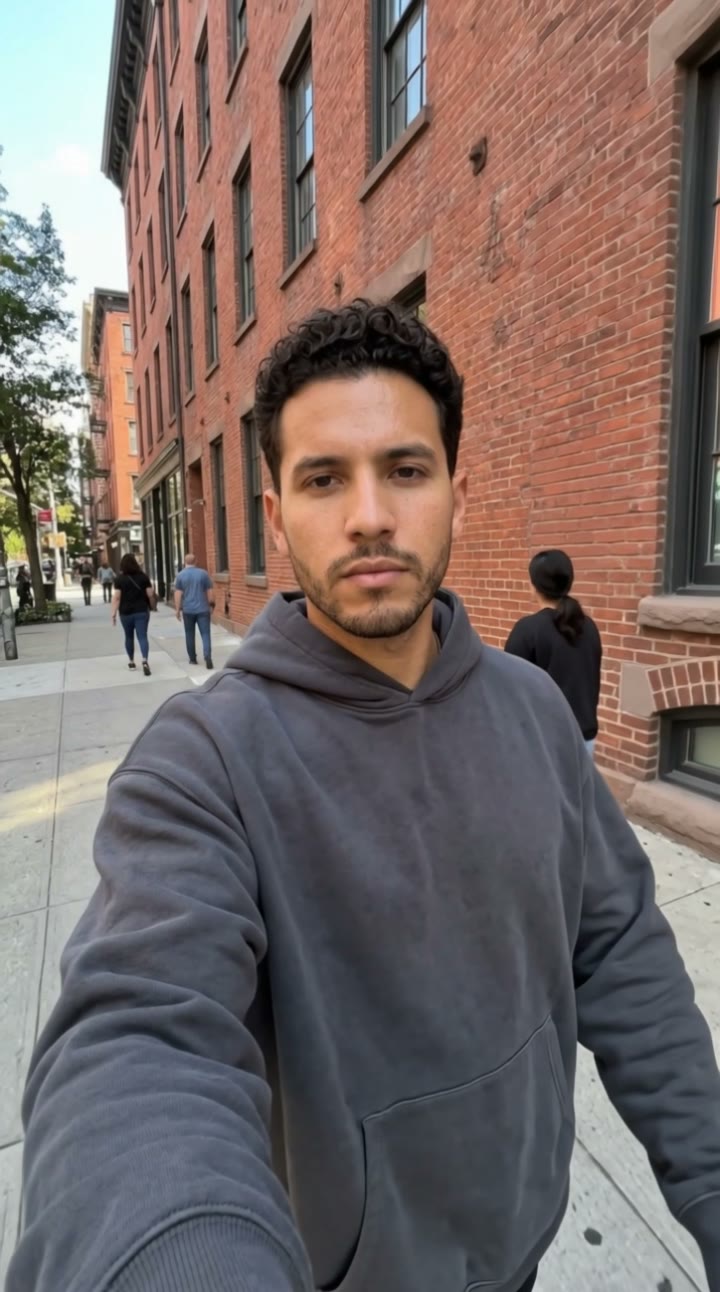
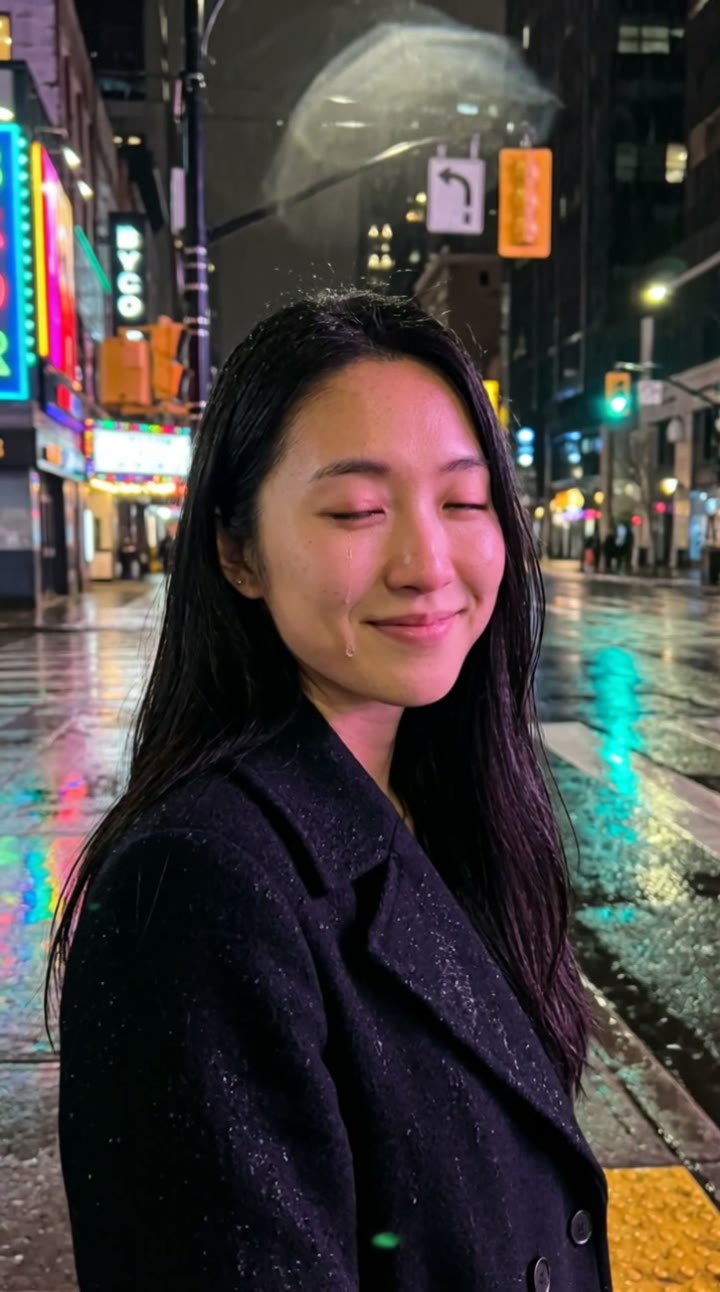
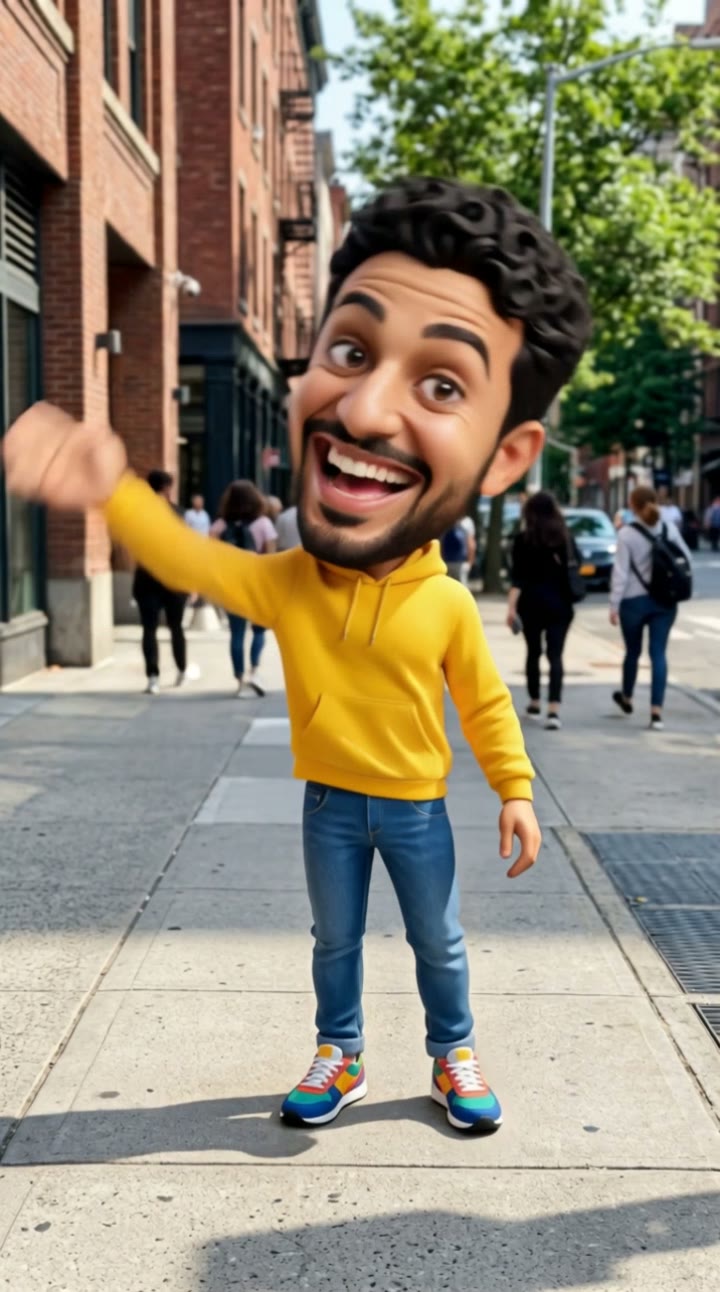
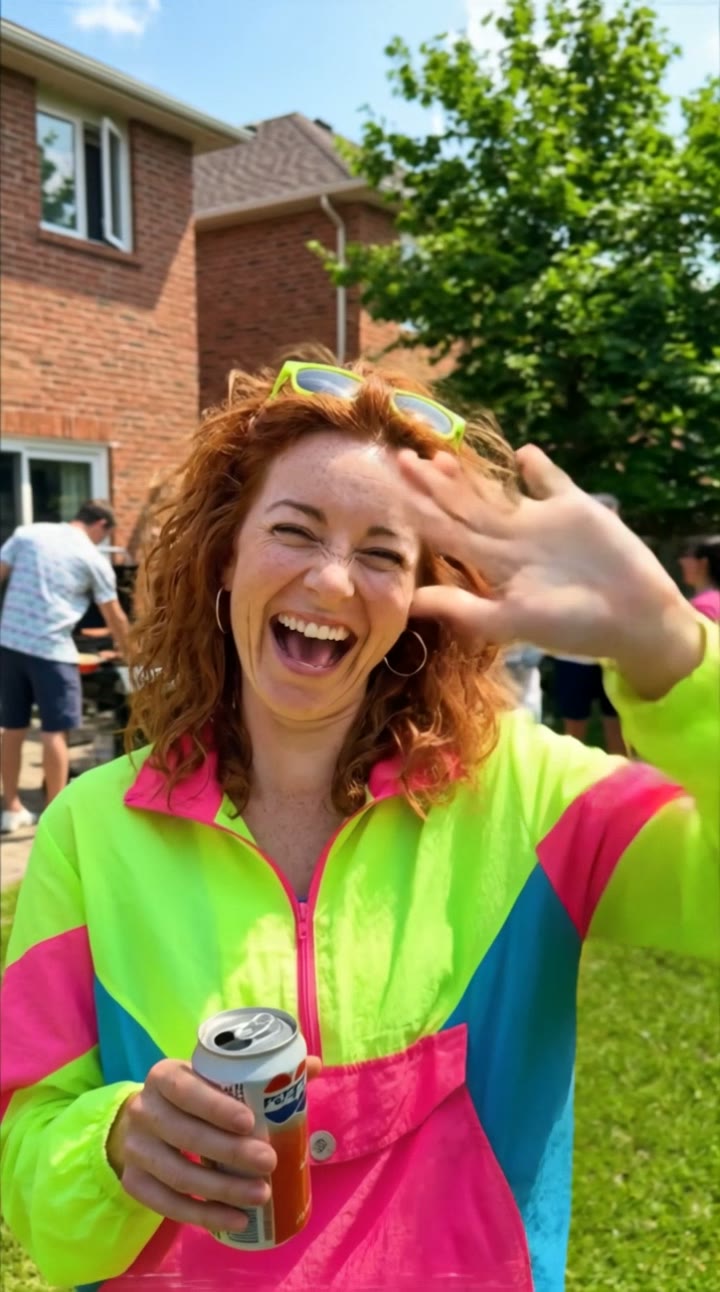
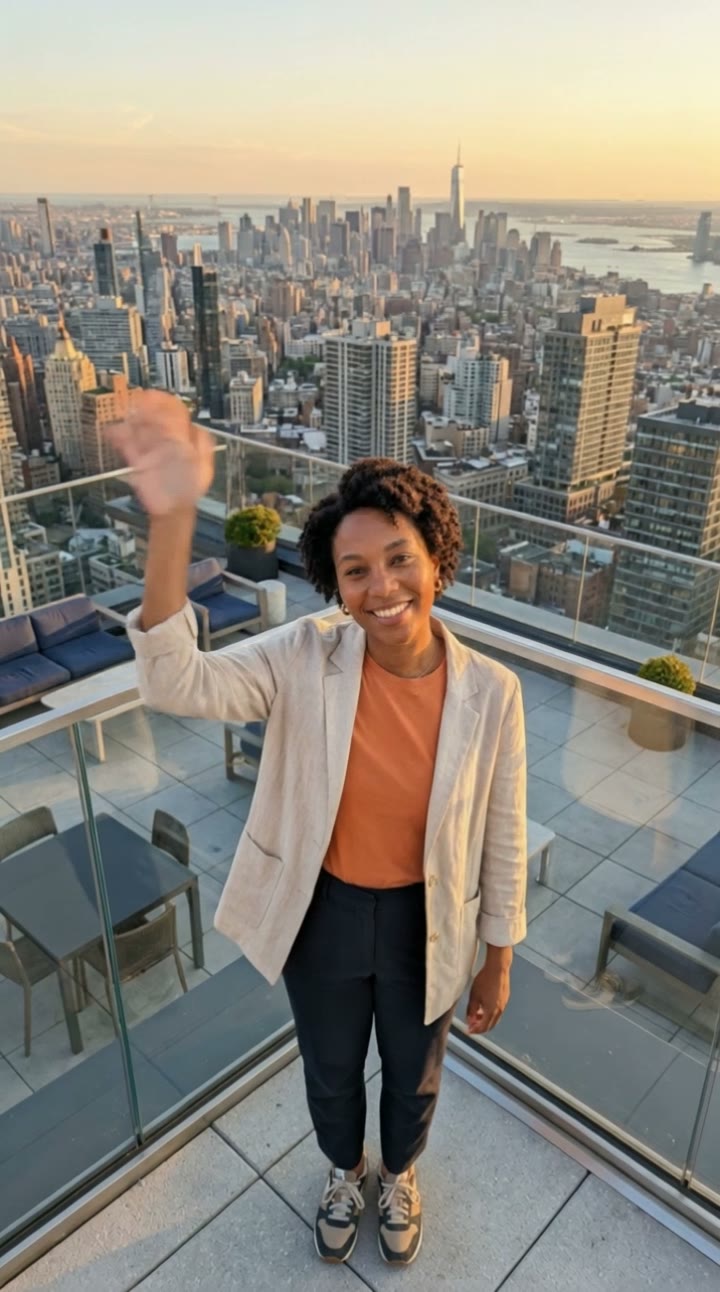
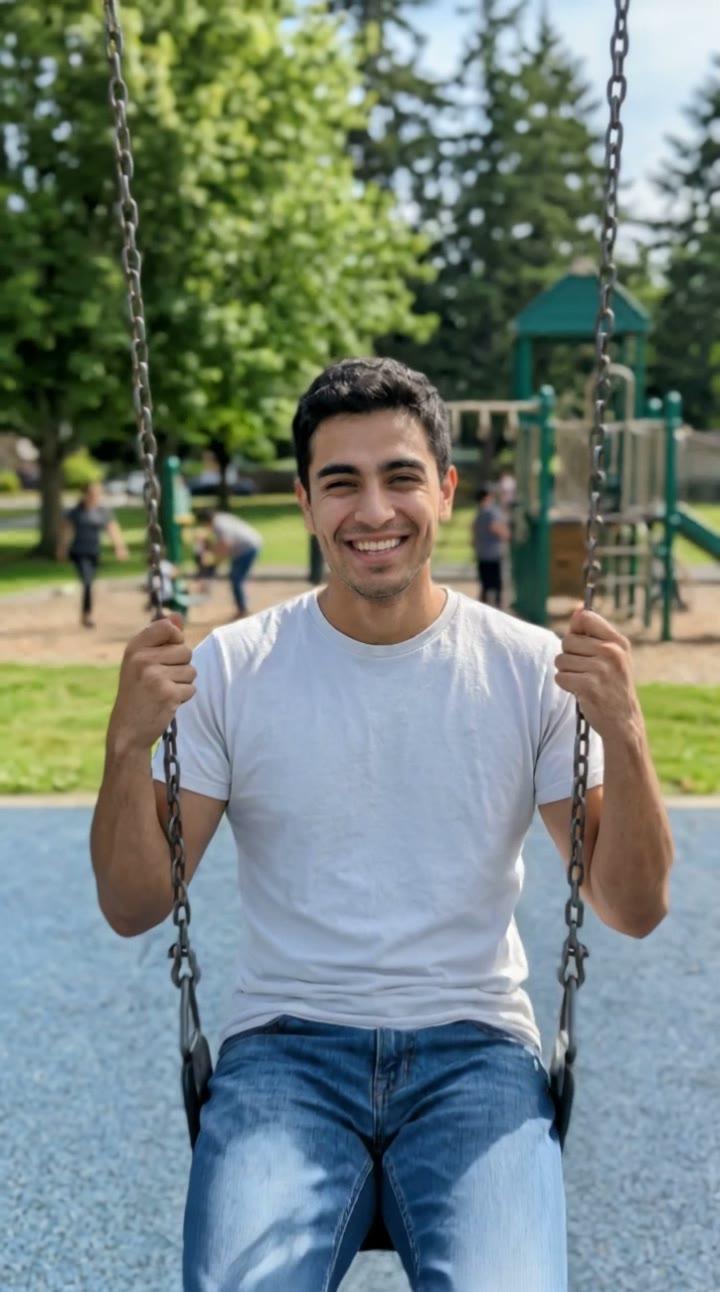
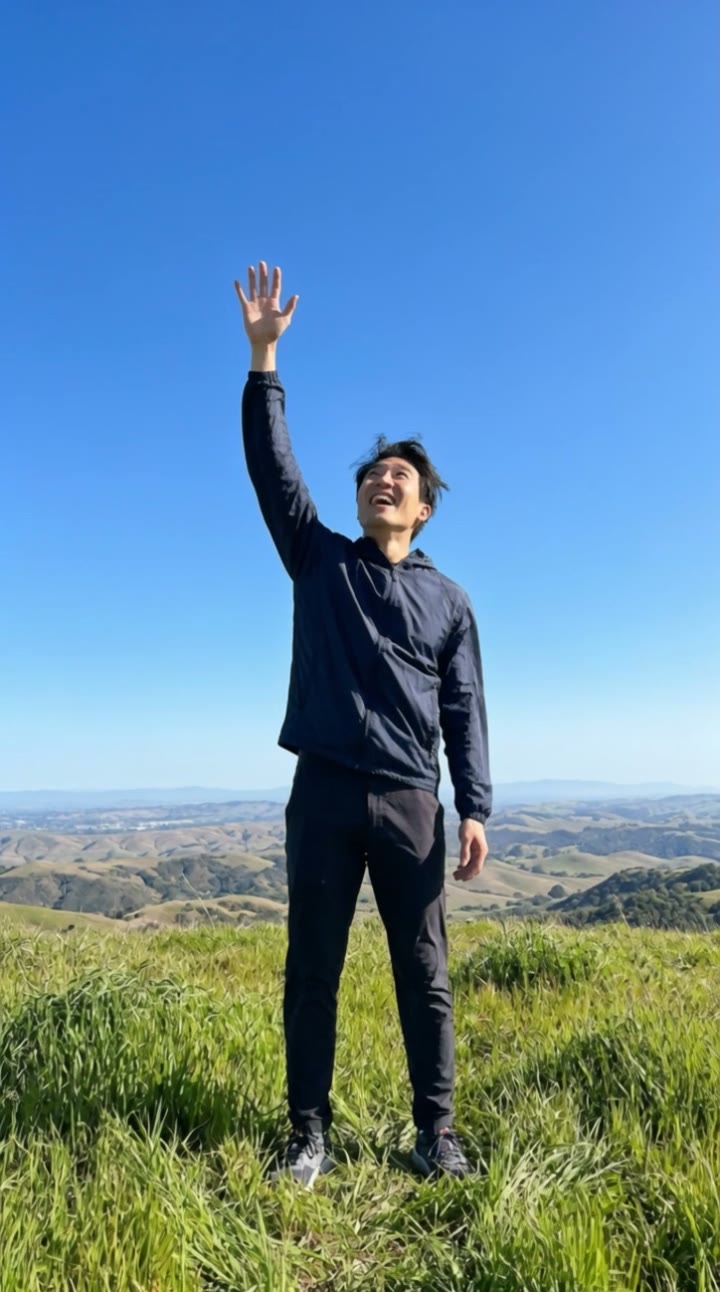
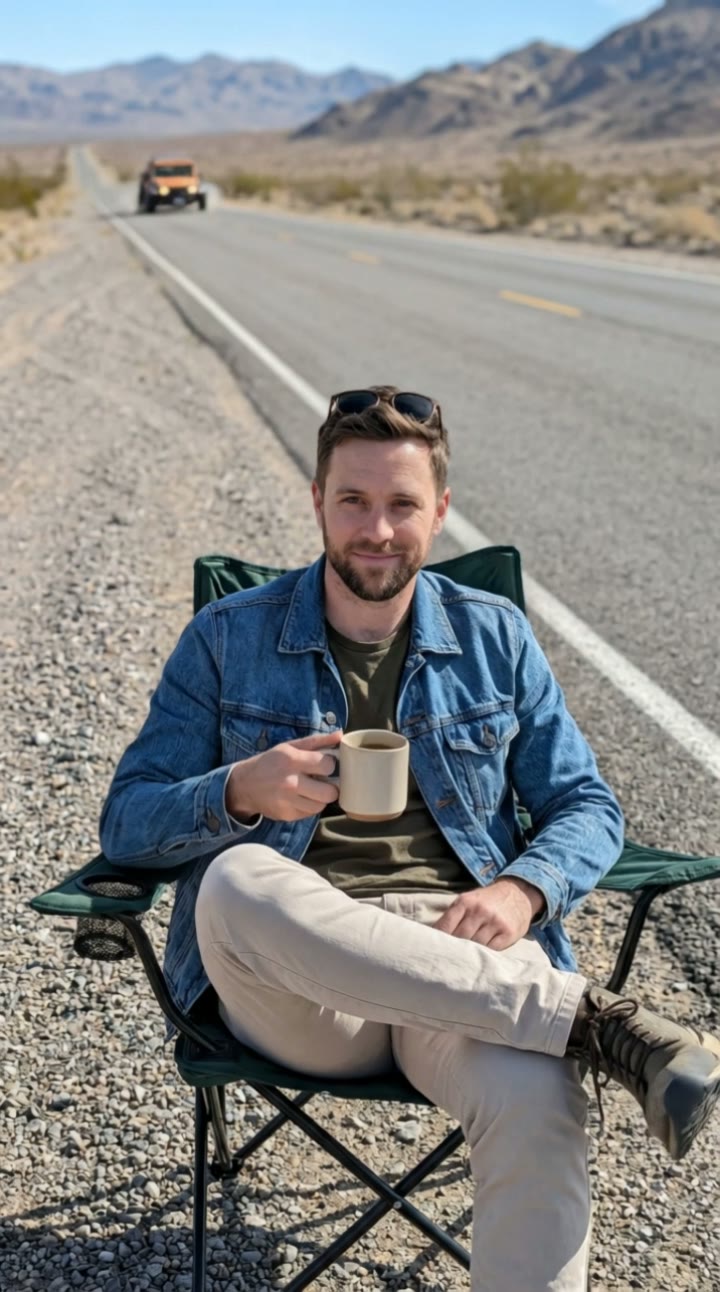
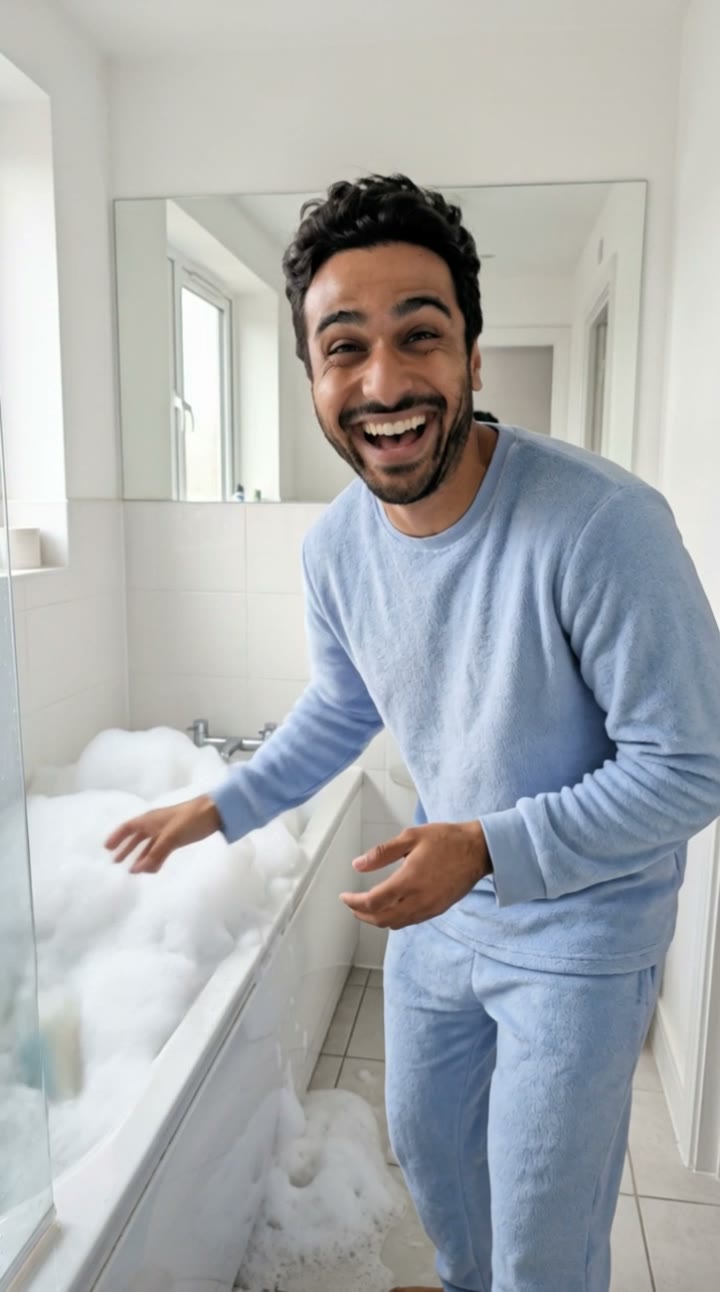
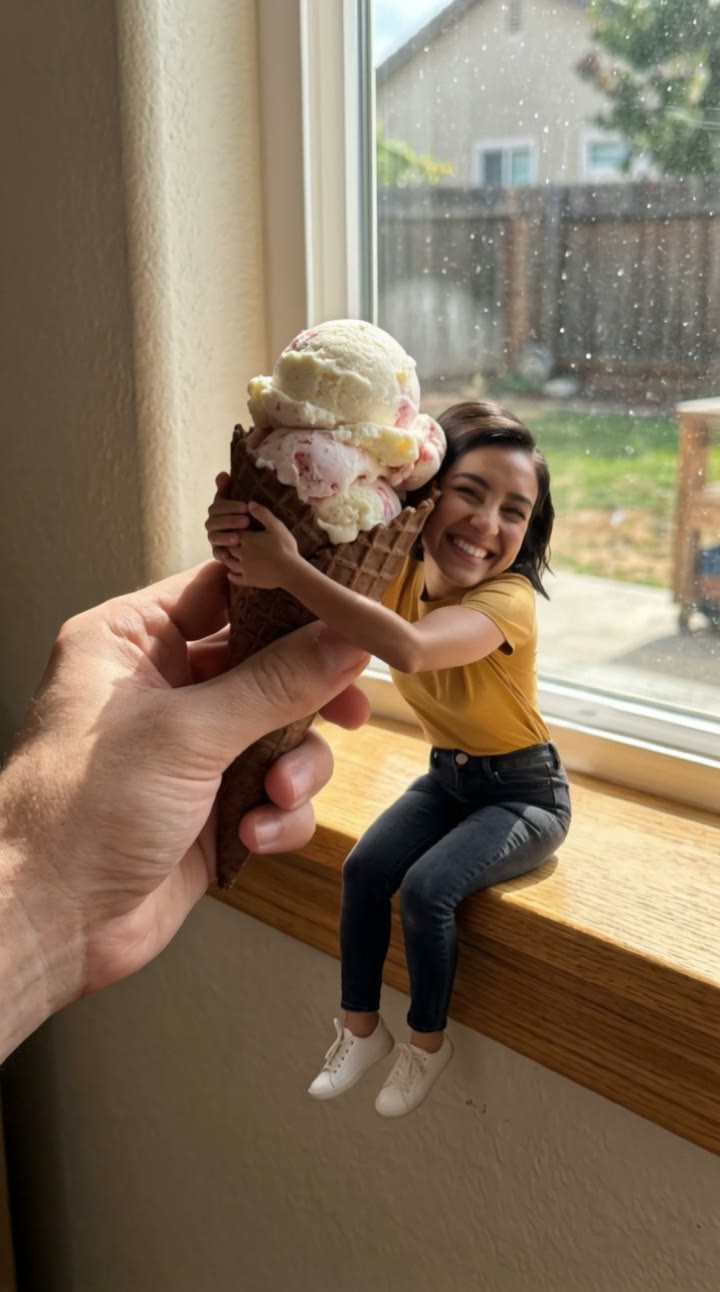
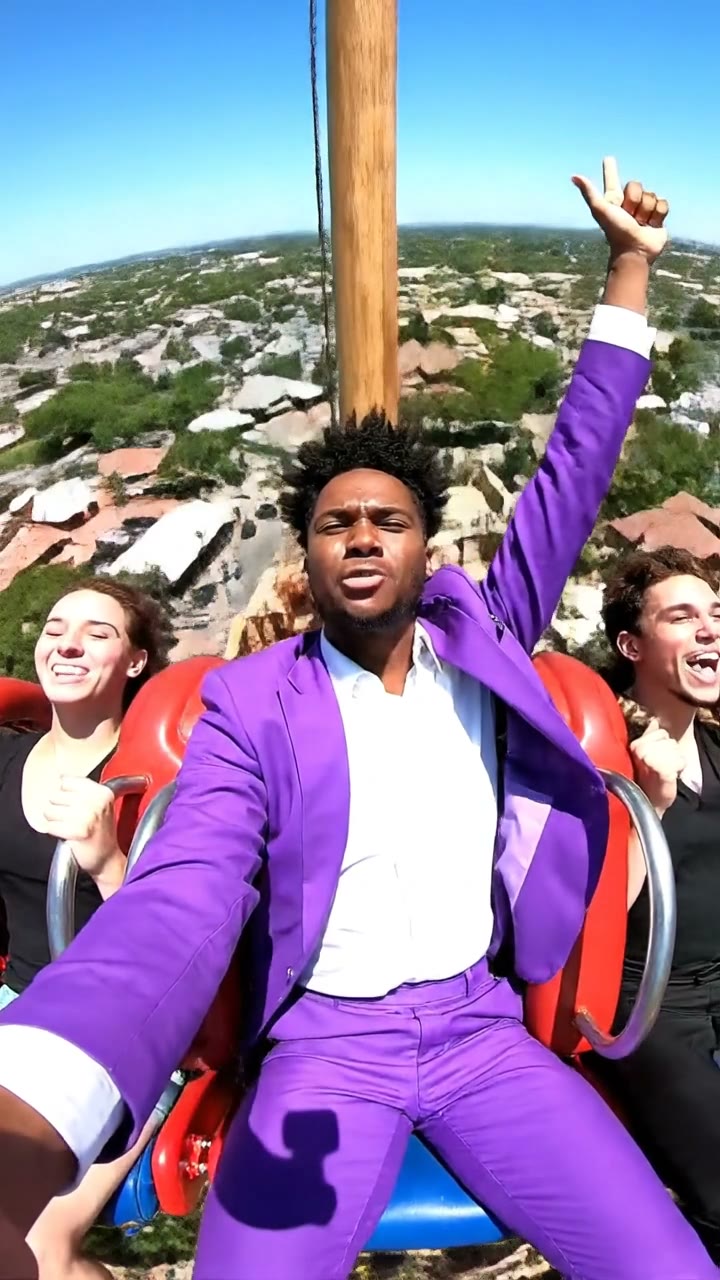
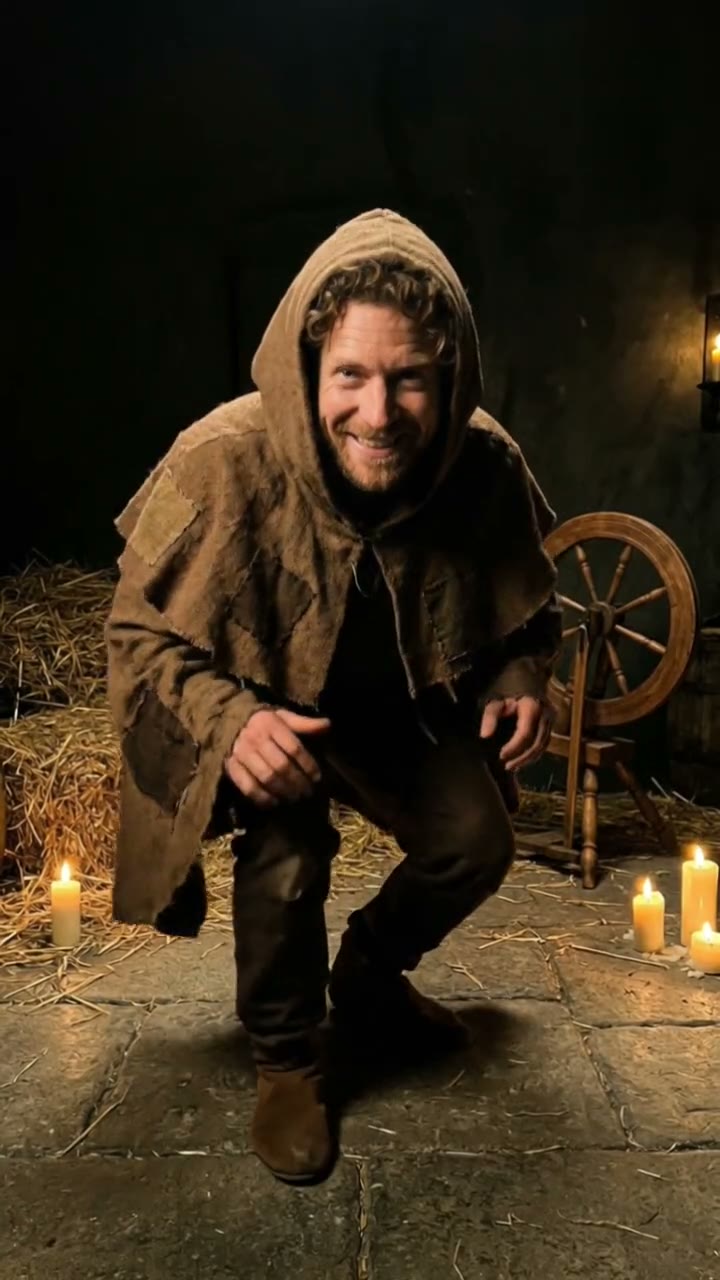
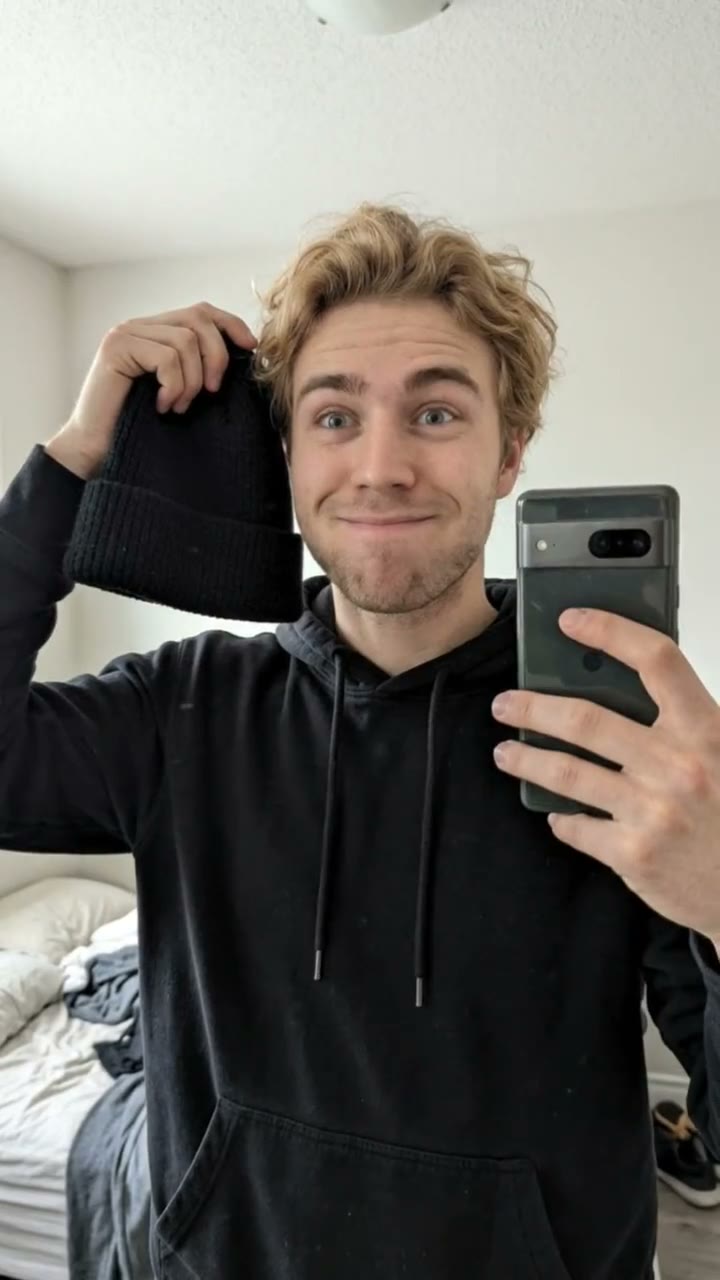
This is where new TikTok AI trends land first: the deadpan selfie walk of then I walk in, the skull cap mood switch, a tiny mini me eating giant ice cream, the earth zoom out, a swing that launches into the sky and more. Each template is a fixed scene built to look like the trend, with you in it.
Upload one photo, check the free watermarked preview, and make the 10-second vertical video with original sound for $6.90. New templates are added every week as trends rise, so check back often.
How it works
1. Pick a trend
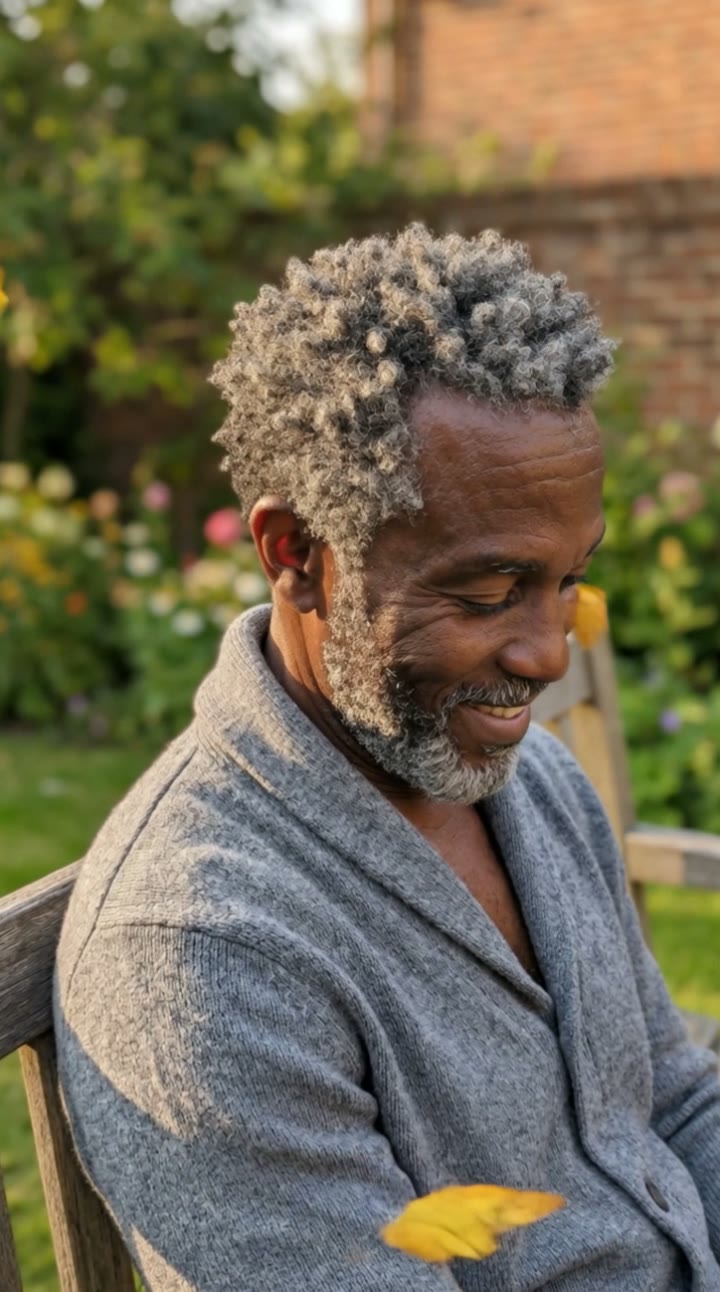
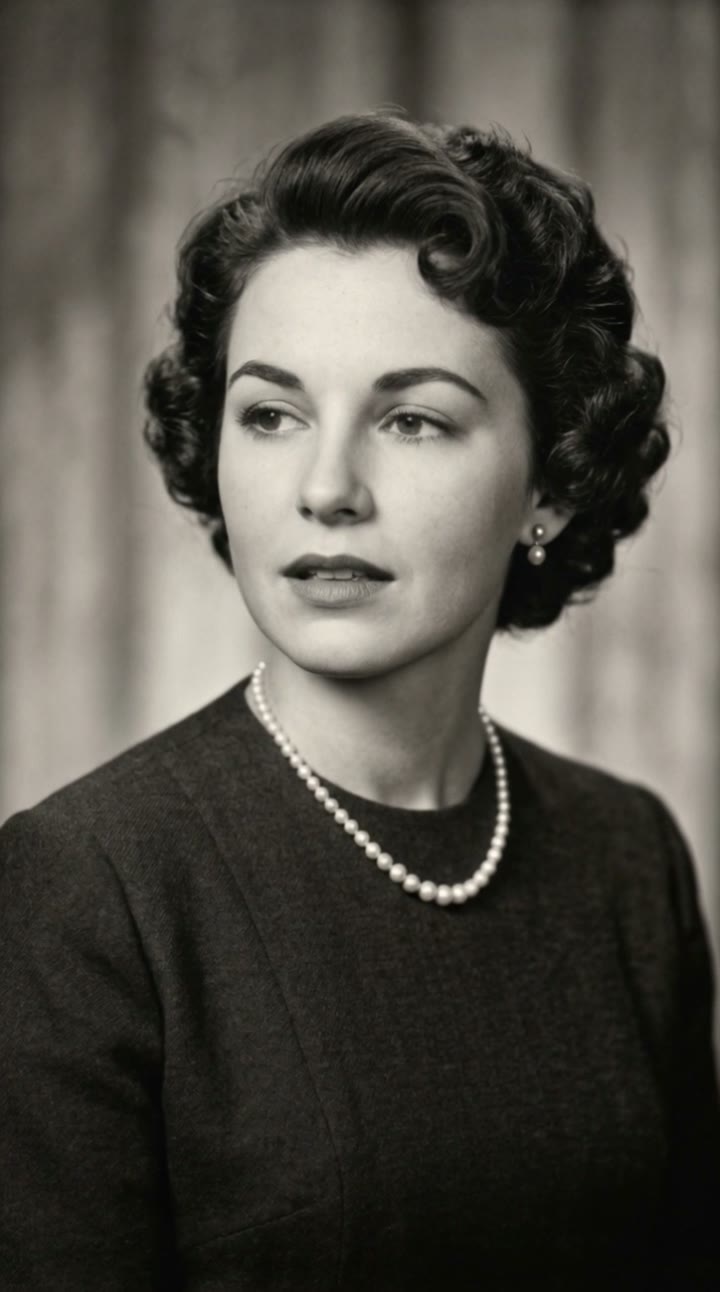
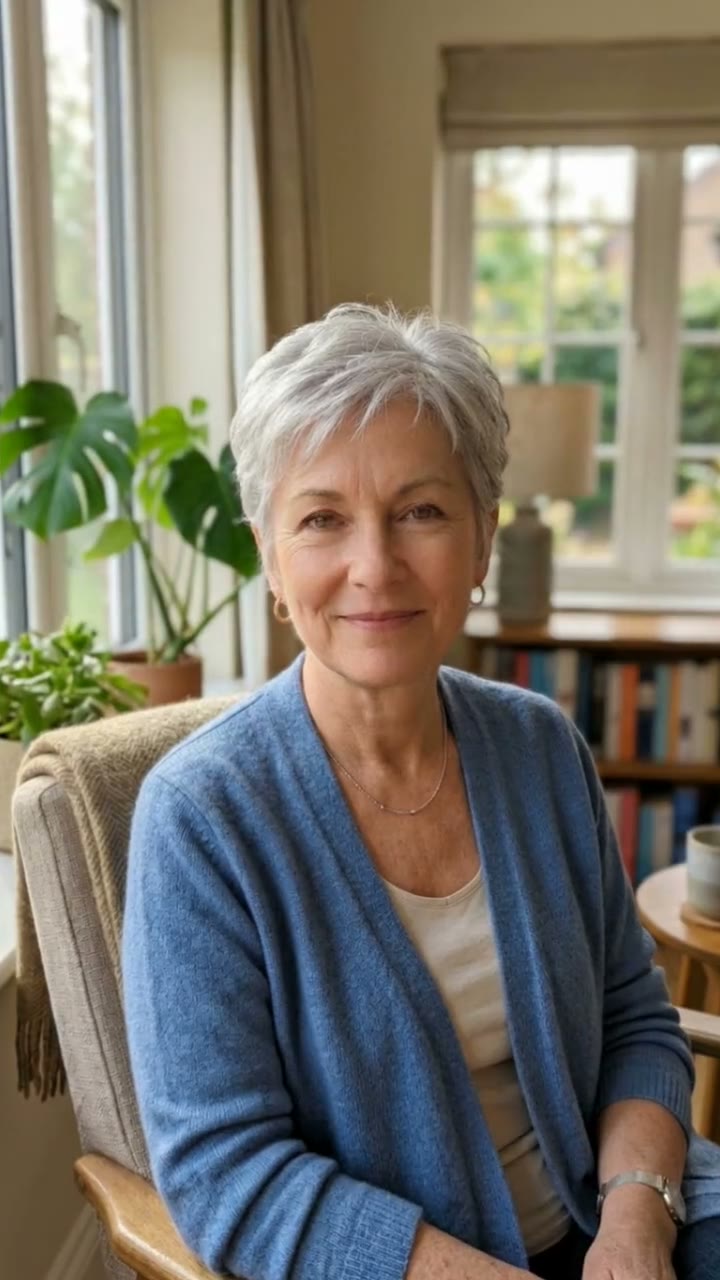
Open the template for the trend you want. Each page shows a sample made with a fictional AI person, so you know what you will get.
2. Upload a photo for a free preview
Add one clear photo of yourself (two for couple templates). In about a minute you get a watermarked still of you in the scene. No sign-up needed.
3. Make the video
Happy with the preview? Sign in and make a 10-second vertical video with sound for $6.90, ready to post on TikTok, Reels and Shorts.
Tips for the best result
A recent, front-facing photo
A clear selfie with your face fully visible gives the strongest likeness.
Match the trend’s mood
A neutral face works for deadpan trends; a smile suits the playful ones.
Edit the scene description
Change your outfit or small details in the description box before making the still.
Captions make the meme
Add the trend’s caption and trending audio in TikTok or CapCut after downloading.
Frequently asked questions
How fast are new trends added?
We add new templates every week, picked from rising TikTok AI trends and leaving out anything based on celebrities, songs or films.
Is the preview free?
Yes, one free watermarked still per person, no sign-in needed.
How much does a trend video cost?
One video costs $6.90, 5 for $24.90 or 15 for $59.90, one-time and valid for 365 days. A failed video is returned to your balance.
Does the video include the trend’s caption or song?
No. Videos have no text and come with original sound; add the caption and trending audio in your editor.
Is my photo kept private?
Yes. Uploads and results stay in your private library, never in a public feed.
Can I use a photo of a friend?
Only if they are an adult who agreed. Never upload public figures or anyone under 18.