What is the street light slide?
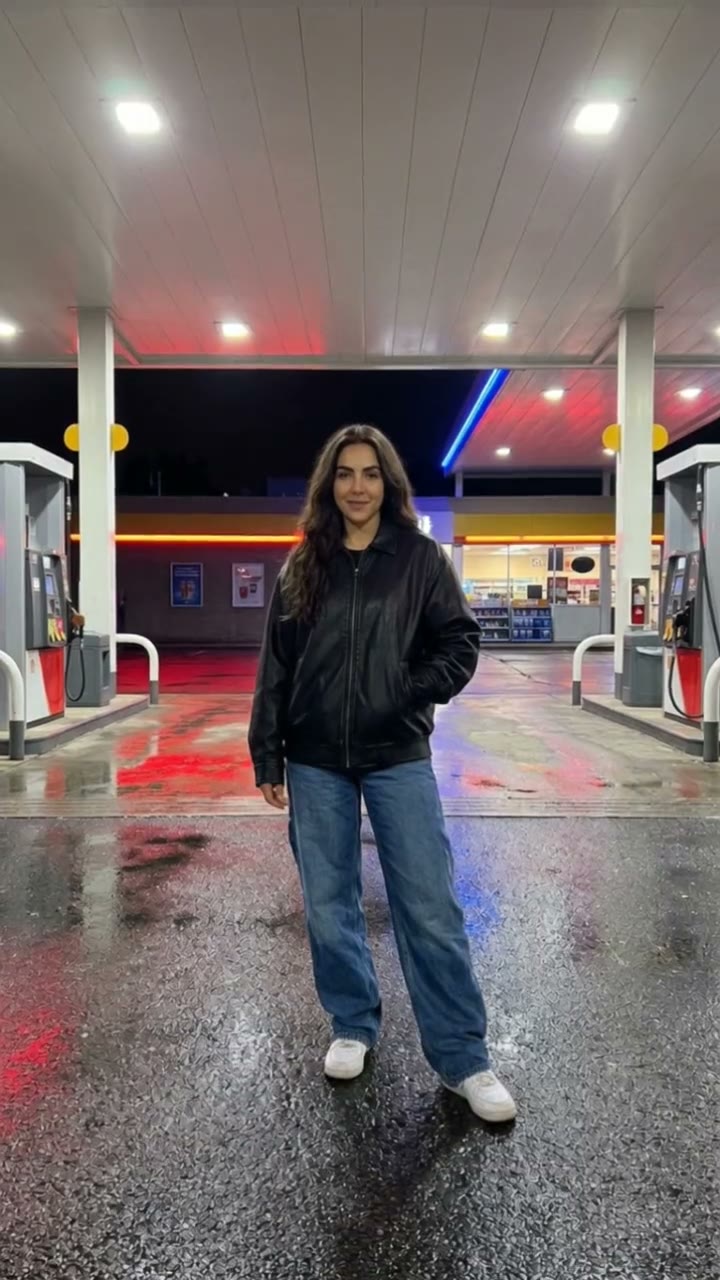
The street light slide is a moody night-time camera move. A single figure stands still under one street light on an empty road, the camera slides fast along the street toward them and stops in a tight close-up, and the light flickers as it arrives. It looks like a scene from a thriller, and it takes seconds to watch.
SelfieTrend builds it from one photo. We first place you under the light on a wet night street as a still, which you can check and adjust. Then we animate the slide-in and flicker into a 10-second vertical video with original atmosphere: a deep whoosh and a bass hit, no trending song included.
Updated October 29, 2026
How to make a street light slide video with AI
- 1
Upload one clear photo
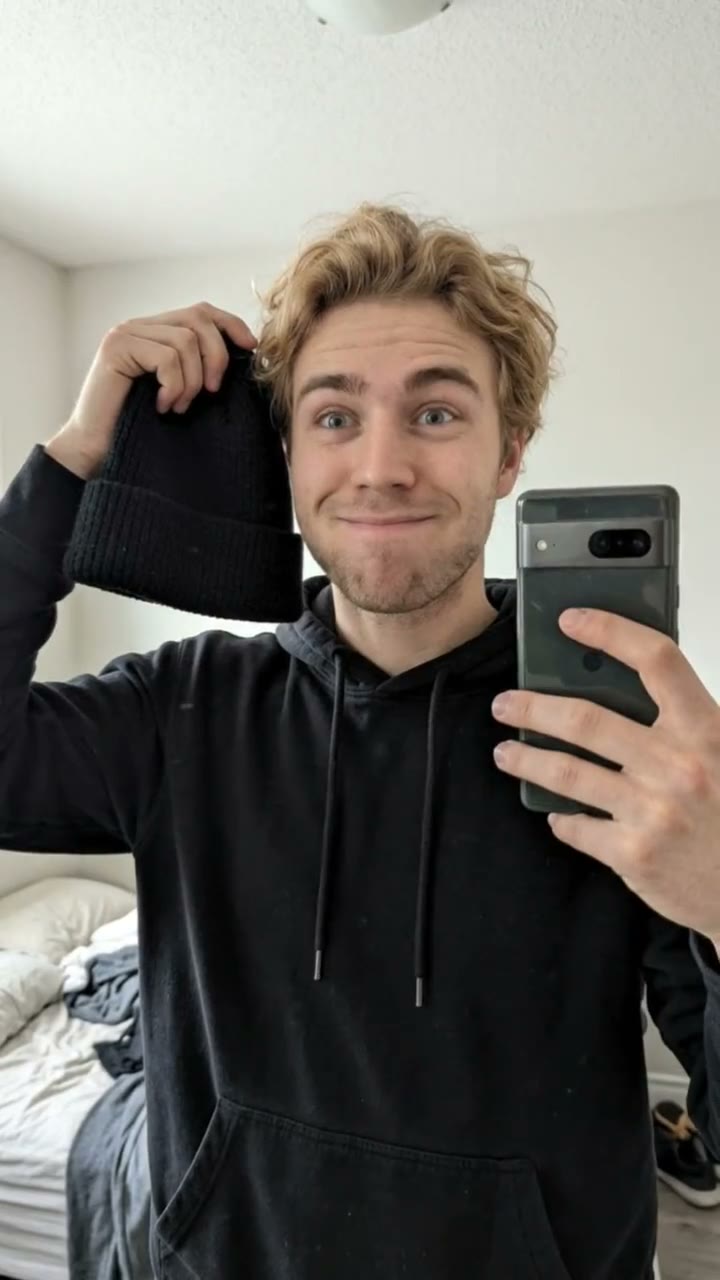
One adult, face fully visible. A photo with some body in frame helps the street shot look natural.
- 2
Style the night street
Keep the long dark coat or describe your own look: a leather jacket, a hoodie with the hood down, a red scarf. Re-create the still until the mood is right.
- 3
Make the video and download it
Confirm the price and the camera slides in on you. Download the MP4 and post it with your own audio if you like.
The slide, beat by beat
0-4s
Alone under the light
You stand still on an empty wet street, a single bright street light above you.
4-7s
The slide
The camera whips along the road toward you with a deep whoosh.
7-10s
The close-up
It stops on a tight close-up of your face, the light flickers once and you look into the lens.
Tips for a cinematic night shot
Keep the pose still
The clip works because you do not move. Describe a calm, steady stance rather than action.
Dark, simple clothes
Long coats, jackets and plain tops look best under a single light. Avoid busy patterns.
Front-facing, well-lit photo
A sharp photo with the face clear keeps your likeness in the close-up.
Check the still first
The slide ends on your face, so make sure the still looks like you before animating.
Adding your own audio
Our video comes with original generated sound: a deep whoosh as the camera slides and an atmospheric bass hit when it lands. If the trend you are following uses a specific song, it is not included. Download the video and add that audio in TikTok or Instagram Reels, timing the beat to the close-up.
Caption and hashtag ideas
Try "Do not look away", "Main character at midnight" or "POV: the street light picks you". Hashtags like #streetlight #cinematic #nightvibes #aivideo help it travel.
Pricing
Each person gets one free watermarked preview, with no sign-in. Once you have a video in your balance, you can make more previews. The video costs $6.90 for one or $24.90 for five ($4.98 each), a one-time payment with no subscription, valid for 365 days. Sign-in is needed to buy and make the video, and a failed video is returned to your balance automatically.
Consent comes first
Only use photos of yourself or adults who agreed. Do not upload public figures or anyone under 18. Our sample clips use fictional AI people.
Frequently asked questions
Is the street light slide AI generator free?
The first preview is free, watermarked and needs no sign-in, so you can see yourself under the street light before paying. The video costs $6.90, or $24.90 for five.
How much does the video cost?
$6.90 for one video or $24.90 for five ($4.98 each). One-time payment, no subscription, valid for 365 days. A failed video is returned to your balance automatically.
How long is it and does it have sound?
10 seconds, vertical 9:16, with original generated sound: a whoosh and a bass hit. No trending song is included; add one in TikTok or Reels after downloading.
Which photo works best?
A sharp, front-facing photo of one adult with the face fully visible, ideally from the chest or waist up. Avoid group photos, sunglasses and heavy filters.
Can I change the outfit or the street?
Yes. The description box controls how you look and the details around you, such as clothing, weather or the color of the light. Re-create the still until you like it.
Will other people appear in the scene?
The scene is designed to be you alone on an empty street, which is what makes the slide-in feel eerie.
Can I make more versions?
Each person gets one free preview. Once you have a video in your balance you can make more previews to try other outfits or moods.
Is my photo private?
Yes. Your photos and results stay in your private library and are never added to the public explore feed. Only upload photos of yourself or people who agreed.