What is old photo animation AI?
Old photo animation AI brings a still family portrait gently to life. The person in the photo blinks, breathes, a soft smile spreads across their face and they turn their head slightly toward you. The motion is small and calm on purpose, so it feels like a moment remembered rather than a special effect. They do not talk.
SelfieTrend does it in two steps. First we restore the old photo into a clean vertical portrait, removing scratches, dust and fading while keeping their face, clothes and the look of the era. You can check that still for free. Then we animate it into a 10-second 9:16 video with an original music-box melody and a soft film-projector hum, no trending song included.
Updated October 30, 2026
How to animate an old photo with AI
- 1
Scan or photograph the print
Lay the photo flat in soft daylight and take a sharp, straight-on picture, or use a scan. Crop to the one person you want to animate.
- 2
Check the restored still
We clean up scratches, dust and fading and frame it vertically. Keep the black-and-white look or describe what to keep, then re-create the still until it looks like them.
- 3
Make the video and download it
Sign in, confirm the price and the portrait gently comes to life. Download the MP4 to keep or to share with family.
The 10 seconds, beat by beat
0-3s
A first blink
The restored portrait holds still, then they blink and you see them breathe.
3-7s
A soft smile
A gentle smile spreads across their face while a quiet music-box melody plays.
7-10s
A slight turn
They turn their head a little toward the camera. The camera stays still the whole time.
Tips for animating a vintage portrait
Use the sharpest copy
A scan or a well-lit, straight-on phone photo of the print keeps the face clear. Avoid glare from glass frames.
One face at a time
For group or wedding photos, crop to one person. The video is built around a single portrait.
Front-facing works best
A face looking toward the camera gives the most natural blink and smile.
Check the likeness first
Restoring can soften fine details, so make sure the still looks like them before you animate it.
Black-and-white and colour photos
It works with both. By default the still keeps the original black-and-white look. For a colour or sepia photo, change the description box to say what to keep, such as "Keep the warm, faded colours of the original print." Scratches, dust and fading are cleaned up, but very blurry or badly damaged faces may not restore well.
Sound and sharing
The video comes with original generated sound: a quiet music-box melody and a soft film-projector hum. The person does not speak. Download the MP4 to share with family or post on TikTok, Instagram Reels or YouTube Shorts, and add your own music or voice-over in CapCut if you like.
Pricing
Each person gets one free watermarked preview, with no sign-in. Once you have a video in your balance, you can make more previews. The video costs $6.90 for one or $24.90 for five ($4.98 each), a one-time payment with no subscription, valid for 365 days. Sign-in is needed to buy and make the video, and a failed video is returned to your balance automatically.
Consent comes first
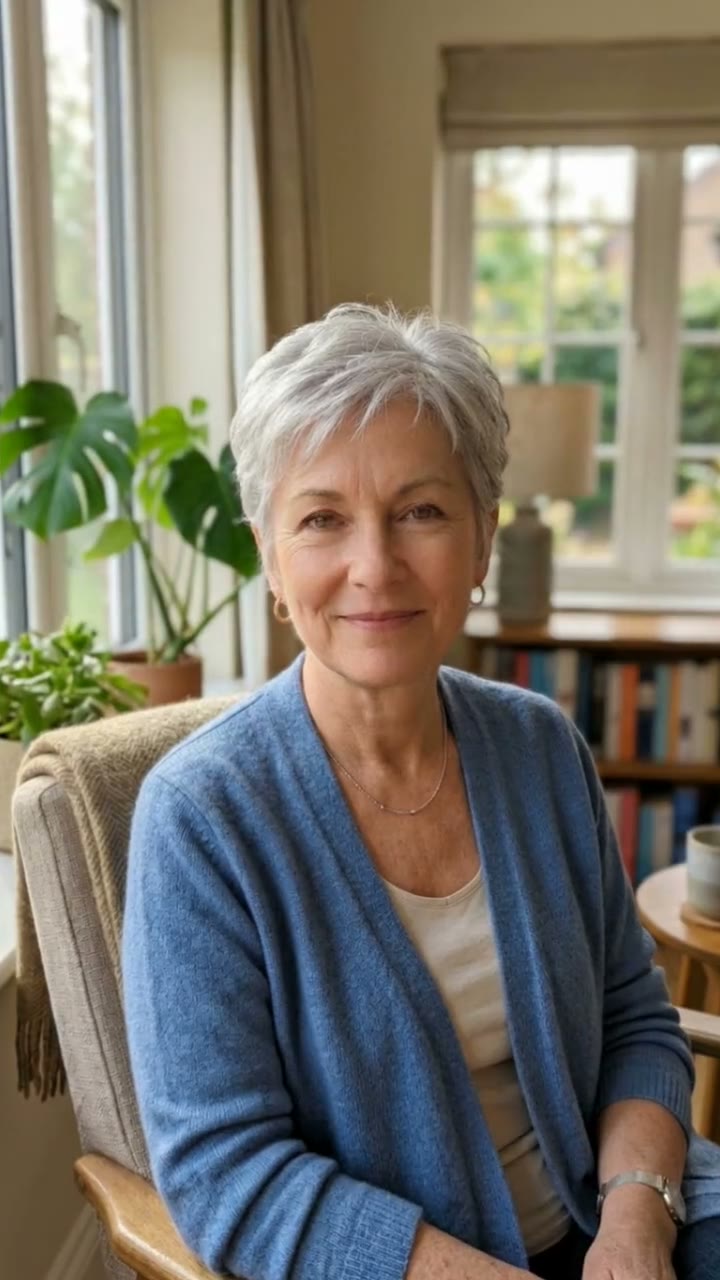
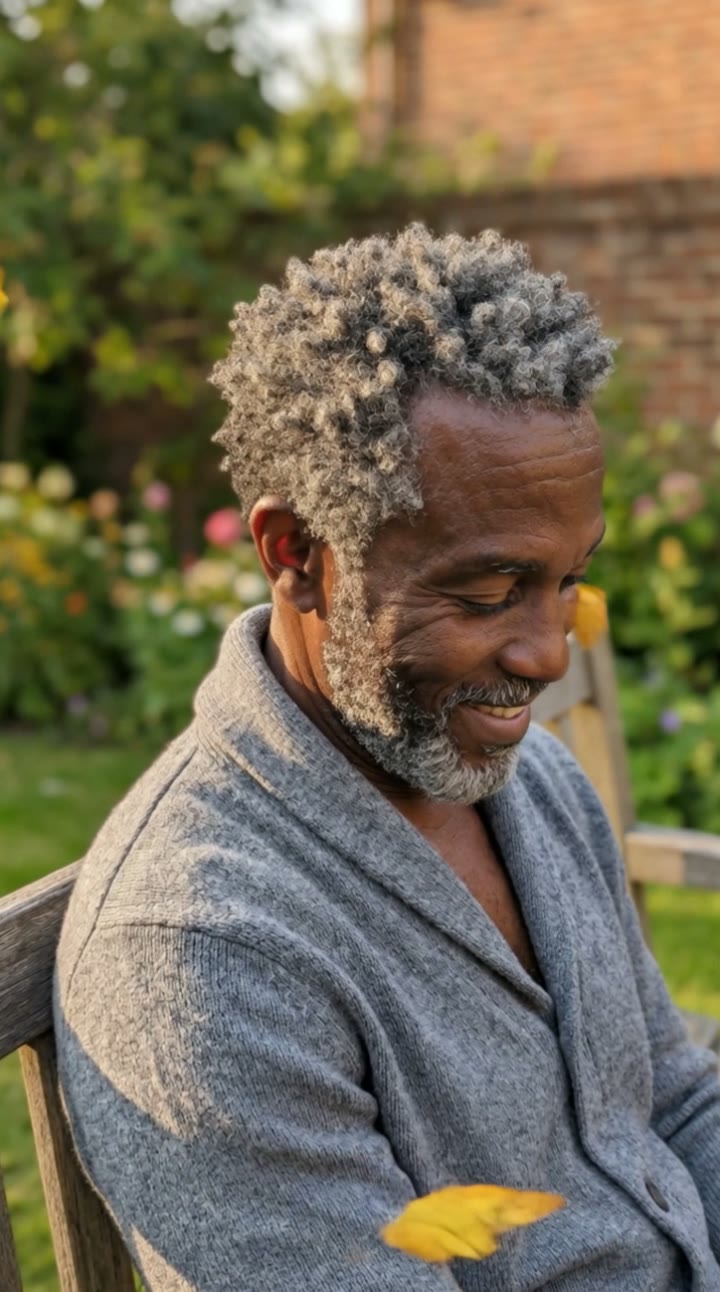
Only animate photos of yourself, of people who agreed, or of relatives whose photos you have the right to share, such as your own grandparents. The person must be an adult in the photo. Do not upload public figures or photos of children. Our sample clip uses a fictional AI person.
Frequently asked questions
Is old photo animation AI free?
The first preview is free, watermarked and needs no sign-in, so you can see the restored still before paying. The video costs $6.90, or $24.90 for five.
How much does the video cost?
$6.90 for one video or $24.90 for five ($4.98 each). One-time payment, no subscription, valid for 365 days. A failed video is returned to your balance automatically.
How long is it and does it have sound?
10 seconds, vertical 9:16, with original generated sound: a music-box melody and a soft projector hum. No trending song is included; add one in TikTok, Reels or CapCut after downloading.
Does it work with black-and-white photos?
Yes. Black-and-white, sepia and colour photos all work. The black-and-white look is kept by default; for a colour photo, describe the look you want to keep in the box.
Will the person talk?
No. The motion is subtle on purpose: a blink, breathing, a soft smile and a slight head turn. There is no speech and no lip movement.
Which photo works best?
A sharp scan or straight-on photo of the print, with one person whose face is clearly visible and turned toward the camera. Tiny, blurry or heavily damaged faces give weaker results.
Can I animate a photo of my grandparents?
Yes, if they are your own family and you have the right to share the photo. The person must be an adult in the photo, and public figures are not allowed.
Is my photo private?
Yes. Your photos and results stay in your private library and are never added to the public explore feed.