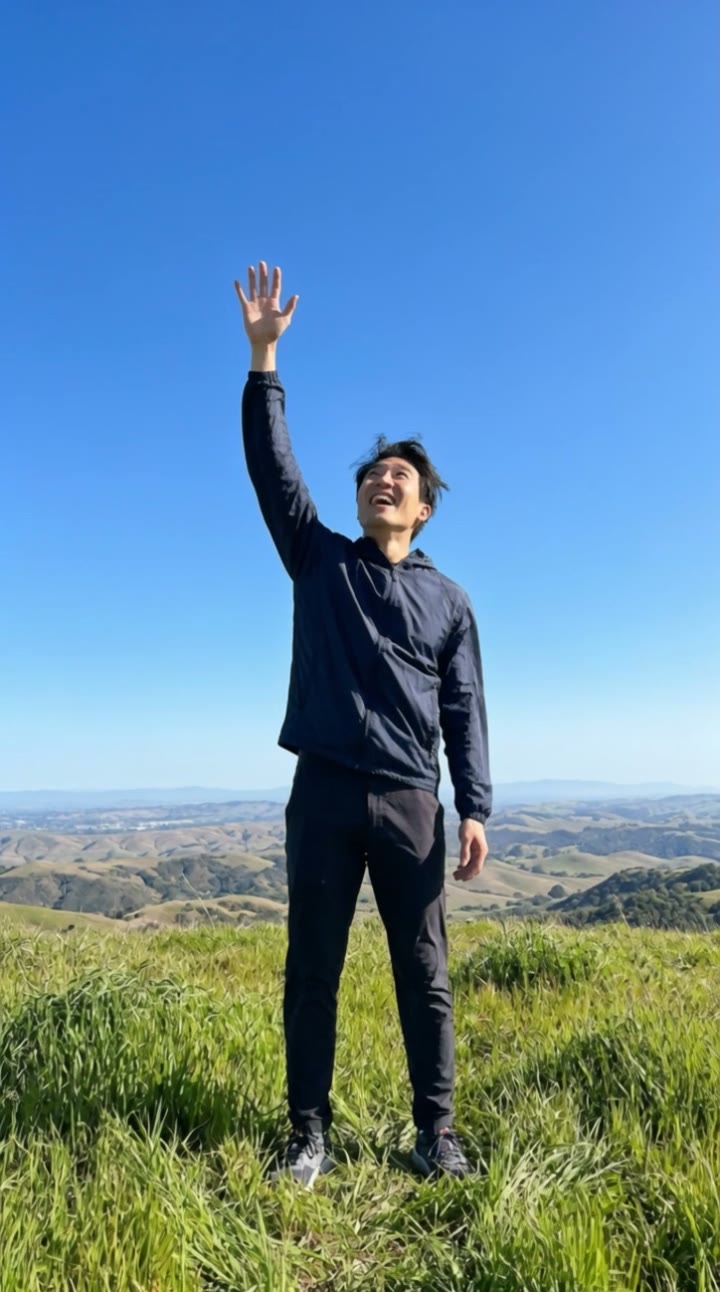
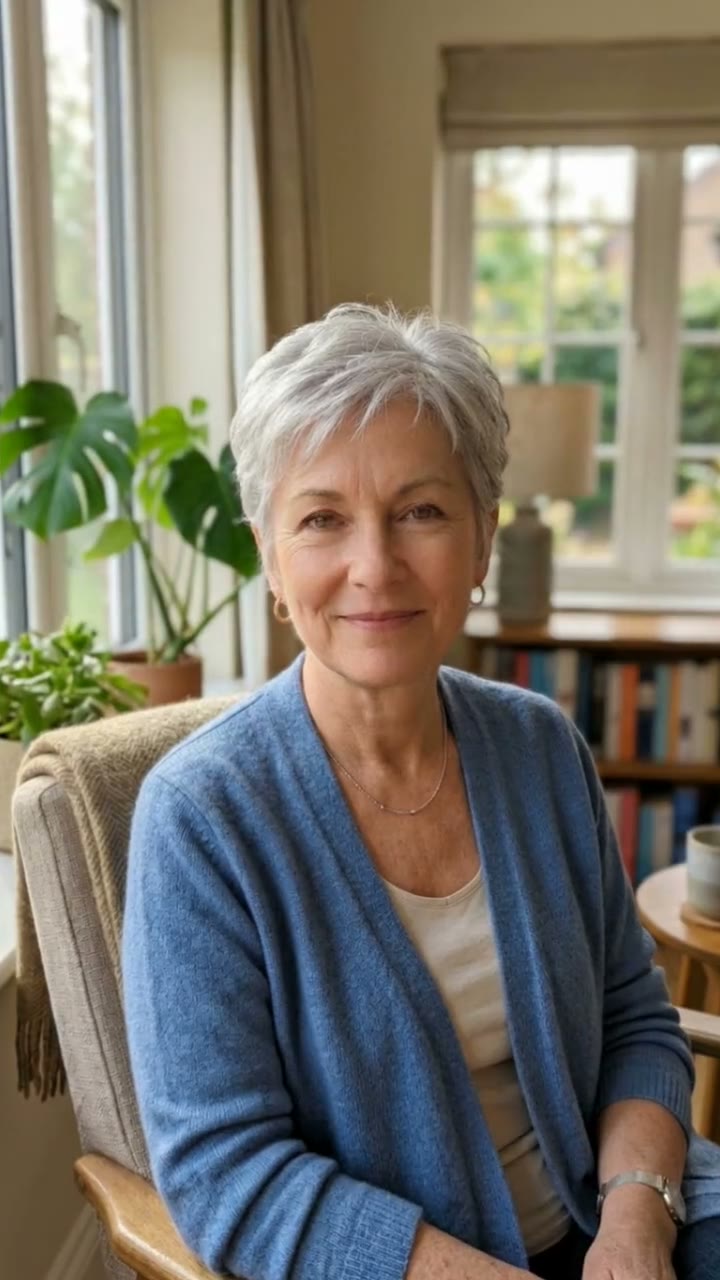
What is the Earth zoom out?
The Earth zoom out is a camera move that keeps coming back on TikTok and Reels. It starts on one person, then the camera pulls up and away in a single smooth shot: past the rooftops, above the city, through the clouds and out into space, until the whole planet fills the frame. It is a simple way to say "this is my little spot on Earth", and it works for any caption.
SelfieTrend builds it from one photo. We first place you on a city rooftop terrace at golden hour, waving up at the camera, as a still you can check and adjust. Then we animate the climb from the rooftop to space into a 10-second vertical video with original sound: rushing wind that fades into an epic ambient swell, no trending song included.
Updated October 30, 2026
How to make an Earth zoom out video with AI
- 1
Upload one clear photo
One adult, face fully visible. A photo with some body in frame helps the full-body rooftop shot look natural.
- 2
Style the rooftop shot
Keep the light jacket and wave or describe your own look: a summer dress, a hoodie, both arms up. Re-create the still until it looks like you.
- 3
Make the video and download it
Confirm the price and the camera lifts off from your rooftop to space. Download the MP4 and post it with your own audio if you like.
The zoom out, beat by beat
0-3s
Wave from the rooftop
You stand on a city rooftop at golden hour and wave up at the camera just above you.
3-7s
Up through the clouds
The camera rises straight up and back, past the rooftops and the city, into the clouds, with rushing wind.
7-10s
The whole Earth
It breaks out into space until the whole glowing Earth is in view, as the sound swells.
Tips for a clean zoom out
Make the first second count
You are only big in frame at the start, so a clear wave or a bright outfit makes the opening read instantly.
Simple, bright clothes
A plain jacket or a bold color stays visible from above for longer than busy patterns.
Front-facing, well-lit photo
A sharp photo with the face clear keeps your likeness on the rooftop before the camera pulls away.
Check the still first
The whole move starts from the still, so make sure it looks like you before animating.
Adding your own audio
Our video comes with original generated sound: rushing wind as the camera climbs, fading into an epic ambient swell as the Earth appears. If the version you are copying uses a specific song, it is not included. Download the video and add that audio in TikTok or Instagram Reels, timing the peak to the moment the planet comes into view.
Caption and hashtag ideas
Try "Somewhere down there is me", "Zoom out, it is not that deep" or "Tiny human, big planet". Hashtags like #earthzoomout #zoomout #aivideo #fyp help it travel.
Pricing
Each person gets one free watermarked preview, with no sign-in. Once you have a video in your balance, you can make more previews. The video costs $6.90 for one or $24.90 for five ($4.98 each), a one-time payment with no subscription, valid for 365 days. Sign-in is needed to buy and make the video, and a failed video is returned to your balance automatically.
Consent comes first
Only use photos of yourself or adults who agreed. Do not upload public figures or anyone under 18. Our sample clips use fictional AI people.
Frequently asked questions
Is the Earth zoom out AI generator free?
The first preview is free, watermarked and needs no sign-in, so you can see yourself on the rooftop before paying. The video costs $6.90, or $24.90 for five.
How much does the video cost?
$6.90 for one video or $24.90 for five ($4.98 each). One-time payment, no subscription, valid for 365 days. A failed video is returned to your balance automatically.
How long is it and does it have sound?
10 seconds, vertical 9:16, with original generated sound: rushing wind and an epic ambient swell. No trending song is included; add one in TikTok or Reels after downloading.
Which photo works best?
A sharp, front-facing photo of one adult with the face fully visible, ideally showing some of the body. Avoid group photos, sunglasses and heavy filters.
Can I change the outfit or the rooftop?
Yes. The description box controls how you look and the details around you, such as clothing, your pose or what the rooftop looks like. Re-create the still until you like it.
Will my face be visible the whole time?
Your face is clear at the start, when you wave from the rooftop. As the camera climbs you get smaller, and the clip ends on the whole Earth from space.
Can I make more versions?
Each person gets one free preview. Once you have a video in your balance you can make more previews to try other outfits or poses.
Is my photo private?
Yes. Your photos and results stay in your private library and are never added to the public explore feed. Only upload photos of yourself or people who agreed.