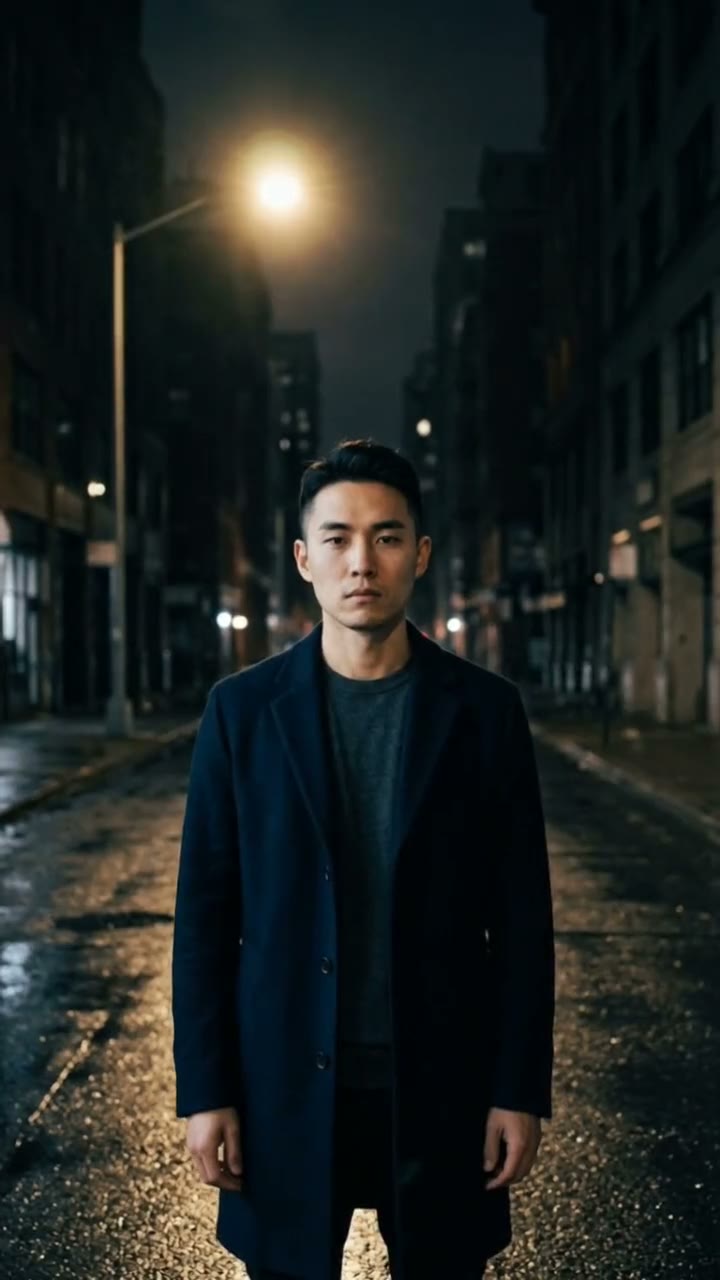
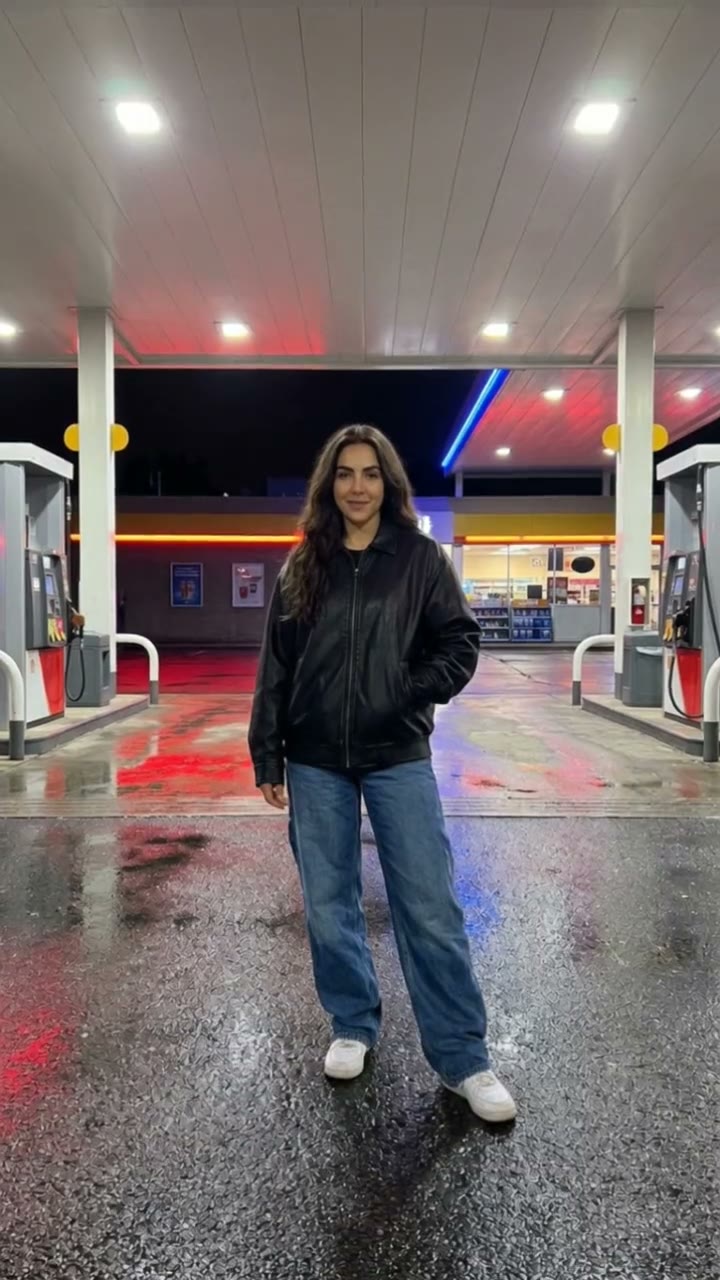
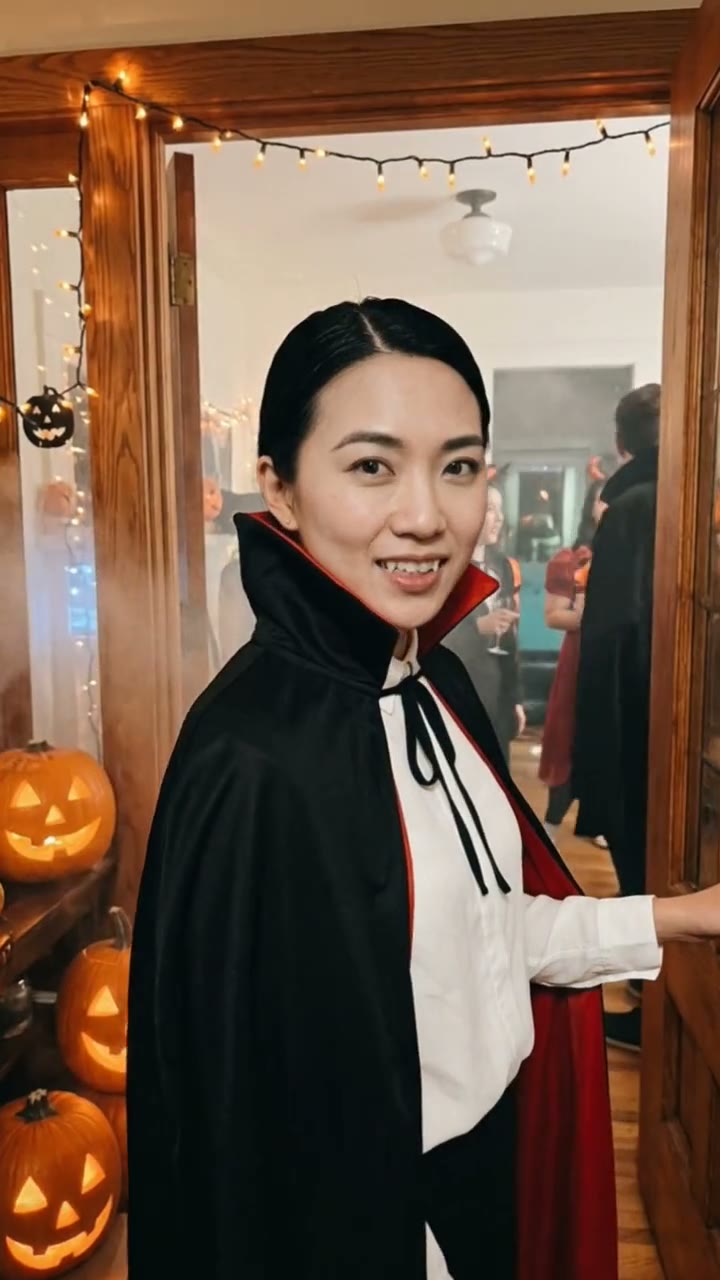
What is the skull cap trend?
The skull cap trend is a mood-switch clip. You start with the silliest face you can pull, holding a black knit skull cap, then you tug it on and your whole expression turns cold and serious as the beat drops. The contrast is the joke.
With SelfieTrend you do not need to film it. Upload one photo and we make a still of you pulling a goofy face with the cap in hand. Check it, then we animate the switch into a 10-second vertical video with an original heavy beat. Our version does not include the trending song; if you want it, add that audio in TikTok or Reels after downloading.
Updated October 29, 2026
How to make a skull cap trend video with AI
- 1
Upload one clear photo
One adult, face fully visible, facing the camera. A neutral or smiling selfie is fine; the goofy face is generated.
- 2
Tune the goofy selfie
Keep the puffed cheeks and silly grin or write your own: crossed eyes, tongue out, a wide-eyed gasp. You can also change the clothes.
- 3
Make the video and download it
Confirm the price and the cap goes on, the face goes cold and the beat hits. Download the MP4 and post it.
The switch, beat by beat
0-4s
The goofy face
You hold the silly expression, cap in hand, looking straight at the phone camera.
4-6s
The cap goes on
One quick move pulls the black knit cap snugly over your head.
6-10s
The stare
Your face snaps into a cold, serious stare as the camera pushes in and the beat drops.
Tips for a clean mood switch
Make the goofy face big
The bigger the contrast with the cold stare, the better the clip. Describe a really silly expression.
Use a face-on photo
Front-facing, well-lit photos keep your likeness through both expressions.
No hat in the photo
Start with an uncovered head so the cap can go on naturally.
Check the still first
The video starts from the goofy selfie, so get the face and outfit right before animating.
Adding the trending audio
Our clip has original generated sound: a heavy drill-style beat that drops at the switch. The song most people use in this trend is not included. Download the video, open TikTok or Instagram Reels, and add the trending sound there, lining the drop up with the moment the cap goes on.
Caption and hashtag ideas
Try "Me at 8am vs me after one coffee", "POV: you put the cap on" or "Mood: switched". Hashtags like #skullcap #moodswitch #aivideo keep it easy to find.
Pricing
Each person gets one free watermarked preview, with no sign-in. Once you have a video in your balance, you can make more previews. The video costs $6.90 for one or $24.90 for five ($4.98 each), a one-time payment with no subscription, valid for 365 days. Sign-in is needed to buy and make the video, and a failed video is returned to your balance automatically.
Consent comes first
Only use photos of yourself or adults who agreed. Do not upload public figures or anyone under 18. Our sample clips use fictional AI people.
Frequently asked questions
Is the skull cap trend AI generator free?
The first preview is free, watermarked and needs no sign-in, so you can see the goofy selfie before you pay. The video costs $6.90, or $24.90 for five.
How much does it cost?
$6.90 for one video or $24.90 for five ($4.98 each). One-time payment, no subscription, valid for 365 days. A failed video is returned to your balance automatically.
How long is the video and does it have sound?
10 seconds, vertical 9:16, with original generated sound including a heavy beat at the switch. The trending song is not included; add it in TikTok or Reels after downloading.
What photo works best?
A sharp, front-facing selfie of one adult with the face fully visible and nothing on the head. Avoid group photos, sunglasses and heavy filters.
Can I change the outfit or the face I pull?
Yes. The description box controls the goofy selfie: clothes, expression and setting. Re-create the shot until it makes you laugh, then make the video.
Does it have to be a black skull cap?
The video is built around a black knit skull cap, as in the trend. Other styles are not guaranteed.
Can I make more than one version?
Each person gets one free preview. Once you have a video in your balance you can make more previews to try other faces and outfits.
Is my photo private?
Yes. Your photos and results stay in your private library and are never added to the public explore feed. Only upload photos of yourself or people who agreed.