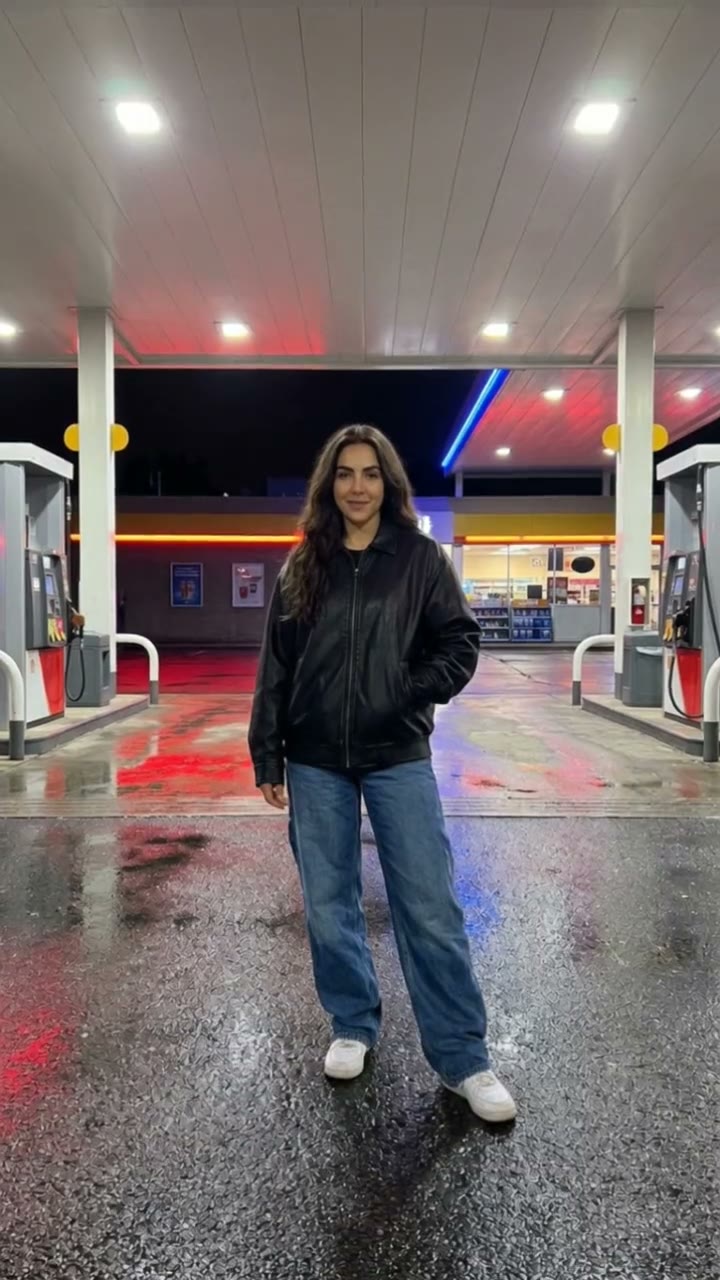
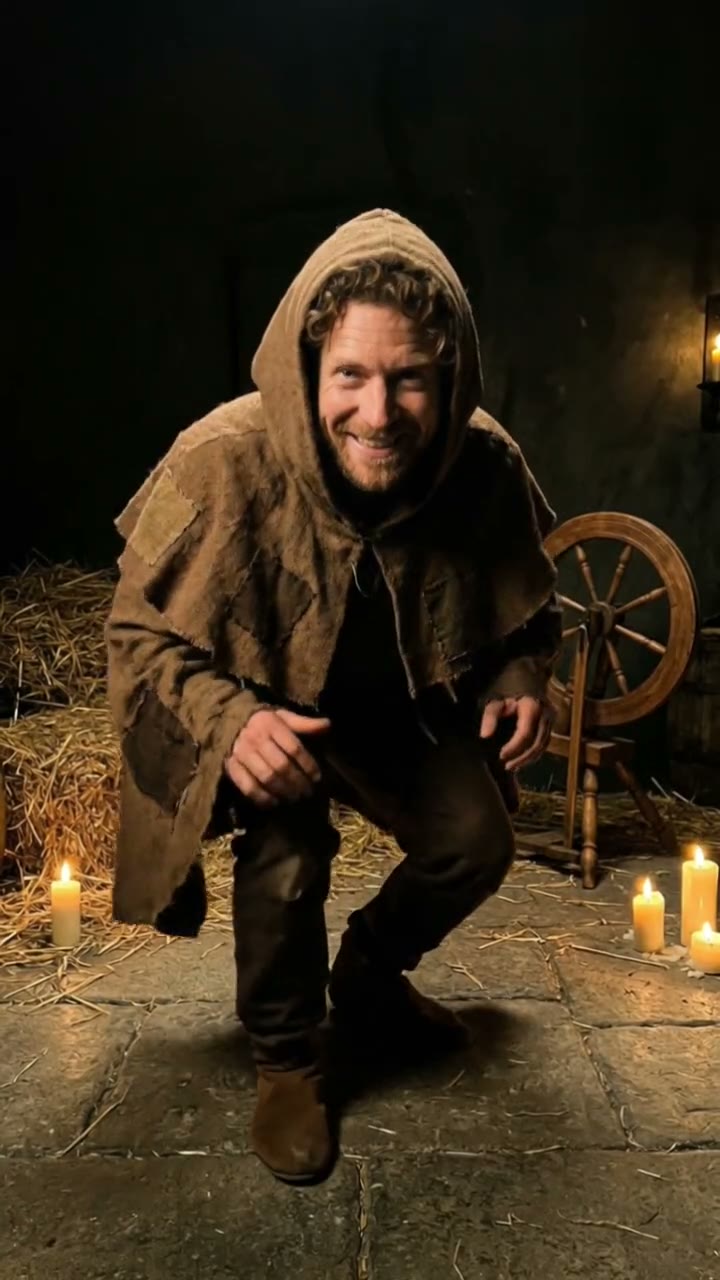
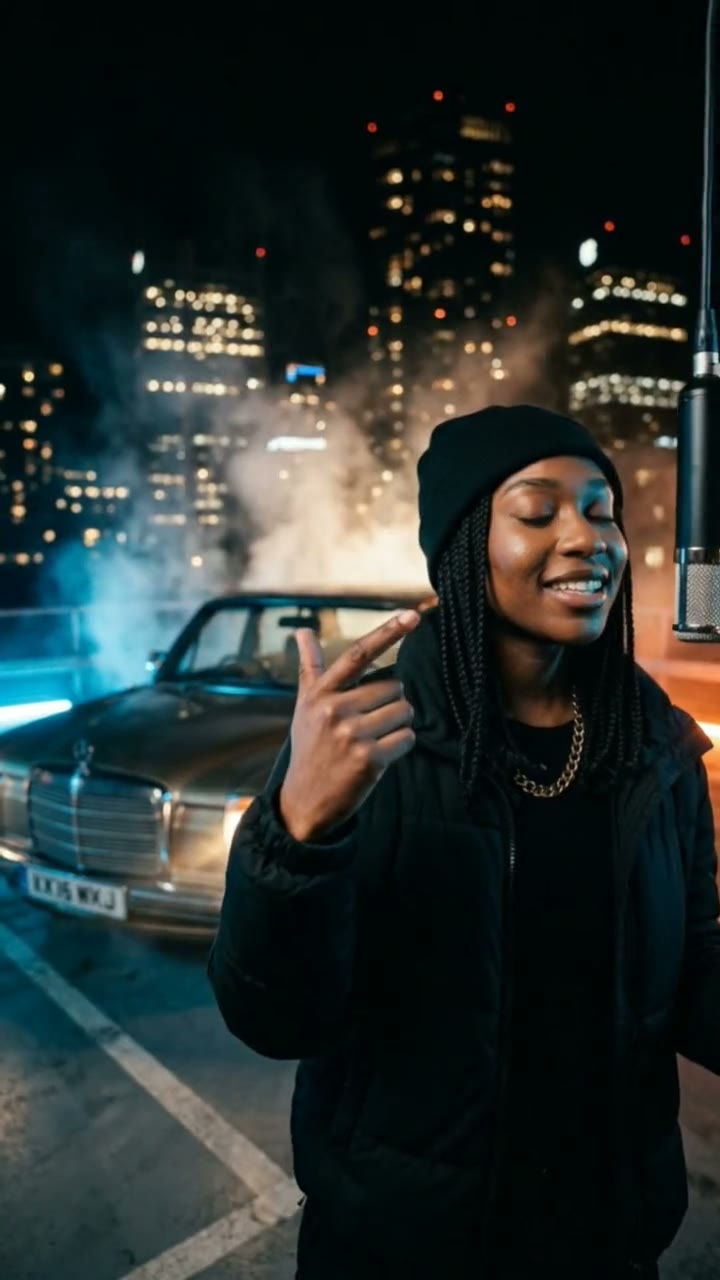
What is an AI dance video?
An AI dance video takes a photo of you and makes a short clip of you dancing, without a studio, a choreographer or a single dance lesson. It is popular for birthday posts, group chats, profile videos and anyone who wants to “dance” without being filmed.
SelfieTrend does it in two steps. First we place you in a clean, bright dance studio as a still image, so you can check your face, outfit and the setting. Then we animate it into a 10-second vertical 9:16 video with an original upbeat pop beat, generated together with the picture. The still is a free watermarked preview; you only pay for the video.
Updated October 29, 2026
How to make an AI dance video from a photo
- 1
Upload one clear photo of you
Pick a sharp photo where your face is fully visible. A full-body or waist-up shot helps the dance look like you.
- 2
Check the studio still
We put you in a bright studio. Change the outfit or mood in the description box if you like, then check that the still looks like you.
- 3
Make the dance video
Sign in, confirm the price and we animate the still: steps, shoulders, a body roll and a smile at the end. Download the MP4.
The dance, beat by beat
0-3s
Warm-up steps
Small rhythmic steps find the beat while you smile at the camera.
3-7s
Shoulders and body roll
Bouncing shoulders, a body roll and a fun hand move as the beat picks up.
7-10s
The finish
One last move, then you land and smile straight at the camera.
Tips for a dance video that looks like you
Show your whole body if you can
The dance is full-body, so a photo that includes your torso and legs gives the clip a better match for your build.
Plain, fitted clothes
Simple outfits animate more cleanly than loose layers, long scarves or lots of accessories.
Sharp, front-facing photo
Good light and a clear face give the best likeness. Skip sunglasses, masks and heavy filters.
Check the still first
The video follows the still, so fix the face and outfit there before you pay for the video.
Adding captions or your own trending audio
The video comes with its own original upbeat beat, but you can swap it. Download the MP4, open it in your editing app, mute the sound if you want to use a trending track, and add captions or text on top. The clip is vertical 9:16, so it fits Reels, TikTok and Shorts without cropping.
Where people use dance videos
Birthday wishes, a funny reply in the group chat, a profile or story clip, a surprise for a friend or a creator-style post when you would rather not film yourself. Keep it to photos of yourself or people who agreed.
Pricing
Your first preview still is free and watermarked, and you do not need to sign in to see it. Once you have a video in your balance, you can make more previews. The video is $6.90 for one or $24.90 for five ($4.98 each): a one-time payment, no subscription, valid for 365 days. If a video fails, it is returned to your balance automatically. You sign in when you buy or make the video.
Consent comes first
Only use photos of yourself or adults who agreed to it. Do not upload public figures or anyone under 18. Our sample clips use fictional AI people.
Frequently asked questions
Is the AI dance video generator free?
The preview is free: each person gets one watermarked still without signing in. The video costs $6.90, or $24.90 for five, as a one-time payment with no subscription.
How much does one dance video cost?
$6.90 for one video, or $24.90 for five ($4.98 each). Videos you buy last 365 days, and a failed video is returned to your balance automatically.
How long is the video, and does it have sound?
It is 10 seconds, vertical 9:16, with an original upbeat pop beat generated with the video. You can mute it and add your own track in an editing app.
Which photo works best?
A sharp, front-facing photo of one adult, ideally waist-up or full-body, in good light. Avoid group photos, sunglasses, masks and heavy filters.
Can I change the outfit or the room?
Yes. The description box controls the studio still: change the clothes, the mood or the details of the studio, and re-run the preview until it looks right.
Can I choose the dance moves?
Not exactly. The dance is a fixed, fun routine: small steps, bouncing shoulders, a body roll and a smile. What you control is who dances and how they look.
Can I use a photo of a celebrity or of someone else?
Only photos of yourself or adults who agreed. Public figures and anyone under 18 are not allowed.
Is my video private?
Yes. Your photos and results stay in your private library and are never added to the public explore feed.