What is an AI rap video generator?
An AI rap video generator puts you in the middle of a music video you never had to shoot: a city rooftop at night, a vintage car parked behind you, skyline lights glowing, and you rapping straight to the camera. People make them as birthday gifts, group-chat jokes, intro clips and just for fun.
SelfieTrend does it in two steps. First we make a still of you in the rooftop scene so you can check the face, outfit and framing. Then we animate it into a 10-second vertical 9:16 clip with sharp hand gestures, a low-angle orbiting camera and original generated sound: a hard-hitting beat and rap vocals. No existing song or lyrics are used.
Updated October 29, 2026
How to make an AI rap video from a photo
- 1
Upload a clear photo
Use one adult, face fully visible, ideally looking at the camera. Selfies and portraits both work.
- 2
Style your look
Keep the puffer jacket and chain, or describe your own style: a leather jacket, a hoodie, sunglasses. Re-make the still until it looks right.
- 3
Make the rap video and download it
Sign in, confirm the price and we animate it for 10 seconds with beat and vocals. Download the MP4 and share it.
The clip, beat by beat
0-3s
Entrance
City lights glow behind you as the beat drops and your head starts to nod.
3-7s
The verse
You rap to the camera with sharp hand gestures while it circles you from a low angle.
7-10s
The punchline
You lean toward the lens on the last line and hold the look.
Tips for a rap video that looks like you
Front-facing, well-lit photo
A sharp daylight selfie keeps your likeness better than a dark or angled shot.
Face uncovered
Skip masks and hands over the face. If you want sunglasses, add them in the description.
Name the clothes you want
Streetwear, a tracksuit, a suit and a chain are easy to describe and look good against the night skyline.
Check the still before you pay
The video follows the still, so get the face and outfit right first.
Ideas for your rap video
A birthday intro for a friend, a self-roast, an introduction clip for a channel, a team shout-out, a “new job” announcement, or a joke for the group chat. Keep it playful: the verse is generated, so it will not be about you in particular.
Adding trending audio and captions
The sound in our video is an original beat and verse. If you want a popular sound, download the clip, mute our audio in TikTok, Instagram Reels or CapCut and add the trending track there. Captions that match the hand gestures make it pop.
Pricing
Each person gets one free, watermarked preview, with no sign-in needed. Once you have a video in your balance, you can make more previews. The video is $6.90 for one or $24.90 for five ($4.98 each), as a one-time payment with no subscription, valid for 365 days. You sign in to buy and make it, and a failed video is returned to your balance automatically.
Consent comes first
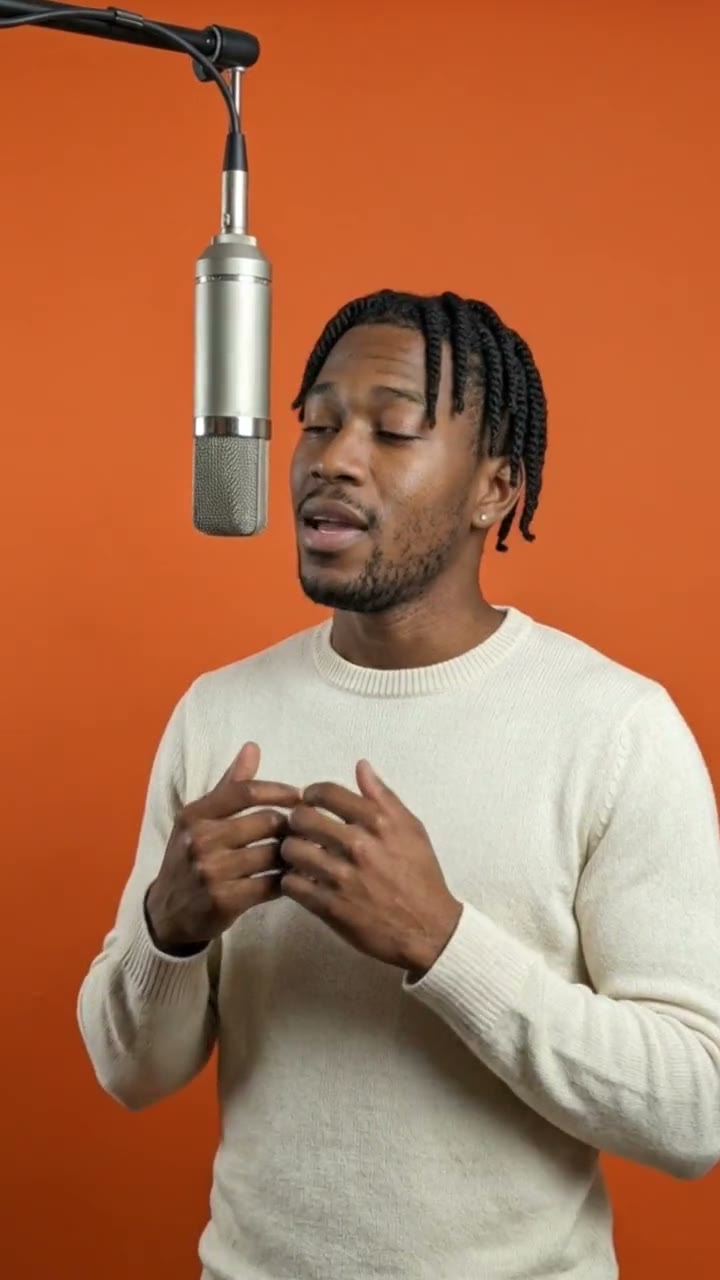
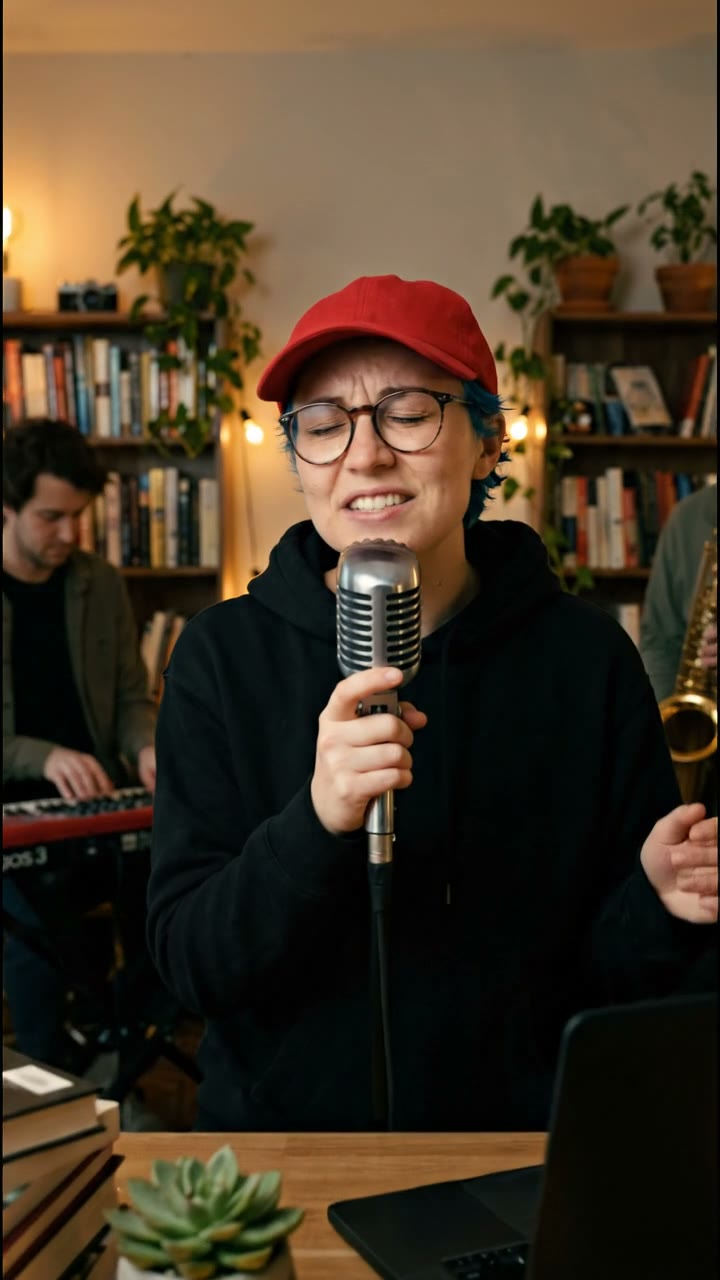
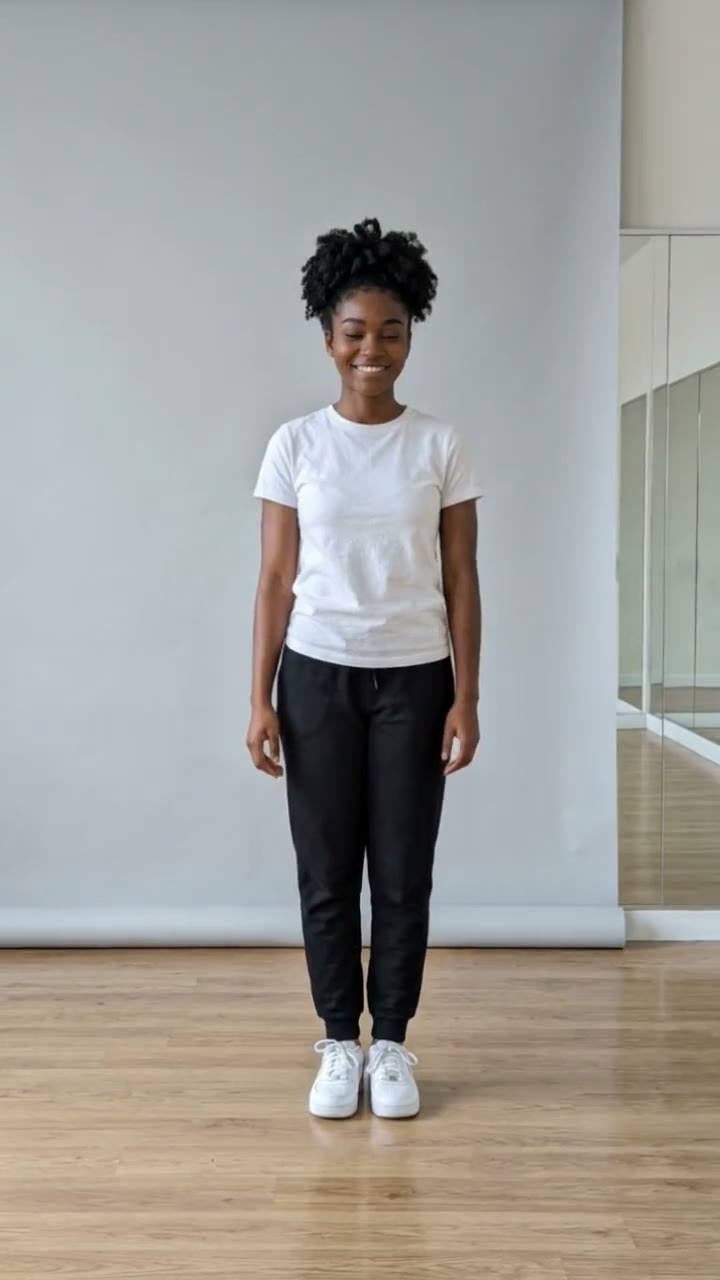
Only upload photos of yourself or adults (18+) who agreed. Do not upload public figures or anyone under 18. Our sample clips use fictional AI people.
Frequently asked questions
Is the AI rap video generator free?
The preview is free: you get one watermarked still of yourself on the rooftop, with no sign-in. The video itself starts at $6.90.
How much does a rap video cost?
$6.90 for one or $24.90 for five ($4.98 each). One-time payment, valid for 365 days, no subscription. If a video fails, it is returned to your balance automatically.
How long is the video and does it have sound?
It is 10 seconds, vertical 9:16, with generated original sound: a hip-hop beat and rap vocals. No existing song or lyrics are used.
Which photo works best?
A clear, front-facing photo of one adult in good light, with the face fully visible.
Can I change my outfit or the scene?
Yes. Use the description box to change your clothes, accessories or pose before making the still. The rooftop, car and city lights are the base scene.
Will it rap my own lyrics?
No. The verse is generated and original, so you cannot type your own lyrics. You can add your own voiceover or a trending sound in your editing app.
Can I add trending audio?
Yes. Download the MP4, then add the sound you want in TikTok, Reels or CapCut and lower or mute ours.
Is my photo private?
Yes. Your photos and results stay in your private library, never in a public feed. Only upload yourself or adults who agreed.