What is the AI concert singing video?
The AI concert singing video, also called the stage singing AI effect, is a TikTok trend that took off in late October 2026. It puts you on a huge arena stage: you sing into a wireless microphone under giant LED screens and colorful beams, raise one arm to the crowd, the screens flash and confetti bursts while thousands of phone lights wave. It looks like the big moment of a stadium show.
SelfieTrend builds it from one photo. We first make a chest-up still of you on stage with the mic, which you can check and adjust. Then we animate it into a 10-second vertical video with original sound: a roaring crowd and an original, powerful pop melody sung without words. It is not a real song, and no trending song is included.
Updated October 30, 2026
How to make a concert singing video with AI
- 1
Upload one clear photo
One adult, face fully visible. A front-facing photo from the chest up keeps your likeness when you sing.
- 2
Pick your stage outfit
Keep the sparkly silver jacket or describe your own look: a red leather jacket, a white suit, a sequined top, sunglasses pushed up on the head. Re-create the still until you feel like the headliner.
- 3
Make the video and download it
Confirm the price and the show starts. Download the MP4 and post it as it is or with your own audio.
The concert, beat by beat
0-3s
The first note
You sing passionately into the microphone under giant LED screens and colorful beams.
3-7s
Arm to the crowd
You raise one arm to the crowd as the LED screens flash and the roar grows.
7-10s
Confetti
Confetti bursts over the stage while thousands of phone lights wave in the dark.
Tips for a headliner moment
Front-facing, well-lit photo
A sharp photo with the whole face visible keeps you recognisable under the stage lights.
Describe the outfit, not the face
Write about the jacket, top or accessories. Your face comes from the photo, so leave it out of the text.
Go bold with color
Shiny, bright or metallic clothes catch the stage beams. Plain dark clothes can disappear against the crowd.
Check the still first
The whole clip is a close stage shot of you, so make sure the still looks like you before animating.
About the singing and adding a song
Our video comes with original generated sound: a roaring crowd and an original pop melody sung without words, so your mouth moves with a melody, not with lyrics. It is not a real song and no trending sound is included. To use a song, download the video and add it in TikTok, Instagram Reels or CapCut. The lip movement will not match real lyrics exactly, so a sound with a big chorus or a crowd cheer works best.
Caption and hashtag ideas
Try “Sold-out show in my head”, “Main stage, finally” or “POV: you are the headliner tonight”. Hashtags like #concert #stagesinging #aisinging #aivideo help it travel.
Pricing
Each person gets one free watermarked preview, with no sign-in. Once you have a video in your balance, you can make more previews. The video costs $6.90 for one or $24.90 for five ($4.98 each), a one-time payment with no subscription, valid for 365 days. Sign-in is needed to buy and make the video, and a failed video is returned to your balance automatically.
Consent comes first
Only use photos of yourself or adults who agreed. Do not upload public figures or anyone under 18, and do not use it to pass a clip off as a real concert by someone. The crowd is generated, and our sample clips use fictional AI people.
Frequently asked questions
Is the AI concert singing video free?
The first preview is free, watermarked and needs no sign-in, so you can see yourself on the arena stage before paying. The video costs $6.90, or $24.90 for five.
How much does the video cost?
$6.90 for one video or $24.90 for five ($4.98 each). One-time payment, no subscription, valid for 365 days. A failed video is returned to your balance automatically.
How long is it and does it have sound?
10 seconds, vertical 9:16, with original generated sound: a roaring crowd and a wordless pop melody. No trending song is included; add one in TikTok or Reels after downloading.
Does it sing a real song or my own lyrics?
No. The voice is an original melody without words, made for this clip. If you add a song later, the mouth will move in time with the energy but will not match real lyrics word for word.
Is this the stage singing AI effect from TikTok?
It is the same idea: you singing on a big concert stage. Here you upload a photo and get a finished 10-second video to post on TikTok, Reels or YouTube Shorts.
Which photo works best?
A sharp, front-facing photo of one adult with the face fully visible, ideally from the chest up. Avoid group photos, sunglasses over the eyes and heavy filters.
Do you have other music templates?
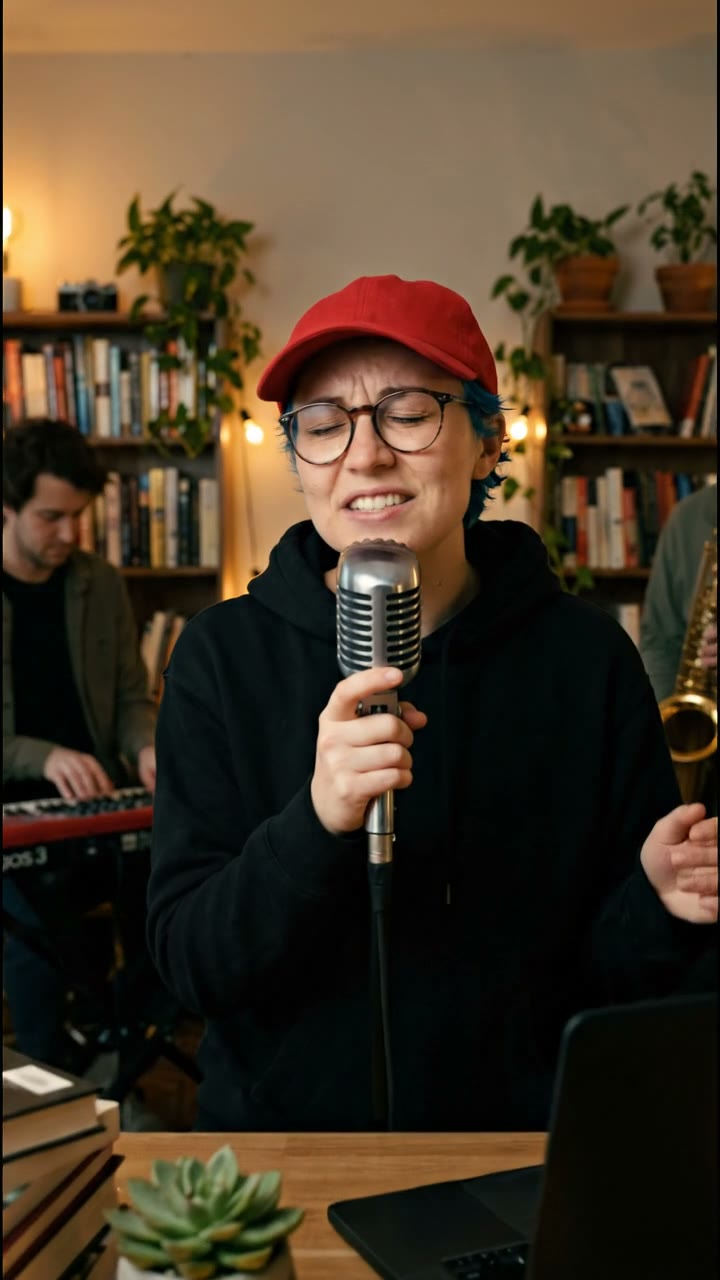
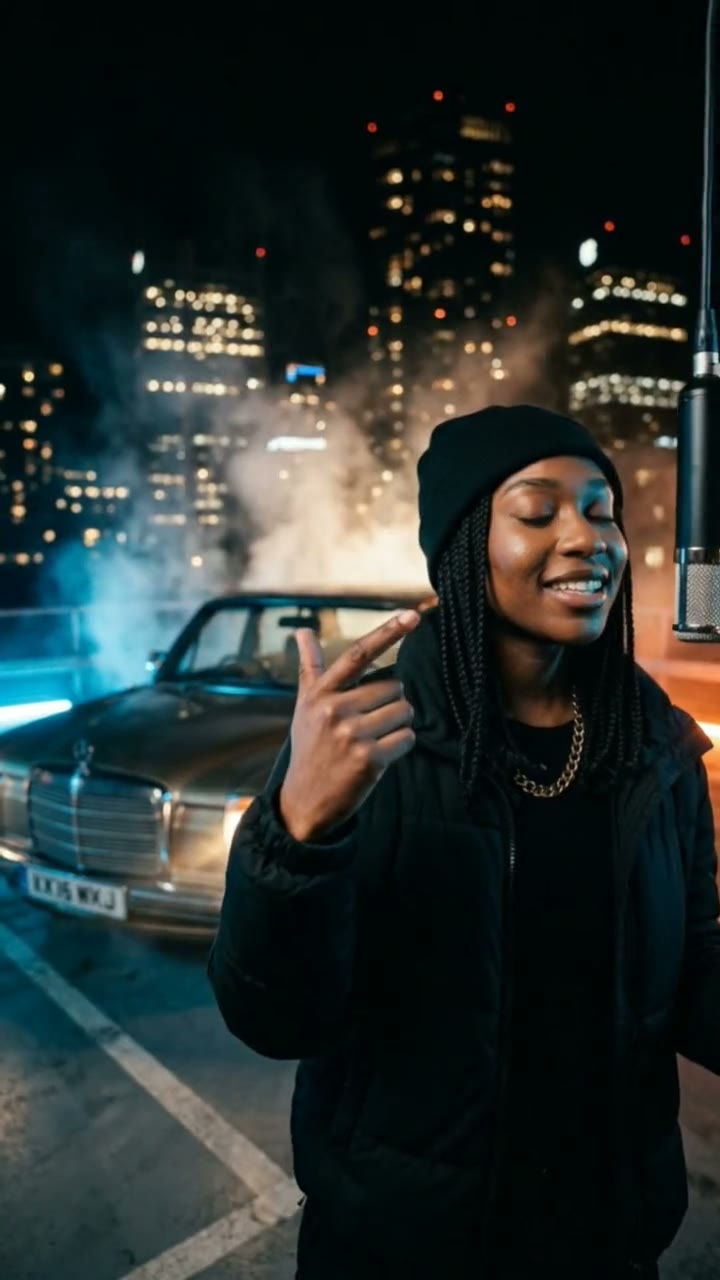
Yes. For a quieter, close-up desk concert, try our Tiny Desk AI template. If you would rather rap than sing, try our AI rap video generator.
Is my photo private?
Yes. Your photos and results stay in your private library and are never added to the public explore feed. Only upload photos of yourself or people who agreed.