What is the Raindance AI trend?
Raindance is a trend name that comes from a song, and the videos under it tend to be quiet and warm: one person alone at the end of a wooden pier, low sun behind them, hair and clothes moving in the breeze. It feels more like a moving portrait than a dance.
SelfieTrend makes that look from a single photo. First we place you on the pier as a still, so you can check your face, clothes and light. Then we animate it into a 10-second vertical 9:16 video: a slow push-in, a gentle sway, your face turning up into the sun, and original generated sound with a soft dreamy beat and the sound of water.
This is not the trending song. SelfieTrend is independent and not affiliated with any artist or label.
Updated October 29, 2026
How to make a Raindance AI video
- 1
Upload a soft, clear photo
One adult with the face fully visible. Natural daylight and a relaxed expression suit this mood best.
- 2
Check your pier portrait
We place you at the end of the pier at golden hour. Edit the description to change the outfit, then re-make the still until it feels right.
- 3
Make the video and download it
Sign in, confirm the price and we animate it for 10 seconds with sound. Download the MP4 to post.
What happens in the 10 seconds
0-3s
Still water
You stand at the end of the pier as the camera begins to move in slowly.
3-7s
The sway
You sway gently and tilt your face up into the warm light while the breeze moves your hair and clothes.
7-10s
A soft smile
The push-in settles on your face as the light glows behind you.
Tips for a dreamy pier portrait
Calm, natural photo
Soft daylight and a relaxed face suit the mood. Avoid harsh flash and heavy filters.
Light, flowing clothes
Linen shirts, loose knits and long dresses catch the breeze nicely in motion.
Face uncovered
Sunglasses, masks and hands over the face reduce likeness.
Choose a warm tone
White, cream, sage or soft blue pair well with a golden-hour sky.
Moving portrait, not a dance
Some people search Raindance AI expecting choreography. This version is quiet on purpose: one person, one pier, slow motion. If you want dance moves, try our other dance templates.
Adding the trending audio and captions
Our clip has its own original music and water sounds, not the trending song. After downloading, open TikTok, Instagram Reels or CapCut and add the trending audio there, muting ours if you like. Simple captions at the bottom keep the calm look.
Pricing
Each person gets one free, watermarked preview, with no sign-in needed. Once you have a video in your balance, you can make more previews. The video is $6.90 for one or $24.90 for five ($4.98 each), as a one-time payment with no subscription, valid for 365 days. You sign in to buy and make it, and a failed video is returned to your balance automatically.
Consent comes first
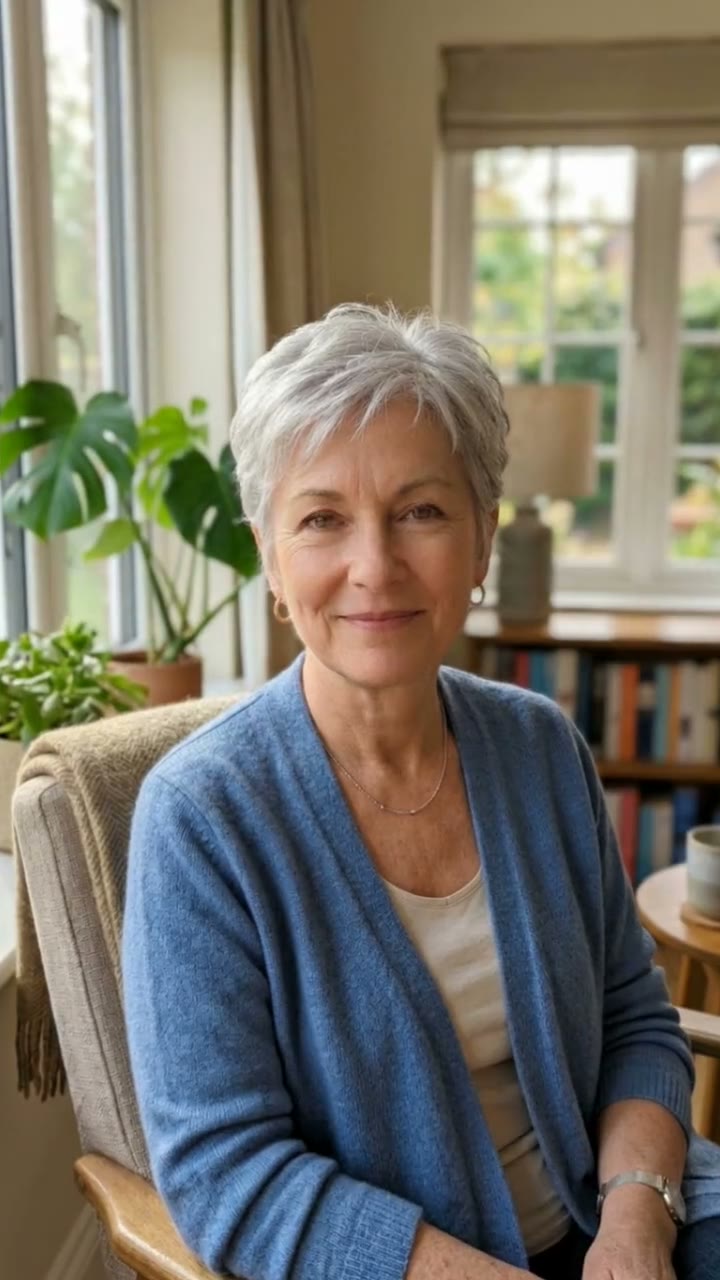
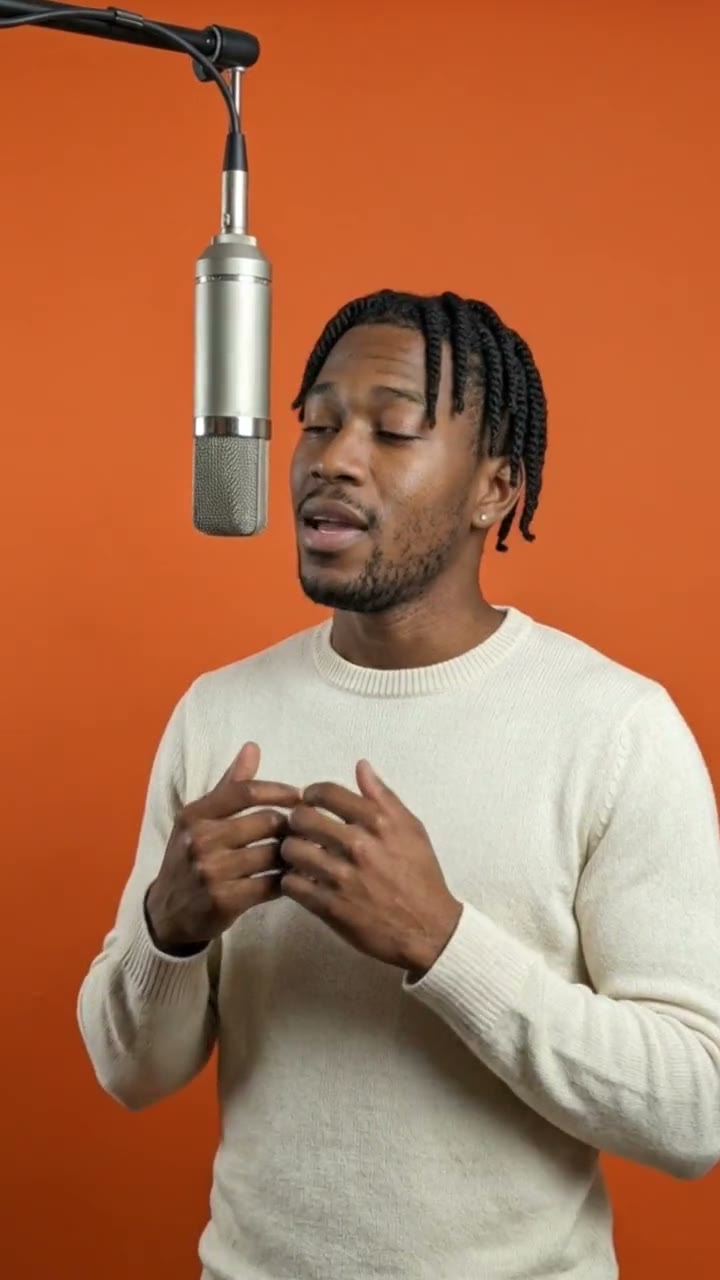
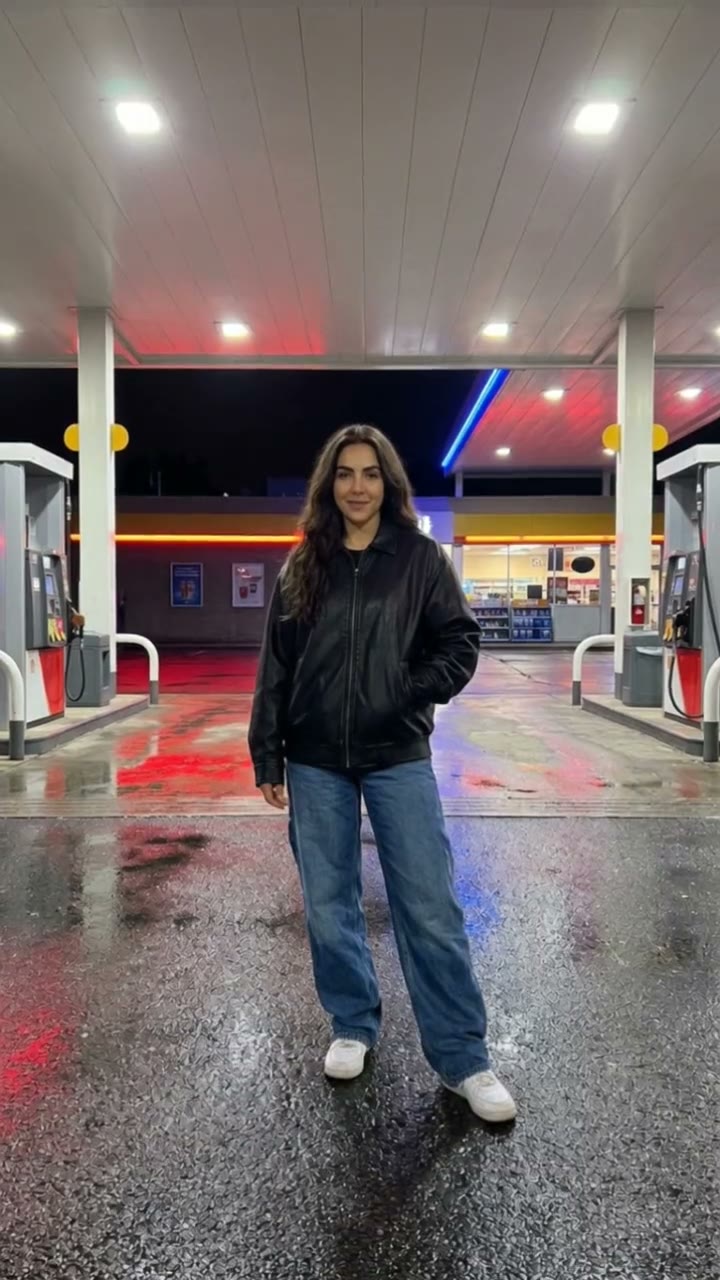
Only upload photos of yourself or adults (18+) who agreed. Do not upload public figures or anyone under 18. Our sample clips use fictional AI people.
Frequently asked questions
Is the Raindance AI trend generator free?
The preview is free: you get one watermarked still of yourself on the pier, with no sign-in. The video itself starts at $6.90.
How much does the video cost?
$6.90 for one video or $24.90 for five ($4.98 each). One-time payment, valid for 365 days. If a video fails, it is returned to your balance automatically.
How long is the video and does it have sound?
It is 10 seconds, vertical 9:16, with generated original sound: a soft dreamy beat and the sound of water. The trending song is not included.
Which photo works best?
A clear, relaxed, front-facing photo of one adult in soft natural light, with the face fully visible.
Can I change my outfit or the scene?
Yes. Edit the description box before making the still, for example a dress, a denim jacket or a straw hat. The pier at golden hour is the base scene.
Does the video include dancing?
Not really. It is a calm moving portrait: a sway, a turn of the face and a slow camera push-in.
Can I add the trending audio?
Yes. Download the video, then add the trending sound in TikTok, Reels or CapCut. We do not include the original song.
Is my photo private?
Yes. Your photos and results stay in your private library, never in a public feed. Only upload yourself or adults who agreed.