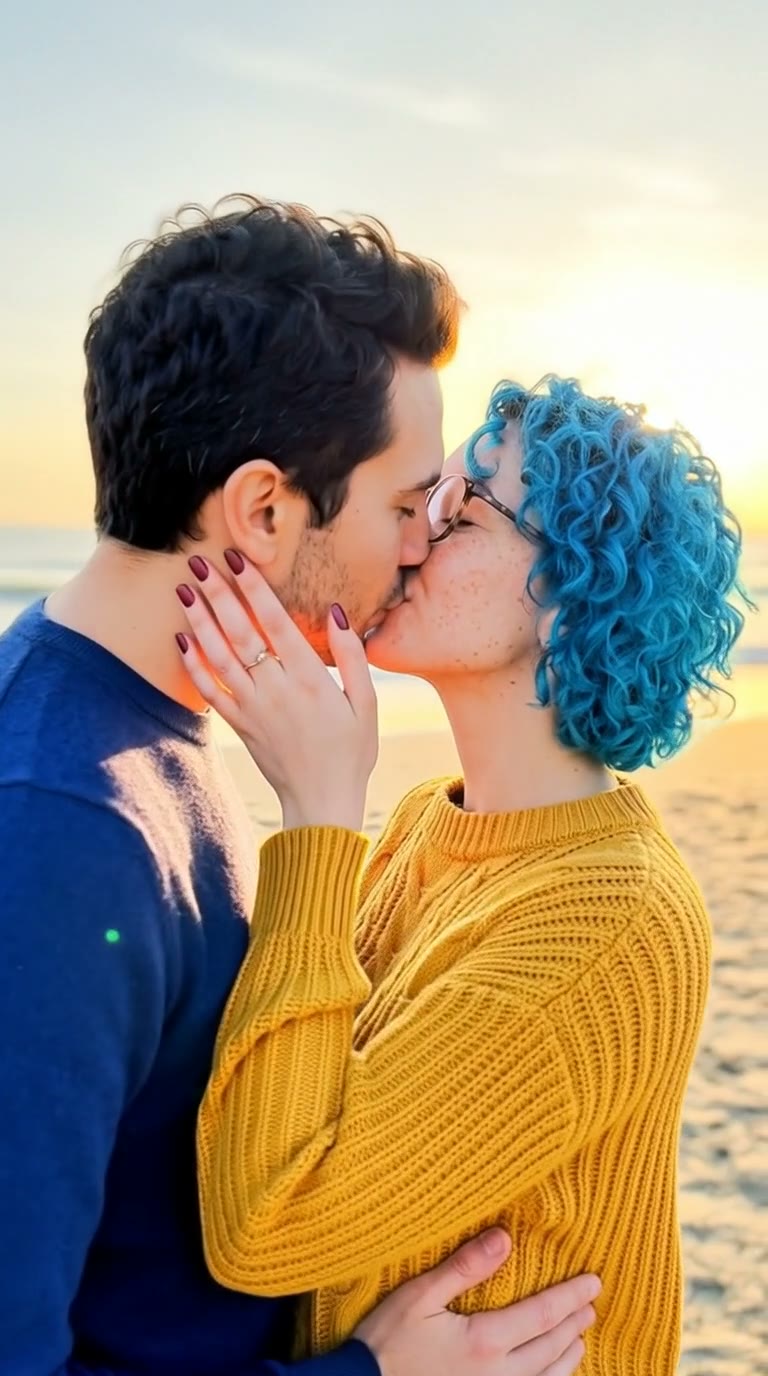
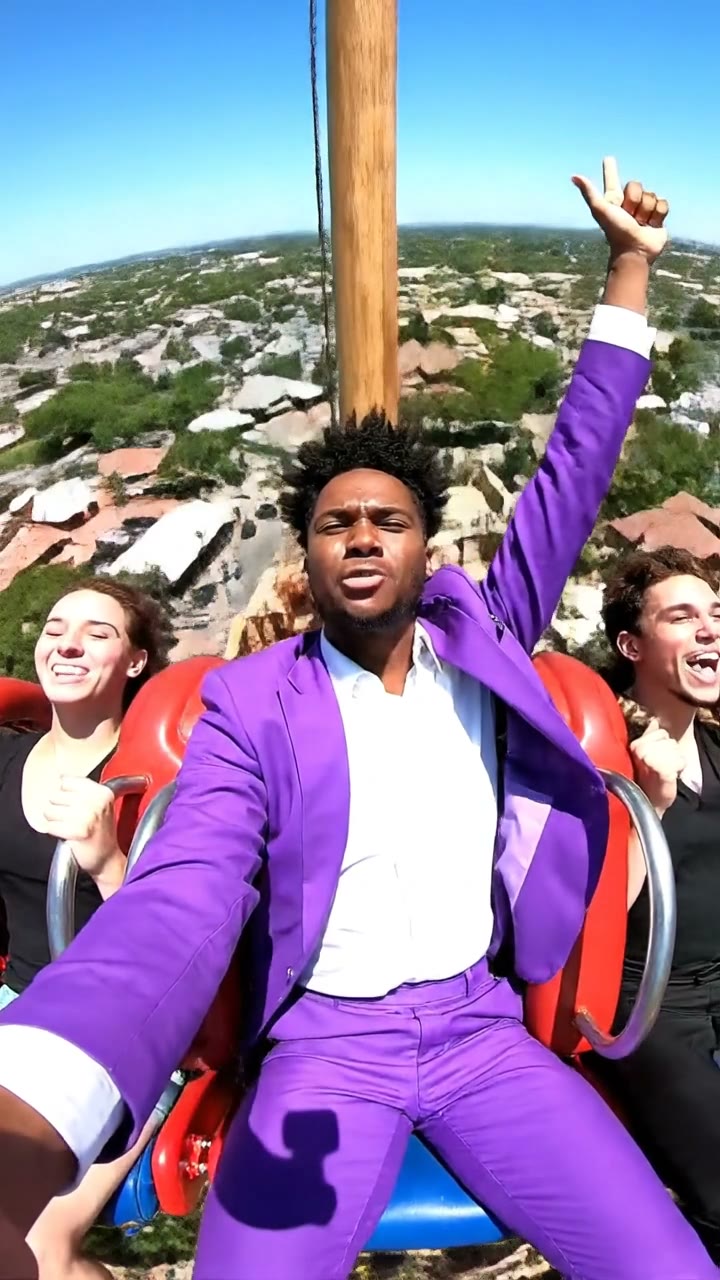
What is an AI hug generator?
An AI hug generator turns photos of two people into a short AI hug video of them hugging. People make them for friends who live far apart, partners on anniversaries, family reunions, birthdays and “I miss you” messages. You only need one photo of each person.
SelfieTrend makes it in two steps. First we put both people in one scene as a still image, so you can check faces, clothes and the setting. Then we animate it into a 6-second vertical hug with natural, gentle motion. The still is a free preview; you only pay when you make the video.
Updated October 29, 2026
How to make an AI hug video from 2 photos
- 1
Upload two clear photos
One photo per person, each showing one adult with the face fully visible. Photos taken years or miles apart work fine.
- 2
Set the scene and check the shot
Keep the sunset beach or describe your own place: an airport arrival hall, a living room at Christmas, a graduation stage. Re-run the still until it looks right.
- 3
Make the hug video and download it
Confirm the video price and we animate the hug: arms around each other, rocking gently, big smiles. Download the MP4 and send it.
The clip, beat by beat
0–2 s
Together
Side by side, smiling at each other.
2–4 s
The hug
Arms wrap around, eyes close, a tight squeeze.
4–6 s
The sway
A gentle rock side to side as the camera drifts around them.
Tips for a warm, realistic hug
Recent, clear photos
Sharp daylight selfies give the best likeness. Avoid group photos and heavy filters.
Faces fully visible
No sunglasses, masks or hands over the face.
Pick a meaningful place
An airport, a front door or a family table tells the story better than a plain background.
Check the still first
The video follows the still, so get the faces and clothes right before you animate.
Who people hug in these videos
Best friends in different countries, a partner on deployment, grandparents and grandkids, a parent and their grown-up child, siblings at a graduation. If both people are adults and agree, it works. For a loved one who has passed away, use a photo you have the right to use and handle the result with care.
Pricing
Your first still is a free, watermarked preview; once you have a video in your balance, you can re-run it as often as you like. You only pay for the video: $6.90 for one or $24.90 for five, with no subscription. If a video fails, it is returned to your balance automatically.
Consent comes first
Only use photos of yourself and of adults who agreed to it. Do not upload public figures, anyone under 18, or someone without their permission.
Frequently asked questions
Can I make an AI hug video from two separate photos?
Yes. Upload one photo of each person. We place them together in one scene, then animate the hug.
Is the AI hug video generator free?
The preview is free and needs no account: you see the two of you together before paying anything. The video costs $6.90, or $24.90 for five.
How long is the video?
About 6 seconds, vertical 9:16.
Does the video have sound?
No, it is silent so you can add music or a voice message in your editing app.
Can I hug someone who lives far away?
Yes, that is one of the most common uses. Upload a recent photo of each of you and describe a place that matters to you both.
Why does a face look different?
Likeness depends on the photos. Use sharp, front-facing photos of one person each and check the still before you make the video.
Can I use a photo of a celebrity?
No. Only use photos of yourself and adults who gave permission. Public figures and anyone under 18 are not allowed.
Is my video private?
Yes. Your photos and results stay in your private library and are never added to the public explore feed.