AI Trend Video Generator: Turn One Photo into a Viral Video
Pick a trend, upload one photo and get a vertical AI video of you in it for 100 credits (from $6.90). Your first watermarked preview is free and needs no sign-in; there is no editing and nothing to install.
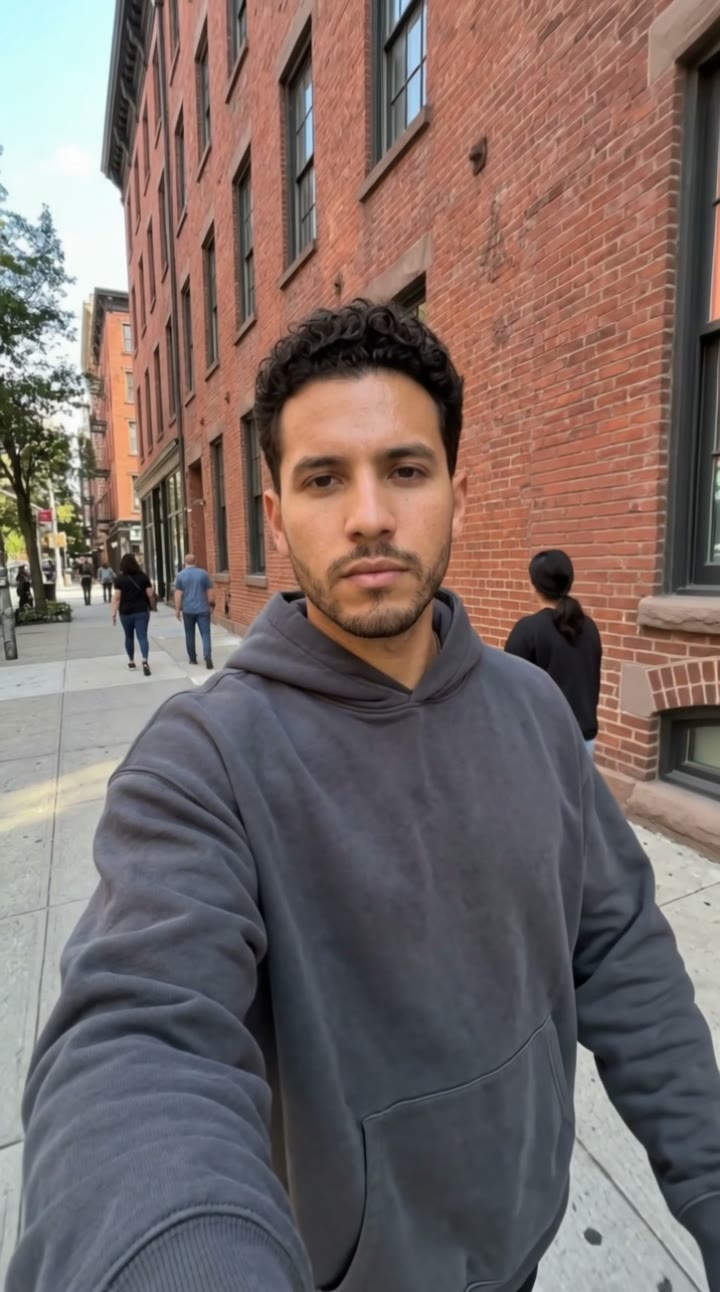
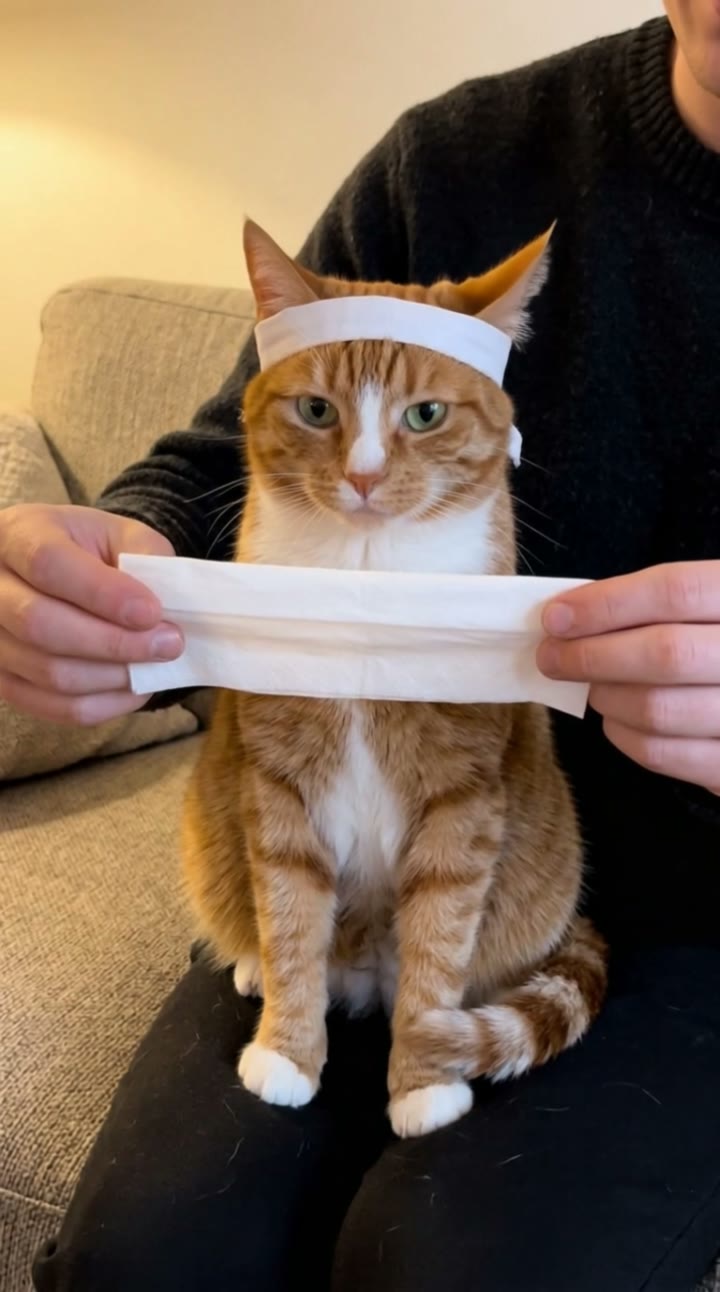

AI trend video templates
Every template is its own generator page. Pick the trend you saw on TikTok or Reels, add one photo, and see yourself in it before you pay.
 Costumes
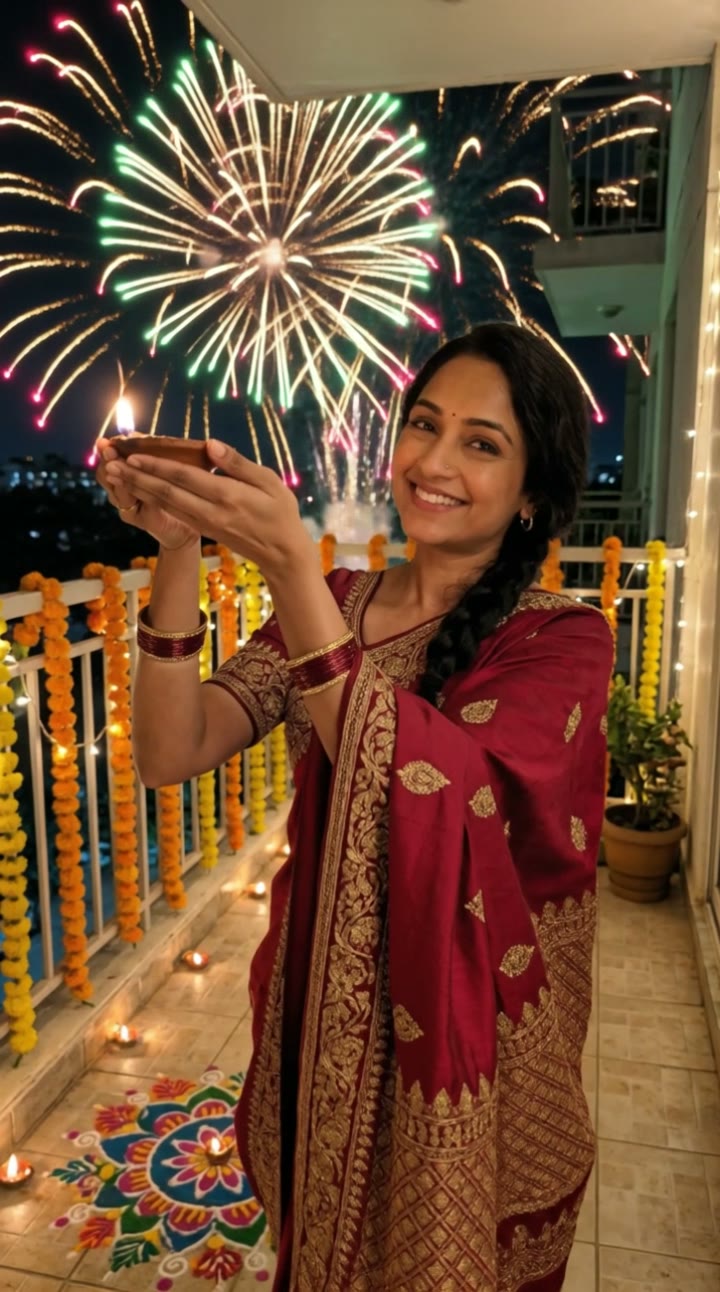
Diwali AI Video Generator
You in festive clothes, a lit diya in your hands, fireworks over the balcony. One photo, a free preview, then the video.
 Romance
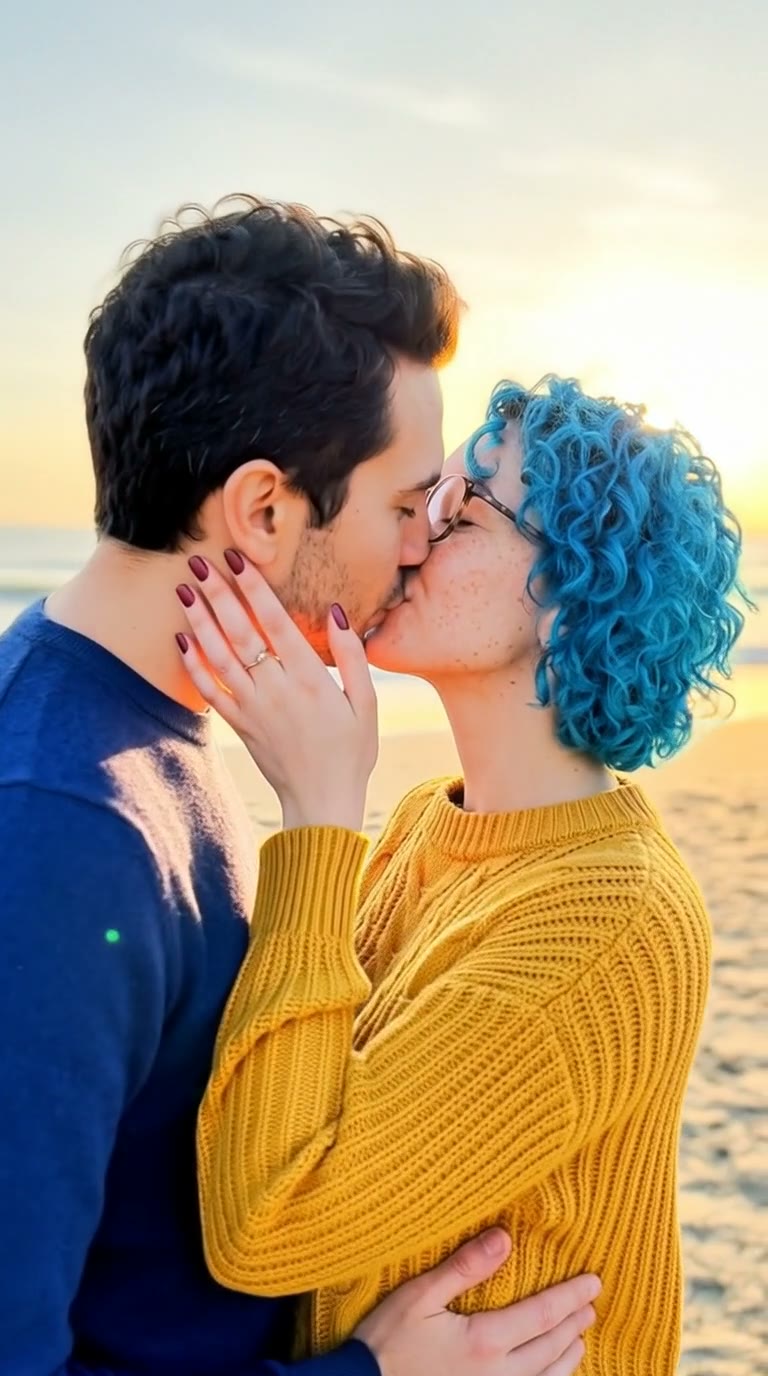
AI Kissing Video Generator
Two photos in, one romantic scene, then a 6-second kiss. Check the couple shot first so you only pay for a video you like.
 Memes
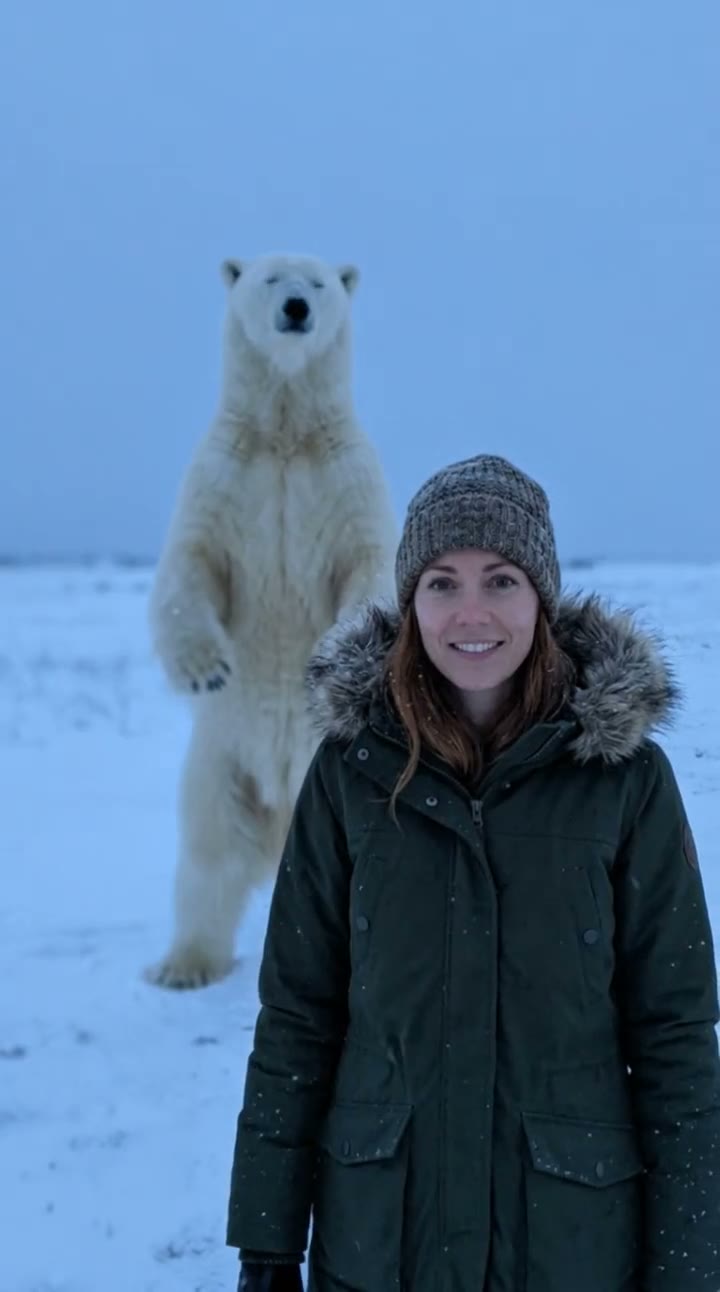
Polar Bear 2026 AI Video Generator
You in the snow, the strange polar bear behind you, one line: November 2026 is coming. One photo, a free preview, then the video.
 Costumes
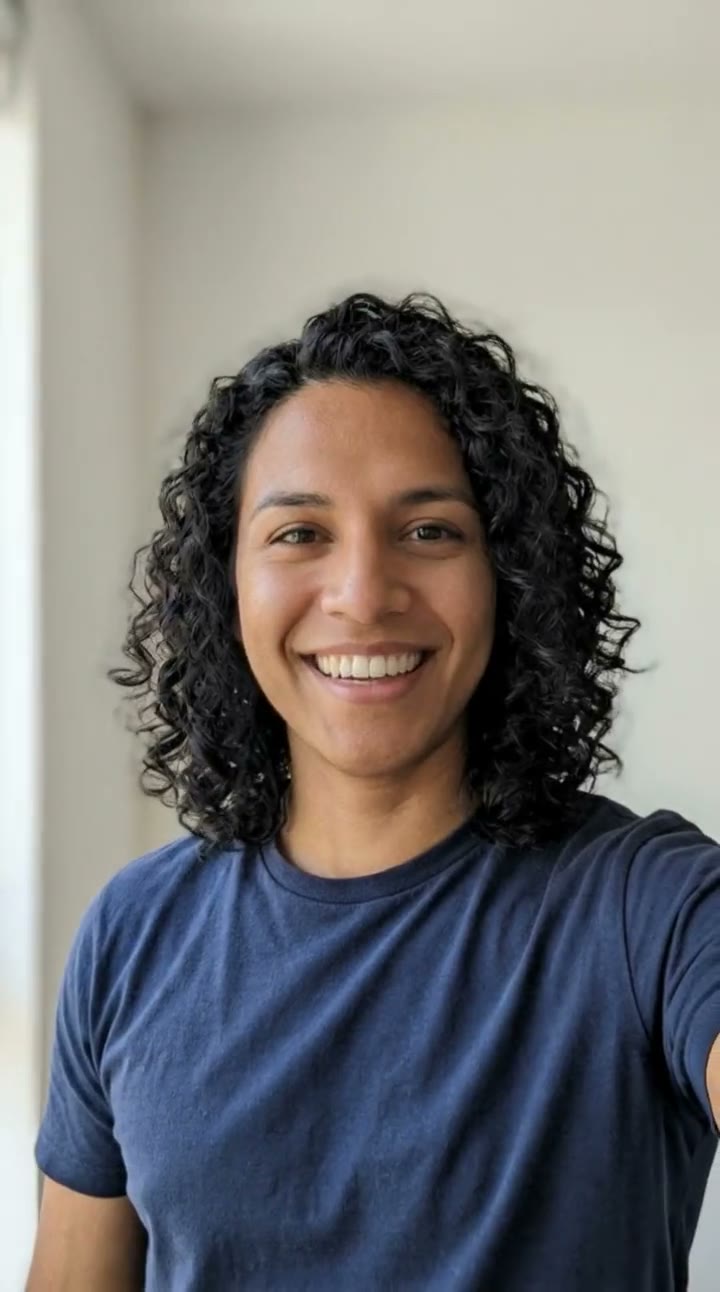
Gender Swap AI Video Generator
Same eyes, same smile, opposite gender. Upload one photo, see the free preview, then get a 10-second video of the other you.
 Costumes
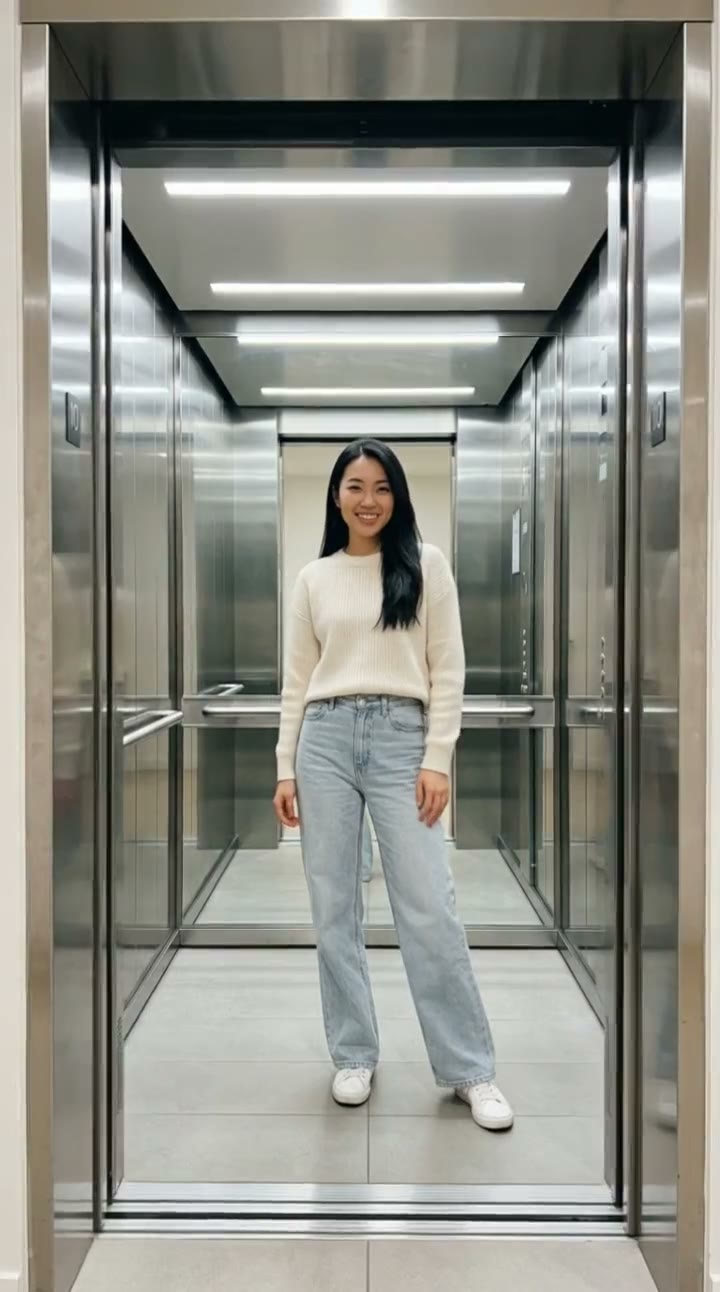
Elevator Outfit Change AI
Doors close, doors open, new fit. Three looks in ten seconds from one photo of you.
 Dance
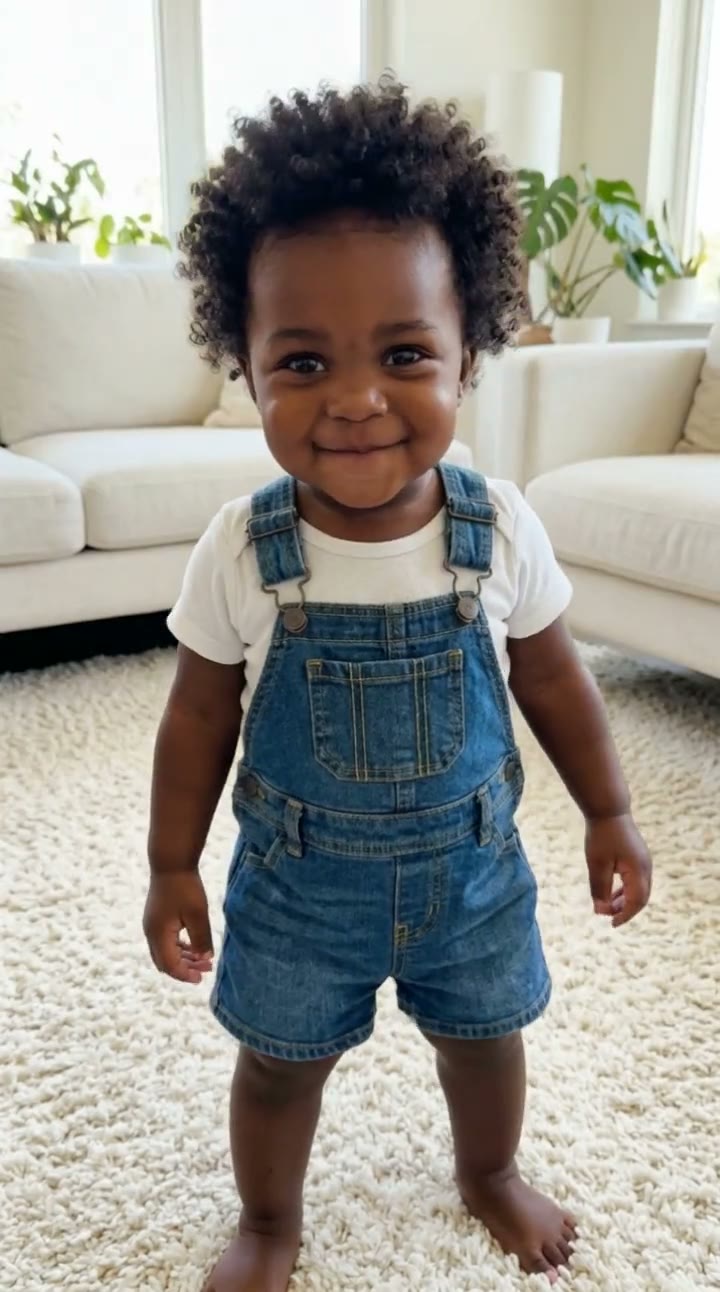
AI Baby Dance Video Generator
Your eyes, your hair, one year old and full of attitude. Upload your photo, see the free preview, then the dance.
 Memes
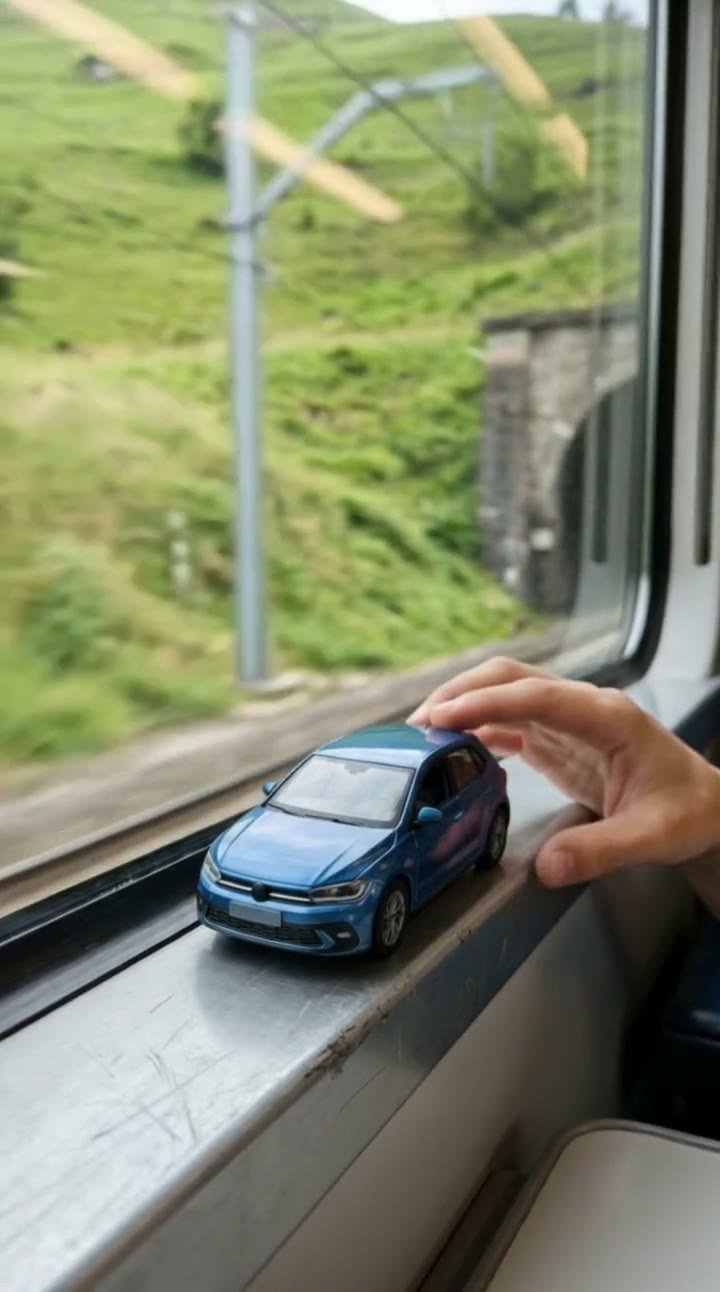
Toy Car to Real Car AI
A toy on the train window, a dark tunnel, and your real car racing alongside. One car photo, a free preview, then the video.
 Memes
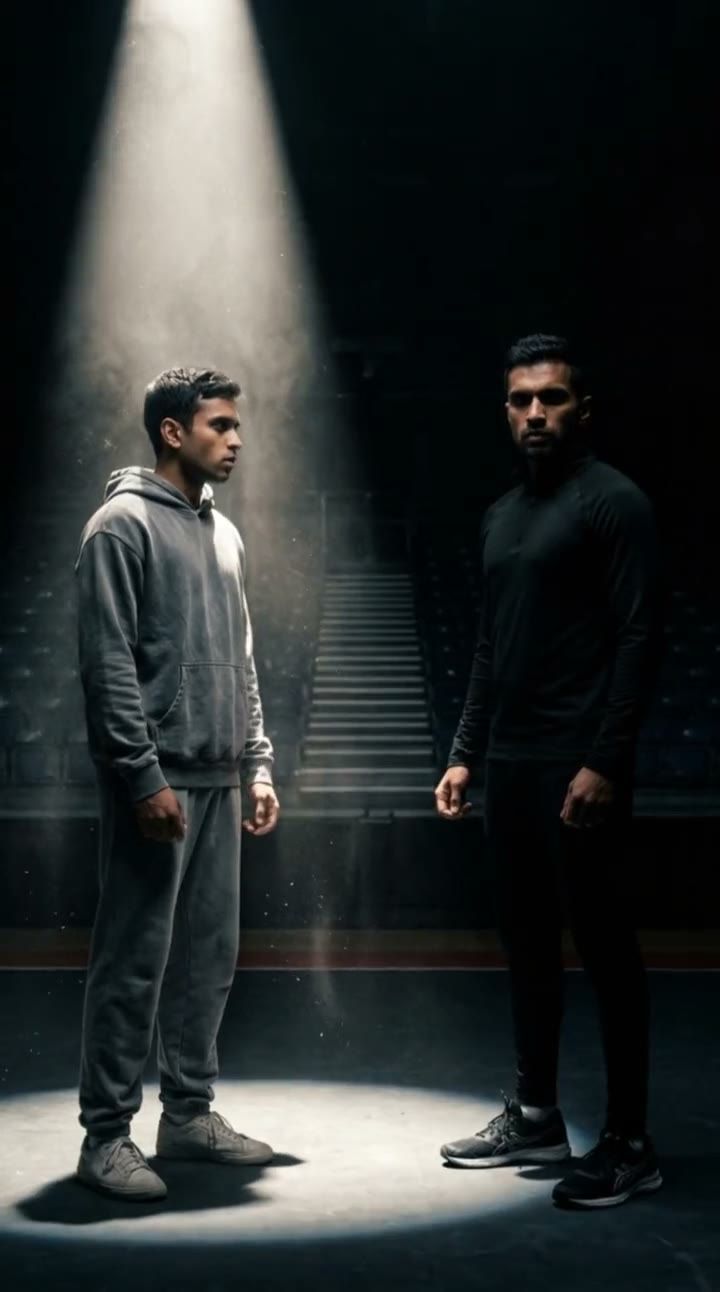
Your Next Opponent Is You AI
A dark arena, one spotlight, and the only rival left: you. One photo, a free preview, then the video.
 Costumes
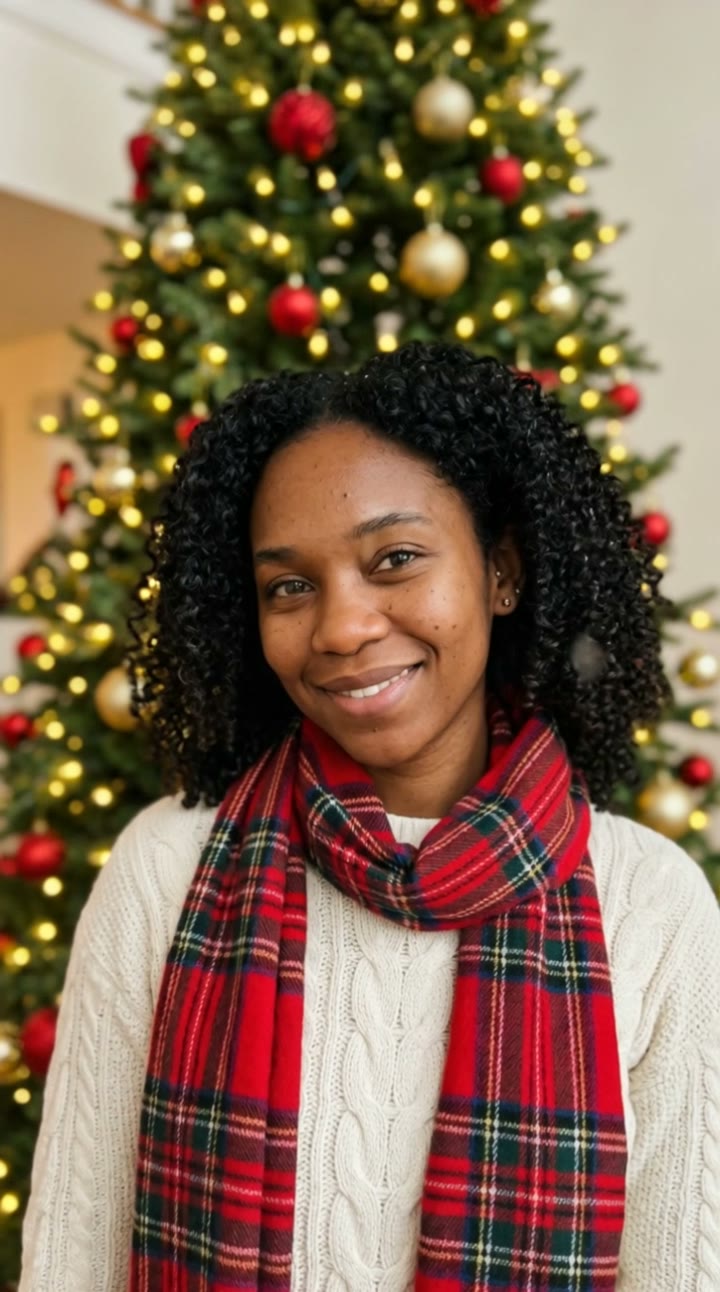
AI Christmas Photo Generator
You in a festive portrait by a twinkling tree, in a cozy sweater and scarf. One photo, a free preview, then a moving Christmas photo to send and post.
 Costumes
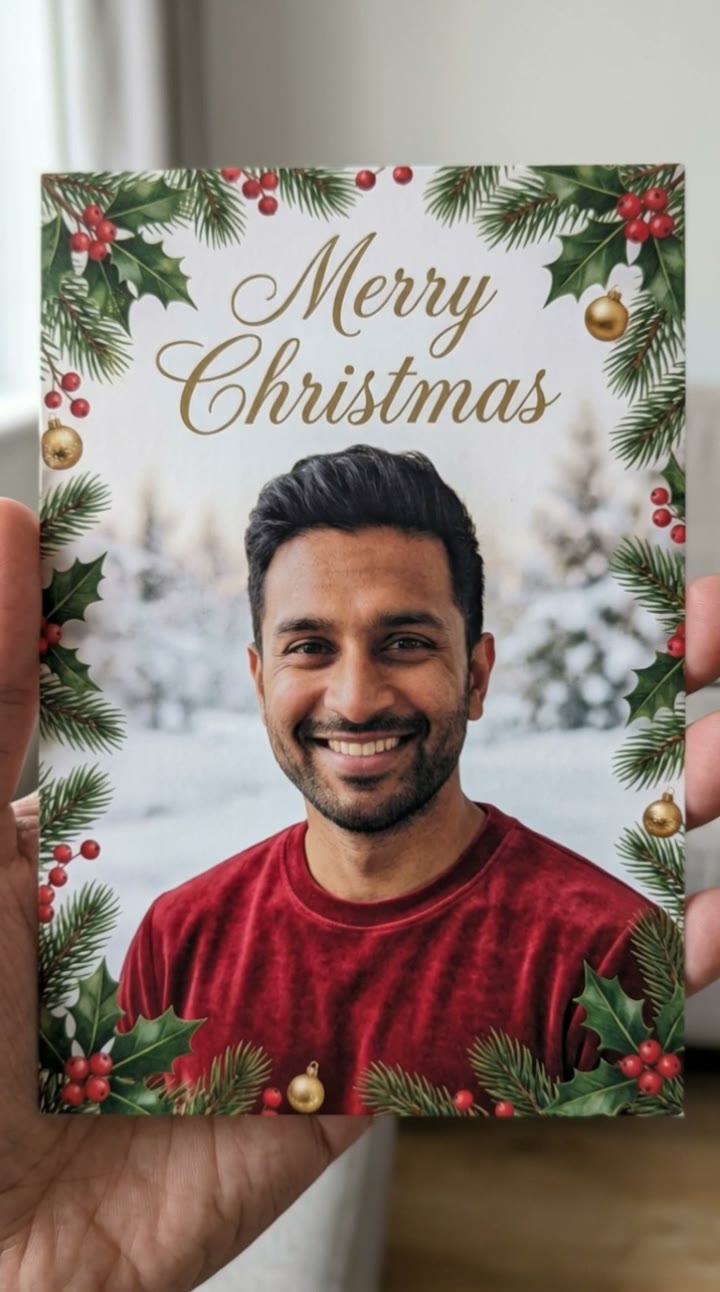
AI Christmas Card Generator
You on the front of a festive card framed by pine, holly and gold ornaments. One photo, a free preview, then a moving card to send and post.
 Costumes
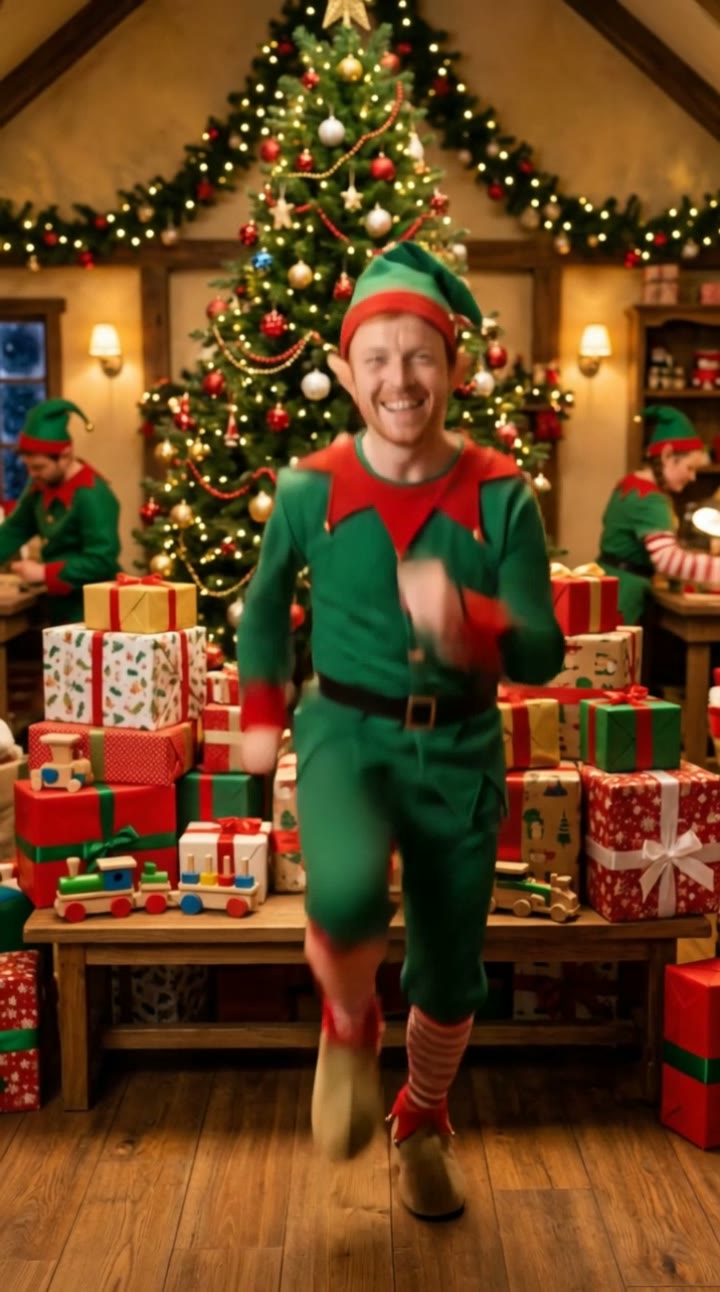
Elf Yourself AI
Turn yourself into a Christmas elf in a cozy toy workshop. One photo, a free preview, then a dancing elf video to send and post.
 Costumes
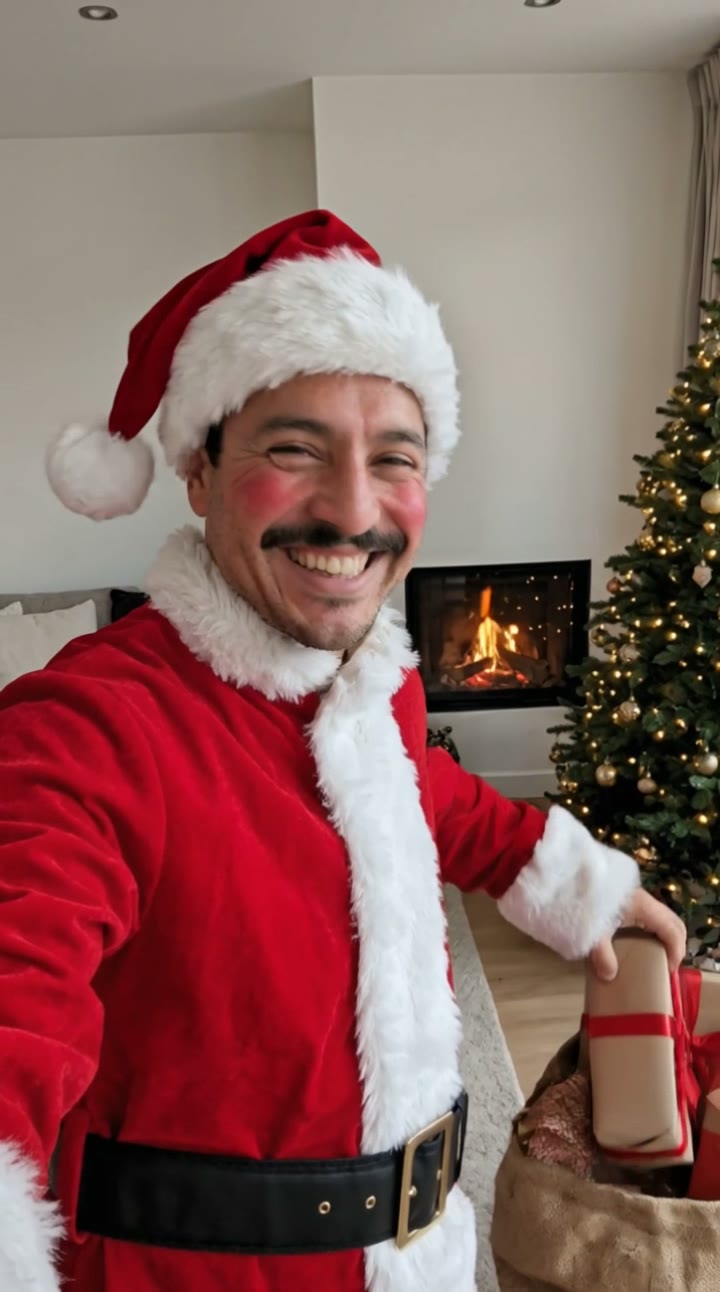
AI Santa Video Generator
Dress up as Santa Claus by the fireplace, laugh and hand a gift to the camera. One photo, a free preview, then a Santa video to send and post.
What is an AI trend video?
An AI trend video puts you into a clip format that is going viral right now: performing at a tiny desk concert, singing under a studio microphone, dancing at a neon gas station, tiptoeing like Rumpelstiltskin or hugging someone who is far away. Instead of filming, finding the location and editing, you upload one photo and an AI video model recreates the trend with your face.
SelfieTrend keeps one page per trend, each tuned for that look: the scene, the outfit, the camera move and the sound. That is why results look like the trend people search for, not like a generic photo animation. New templates are added when a new trend takes off.
How it works
- 1
Pick a trend
Open the template for the trend you want. Each page shows a sample made with a fictional AI person, so you know what you will get.
- 2
Upload a photo for a free preview
Add one clear photo of yourself (two for couple templates). In about a minute you get a watermarked still of you in the scene. No sign-up needed.
- 3
Make the video
Happy with the preview? Sign in and make a 10-second vertical video with sound for 100 credits (from $6.90), ready to post on TikTok, Reels and Shorts.
Why use a template instead of editing it yourself
Minutes, not an afternoon
Recreating a trend by hand means a location, outfit, lighting and editing. A template already knows the scene and the motion; you only bring the photo.
Pay as you go, or save monthly
A video is 100 credits: $6.90 in the smallest pack, $4.98 in the 500 pack, $3.99 in the 1,500 pack and $3.32 on the Pro plan. Pack credits last a year, so you can save them for the next trend.
Failed videos are refunded
If a video fails, its credits go back to your balance automatically. You only pay for videos you actually get.
Your photos stay private
Uploads and results are kept in your private library and never shown in a public gallery. Only use photos of yourself or adults who agreed.
Pricing
Your first preview is free. A video is 100 credits and a preview is 5: buy a pack once, or save with a monthly plan.
Monthly plans
New credits every month, cancel any time. A video is 100 credits.
Basic
For a few trends every month
- 250 credits every month (2 videos)
- $3.96 a video
- Every trend template, any resolution
- Cancel any time
- Monthly credits do not roll over
Pro
For creators who post every week
- 900 credits every month (9 videos)
- $3.32 a video, our lowest price
- Every trend template, any resolution
- Cancel any time
- Monthly credits do not roll over
Credit packs
One-time payment, valid for 365 days. Tops up any plan.
Free preview
$0
One watermarked still of you in the scene, no sign-in needed
100 credits
$6.90
1 video or 20 previews · $6.90
500 credits
Most popular$24.90
5 videos · $4.98 a video
1,500 credits
$59.90
15 videos · $3.99 a video
FAQ
Questions people ask before making an AI trend video
How does pricing work?
Your first preview is free and needs no account. After that a preview is 5 credits and a video is 100. Credit packs are $6.90 for 100, $24.90 for 500 or $59.90 for 1,500, valid for 365 days. Monthly plans give 250 credits for $9.90 or 900 for $29.90, and you can cancel any time.
What happens if a video fails?
The credits go back to your balance automatically, and you can try again with the same preview or another photo.
Is anything free?
Yes. Everyone gets one free watermarked preview of themselves in a trend, without signing in. Once you have bought a video you can make more previews before you spend it.
What kind of photo works best?
A sharp, well-lit, front-facing photo of one adult with nothing covering the face. Selfies work well. Group photos, sunglasses and heavy filters make the likeness worse.
How long are the videos and do they have sound?
Most templates make a 10-second vertical 9:16 video with generated original sound, ready for TikTok, Instagram Reels and YouTube Shorts. You can also mute it and add the trending audio inside the app.
Which AI models do you use?
Previews are made with Nano Banana 2 and videos mainly with Kling 3.0. Each template uses the model that recreates its trend best, so you do not have to choose or write prompts.
Can I use the videos commercially?
Yes, as long as you have permission from everyone in your photos and follow the terms of the AI models we use. Do not use photos of public figures or anyone under 18.
How often are new templates added?
We add templates when a new trend starts spreading, usually within days. Current templates include AI Halloween costume, hotel lobby, tiny desk, AI dance, photo to video, skull cap and street light slide.
See yourself in the trend
Pick a template and get a free watermarked preview, no sign-in needed. Spend credits only on the video you keep: 100 credits, from $6.90.
Featured on


