What is the AI baby dance trend?
The AI baby dance turns one photo into a short video of a baby dancing on the beat. The autumn 2026 version copies a sassy routine: hands on the head, a hand on the hip, a "talk to the hand" palm and two stop palms, and the baby templates in video apps have millions of views.
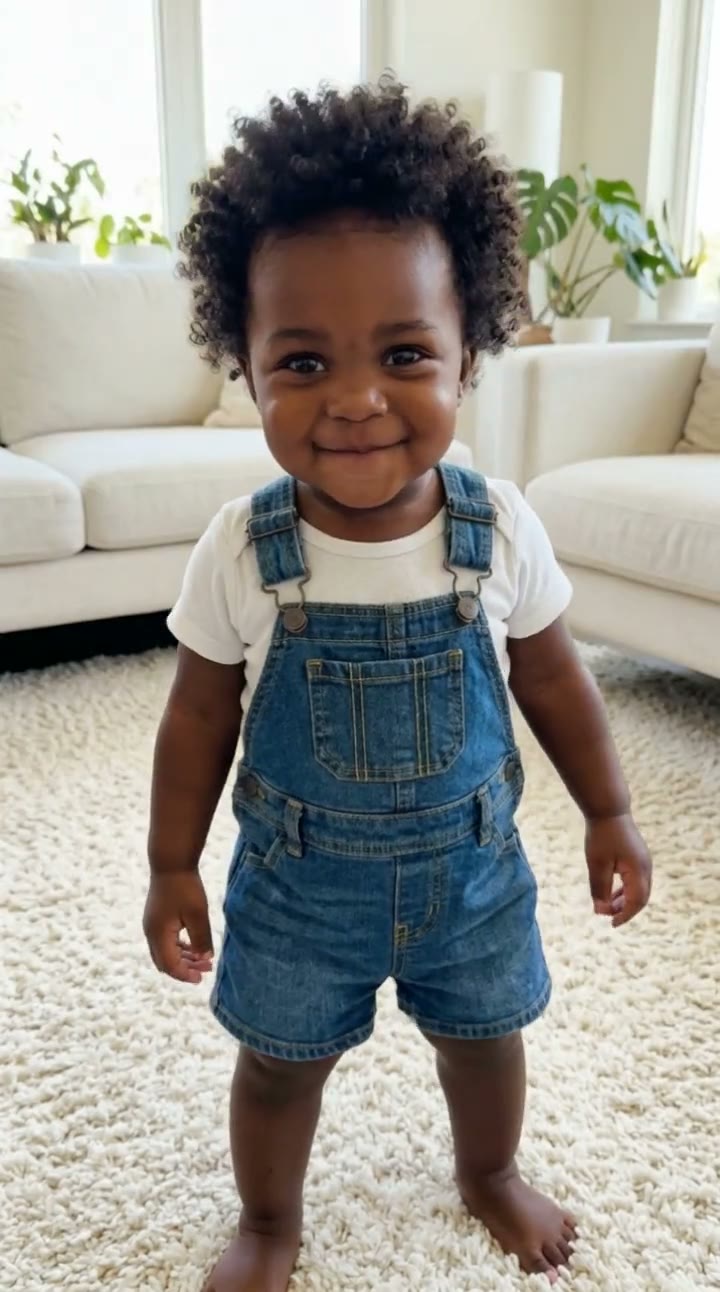
On SelfieTrend you upload a photo of yourself, an adult, and we imagine you as a chubby one-year-old with your eye color, skin tone and hair. You check that baby still first and can restyle it. Then we animate the sassy dance into a 10-second vertical video with a bouncy original beat and baby giggles.
Updated November 2, 2026
How to make an AI baby dance video
- 1
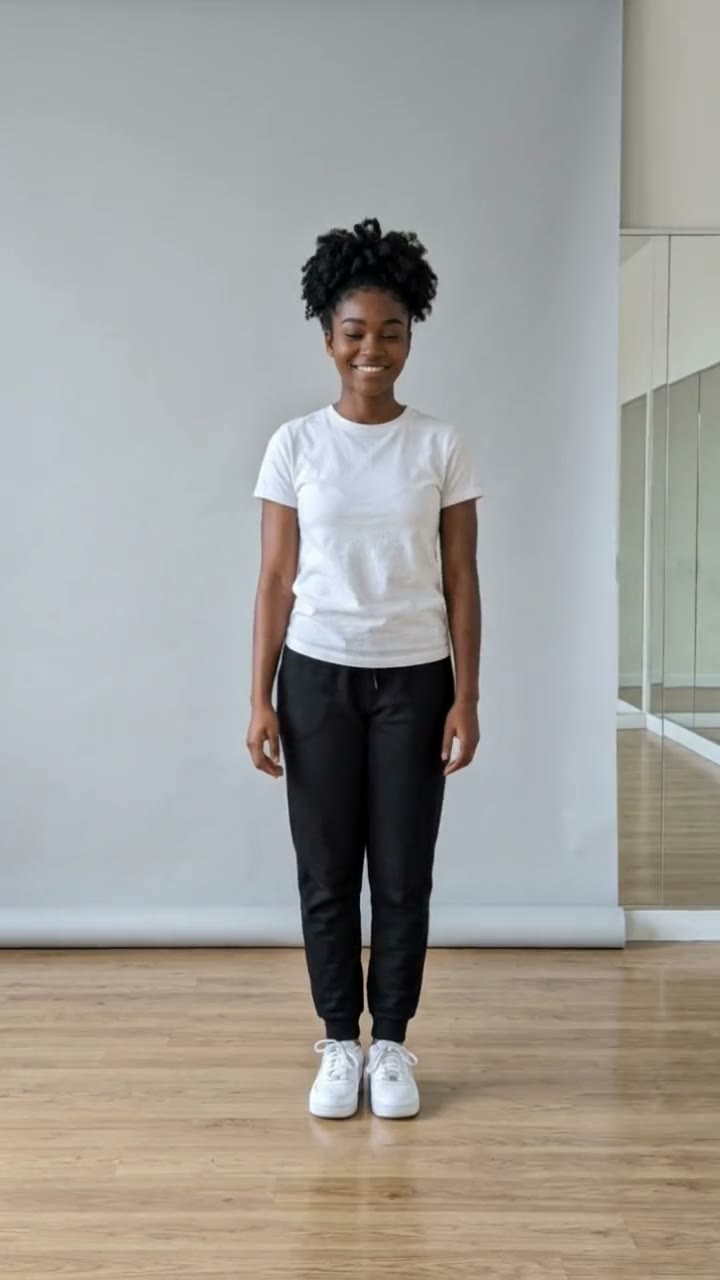
Upload one clear adult photo
A photo of yourself or another adult who agreed, face fully visible. Photos of real children are not allowed.
- 2
Style the baby you
Keep the overalls or describe your own outfit: a tutu, a tiny tracksuit, sunglasses, a bow. Re-create the still until it looks like a baby you.
- 3
Make the video and download it
Confirm the credits and baby you starts dancing. Download the MP4 and post it with the trending sound if you like.
The dance, beat by beat
0-3s
Hands on the head
Baby you stands on the rug, puts both hands on the head and nods on the beat.
3-7s
The attitude
A hand on the hip, a head shake and a "talk to the hand" palm toward the camera.
7-10s
Stop
Two stop palms, a proud little bounce and a giggle.
Tips for the best result
Use a front-facing photo
The AI copies your eyes, face shape and hair from the photo, so give it your full face.
Good, soft light
Daylight keeps your skin tone and eye color true in the baby version.
One adult only
Crop group photos to one person so the AI knows whose baby version to make.
Name the outfit
The style box is the easiest way to make it yours: a favorite color, a team shirt, a tiny leather jacket.
Why a photo of you, not of a baby
We do not accept photos of anyone under 18, including your own children. The baby in the video is an AI imagining of the adult in the photo, the same idea as a "baby me" filter. That keeps real children’s photos out of the app while you still get the cute dancing baby.
Your free preview and the paid video
The free watermarked preview is the baby you still. The paid result is the 10-second dance video. We do not offer an unwatermarked still download.
Pricing
Your first preview is free, watermarked and needs no sign-in; after that each preview is 5 credits. A video is 100 credits on any template. Credit packs are one-time payments valid for 365 days: 100 credits for $6.90, 500 for $24.90 ($4.98 a video) or 1,500 for $59.90 ($3.99 a video). You can also subscribe: Basic is $9.90 a month for 250 credits and Pro is $29.90 a month for 900. New accounts get 15 free credits. Sign-in is needed to buy and make the video, and a failed video returns its credits automatically.
Consent comes first
Only use photos of yourself or adults who agreed. Do not upload public figures or anyone under 18. Our sample clip uses a fictional AI person.
Frequently asked questions
Is the AI baby dance free?
The first preview is free, watermarked and needs no sign-in, so you can see the baby you before paying. The video is 100 credits, from $6.90.
How much does the video cost?
A video is 100 credits on any template: $6.90 for 100 credits, $24.90 for 500 ($4.98 a video) or $59.90 for 1,500 ($3.99 a video), one-time and valid for 365 days. Monthly plans start at $9.90. A failed video returns its credits automatically.
Can I upload a photo of my baby?
No. Photos of anyone under 18, including your own children, are not allowed. Upload a photo of yourself or another adult who agreed, and the AI imagines that person as a baby.
Which dance does the baby do?
The sassy routine from the 2026 baby dance trend: hands on the head, a hand on the hip, a "talk to the hand" palm and two stop palms. AI motion varies a little from video to video.
How long is it and does it have sound?
10 seconds, vertical 9:16, with a bouncy original hip-hop beat and baby giggles. No trending song is included; add the trend sound in TikTok, Reels or CapCut afterwards.
Is my photo private?
Yes. Your photos and results stay in your private library and are never added to a public feed. Only upload photos of yourself or people who agreed.