What is an AI moonwalk video?
The moonwalk is a classic dance illusion: your feet look like they are stepping forward while you glide smoothly backwards. Done well, it looks effortless and a little bit magic, and a clean moonwalk with a sharp finishing pose has been a crowd-pleaser for decades.
SelfieTrend lets you do it without any practice, from one photo. We first place you full-body on a shiny wet street under a single street lamp, in smooth black loafers, as a still you can check and adjust. Then we animate a backwards glide along the street, a hat tip and a pose to the camera into a 10-second vertical video with original sound: street ambience and a funky bass groove with no vocals, no trending song included.
Updated October 30, 2026
How to make a moonwalk video with AI
- 1
Upload one clear photo
One adult, face fully visible. A full-body or waist-up photo helps the street shot look natural.
- 2
Style your look
Keep the black fedora and white shirt or describe your own: a denim jacket, a slim grey suit, a baseball cap. Keep some kind of hat if you want the hat tip. Re-create the still until it feels right.
- 3
Make the video and download it
Confirm the price and you glide off down the street. Download the MP4 and post it with your own audio if you like.
The moonwalk, beat by beat
0-3s
Under the lamp
On a shiny wet street under a single street lamp, you start to slide backwards.
3-7s
The glide
You glide smoothly backwards along the street in a perfect moonwalk, full body in frame.
7-10s
Hat tip and pose
You stop, tip your hat and strike a sharp pose facing the camera.
Tips for a smooth moonwalk
Keep a hat in the look
The finish is a hat tip, so a fedora, a cap or any hat in the description gives that moment something to land on.
Clean, fitted clothes
Slim trousers and a simple shirt or jacket make the leg movement easy to read. Avoid long coats that hide your feet.
Sharp, front-facing photo
A clear face keeps your likeness in the final pose, and a photo that shows more of your body helps the full-body proportions.
Check the still first
The video ends with you facing the camera, so make sure the still looks like you before animating.
Adding your own audio
Our video comes with original generated sound: street ambience and a funky bass groove with no vocals. If the trend or dance you are following uses a specific song, it is not included. Download the video and add that audio in TikTok or Instagram Reels, timing a beat to your final pose.
Caption and hashtag ideas
Try "Leaving the week behind, backwards", "Exit, but make it smooth" or "POV: you leave the party in style". Hashtags like #moonwalk #dancechallenge #nightstreet #aivideo help it travel.
Pricing
Each person gets one free watermarked preview, with no sign-in. Once you have a video in your balance, you can make more previews. The video costs $6.90 for one or $24.90 for five ($4.98 each), a one-time payment with no subscription, valid for 365 days. Sign-in is needed to buy and make the video, and a failed video is returned to your balance automatically.
Consent comes first
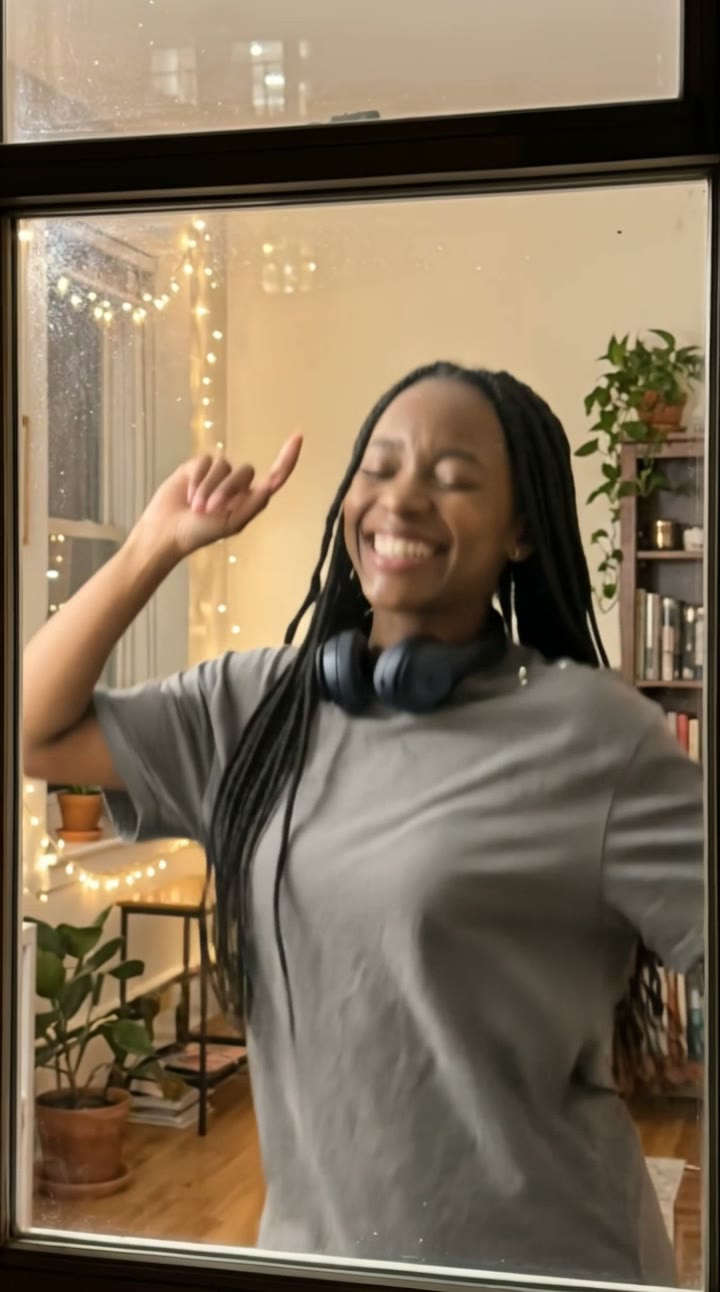
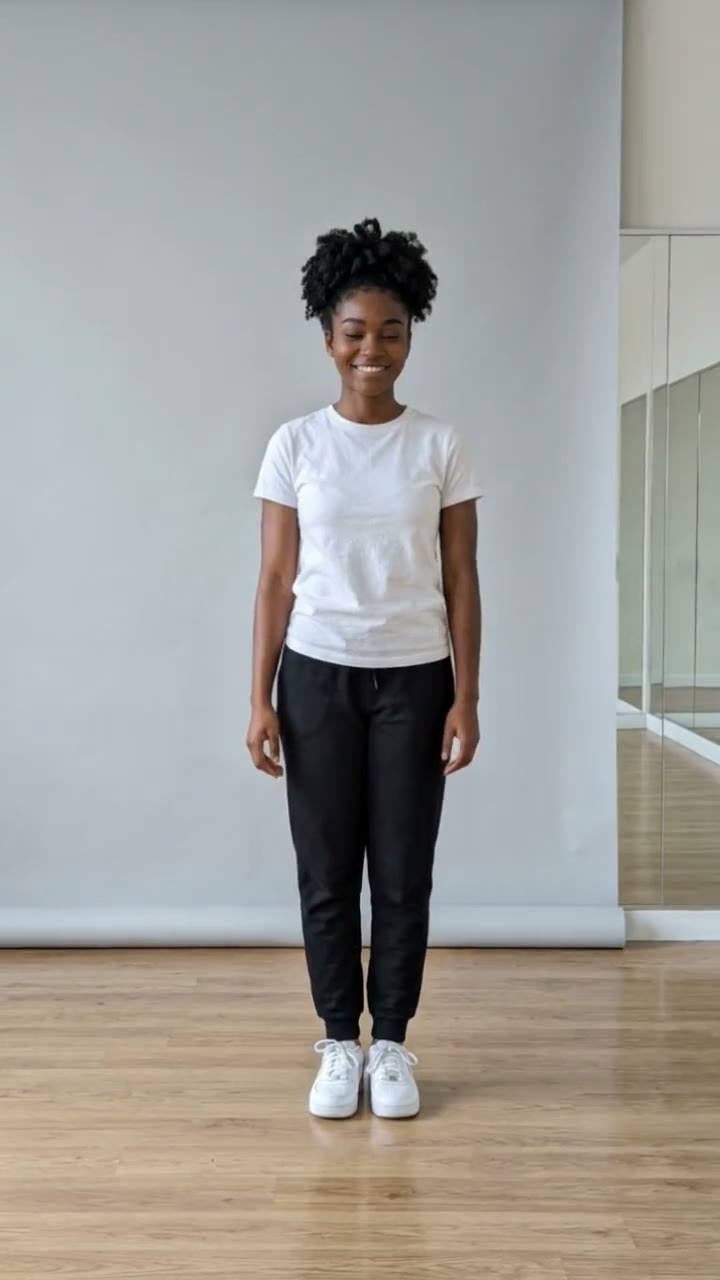
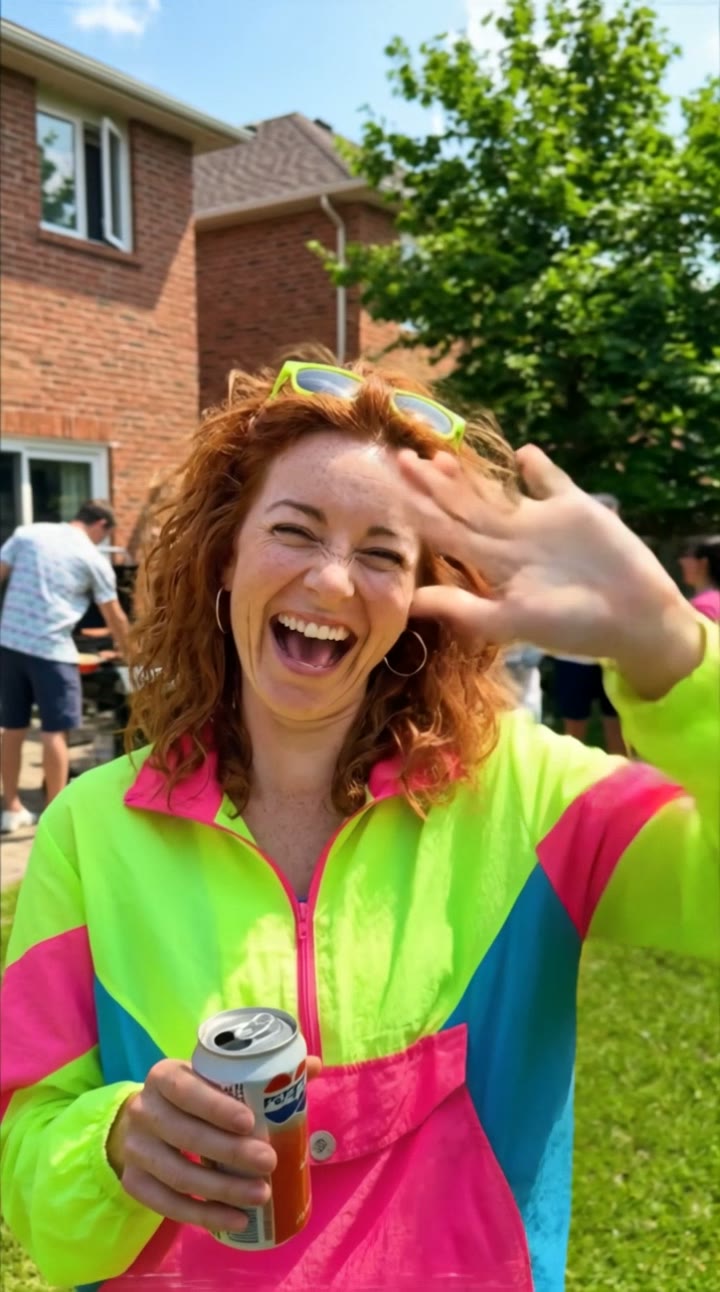
Only use photos of yourself or adults who agreed. Do not upload public figures or anyone under 18. Our sample clips use fictional AI people.
Frequently asked questions
Is the AI moonwalk video generator free?
The first preview is free, watermarked and needs no sign-in, so you can see yourself on the night street before paying. The video costs $6.90, or $24.90 for five.
How much does the video cost?
$6.90 for one video or $24.90 for five ($4.98 each). One-time payment, no subscription, valid for 365 days. A failed video is returned to your balance automatically.
How long is it and does it have sound?
10 seconds, vertical 9:16, with original generated sound: street ambience and a funky bass groove with no vocals. No trending song is included; add one in TikTok or Reels after downloading.
Which photo works best?
A sharp, front-facing photo of one adult with the face fully visible, ideally full-body or from the waist up. Avoid group photos, sunglasses and heavy filters.
Do I need to know how to moonwalk?
No. The AI animates the moonwalk for you, so any clear photo works, even one where you are just standing still.
Can I change the outfit or the street?
Yes. The description box controls how you look and the details around you, such as clothing, hat, weather or the color of the street light. Re-create the still until you like it.
Can I make more versions?
Each person gets one free preview. Once you have a video in your balance you can make more previews to try other outfits or moods.
Is my photo private?
Yes. Your photos and results stay in your private library and are never added to the public explore feed. Only upload photos of yourself or people who agreed.