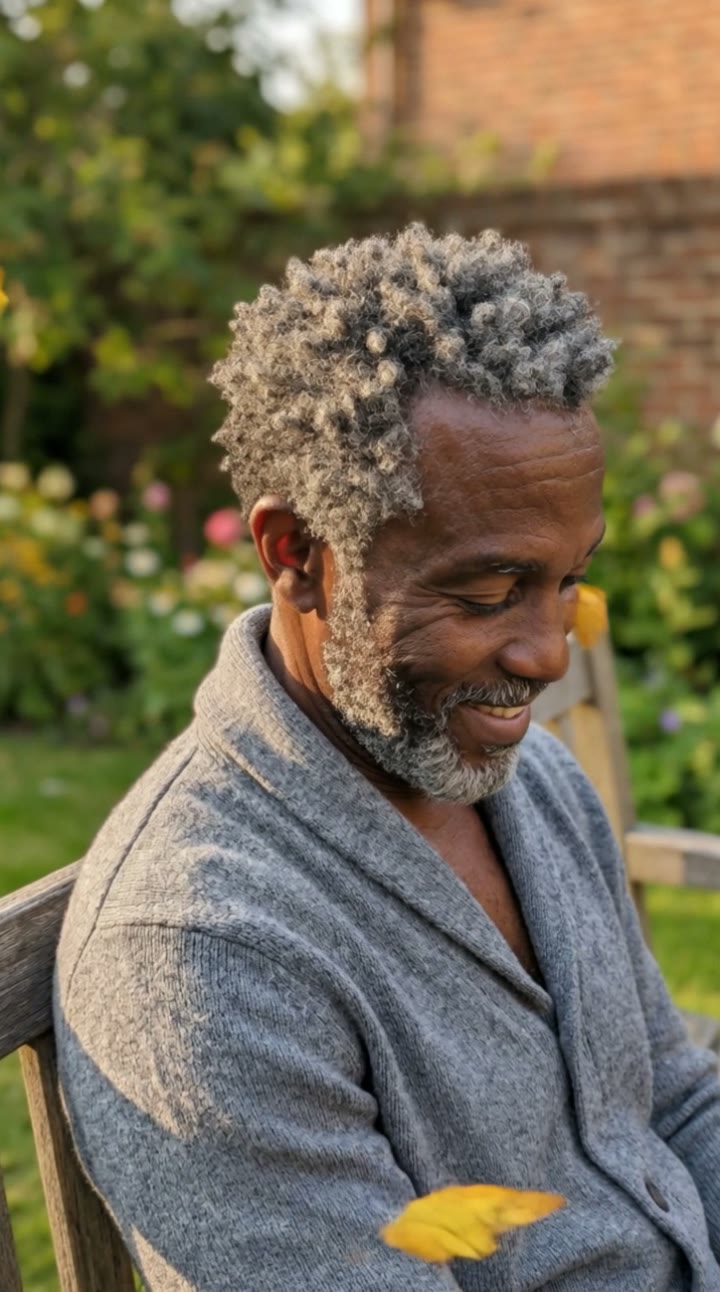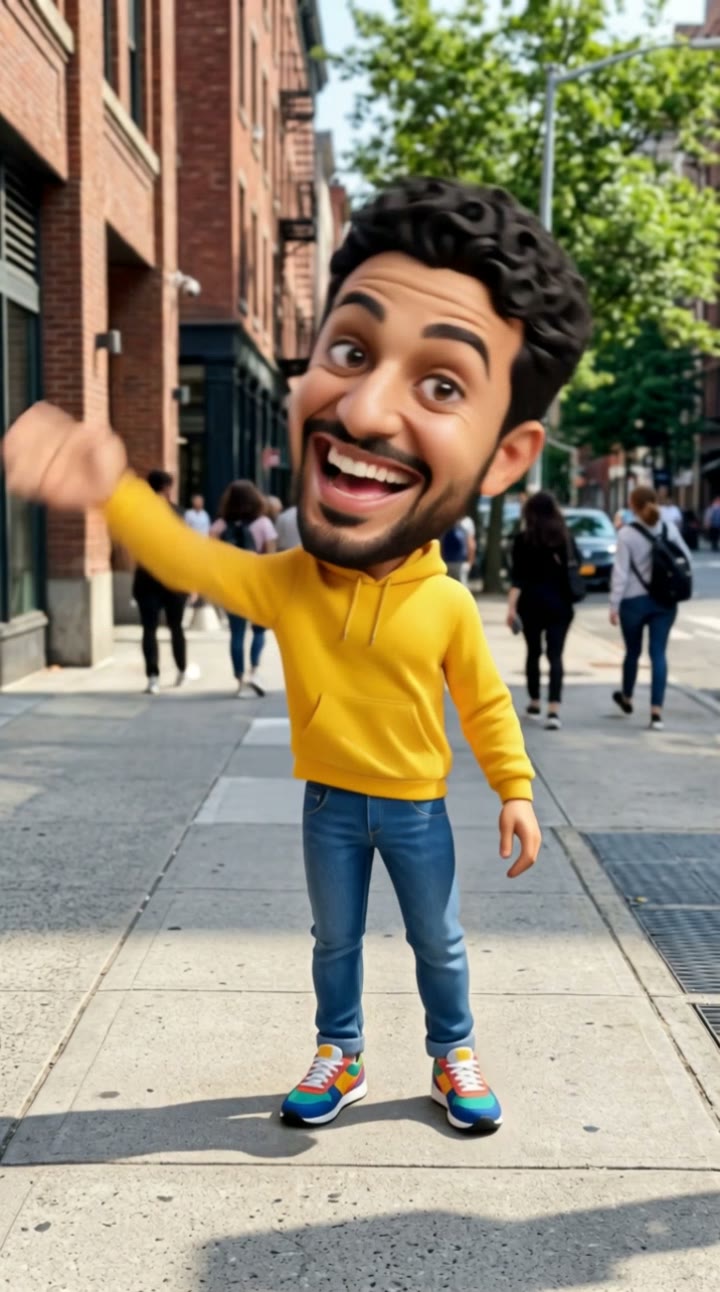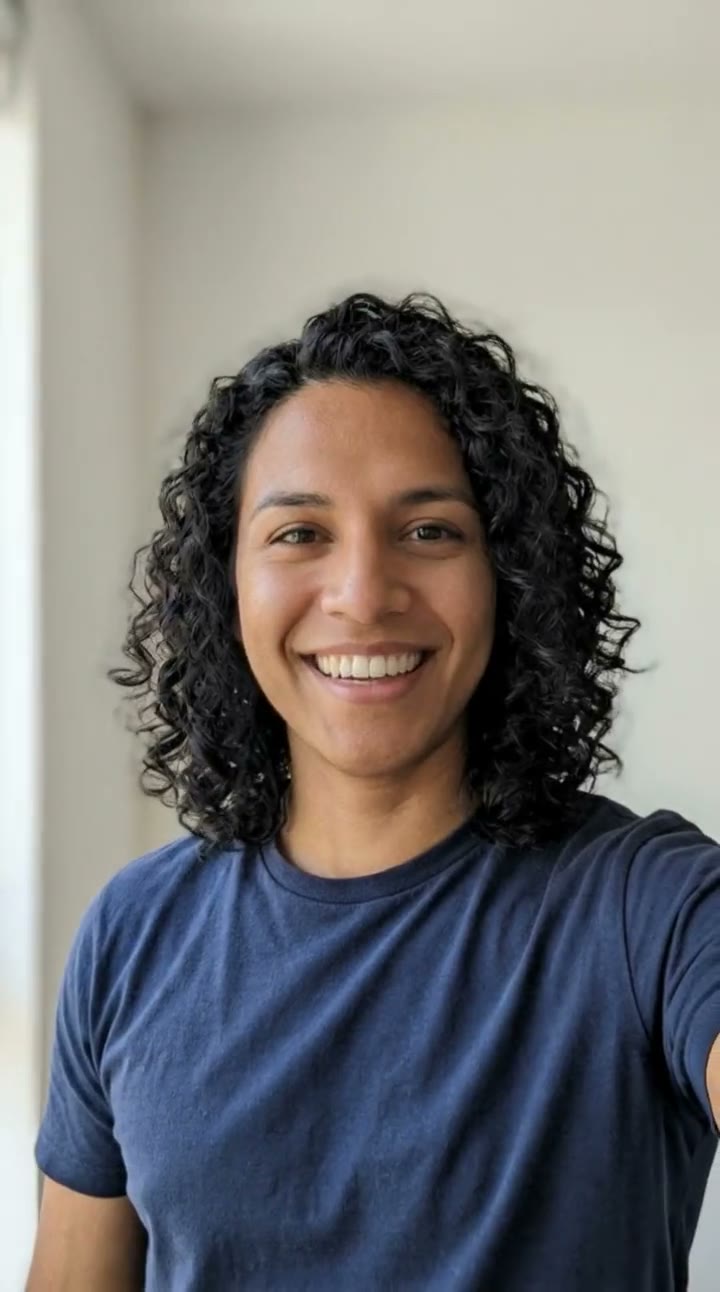
What is the gender swap AI trend?
Gender swap shows you as your opposite gender: a man sees his female version, a woman sees her male version, with the same eyes, skin tone and face shape so it is clearly still you. It has been one of the most searched AI filters for years, and the 2026 wave pairs it with a simple question in the caption: "Would you date the opposite-gender me?"
SelfieTrend does it in two steps from one photo. First we create your gender-swapped photo, which you can check, restyle and re-create. Then we turn it into a 10-second vertical selfie-style video: the other you turns their head, runs a hand through their hair and gives the camera a confident smile and a wink, with an original pop beat.
Updated November 2, 2026
How to gender swap a photo and make the video
- 1
Upload one clear selfie
One adult, front-facing, no sunglasses. The sharper the face, the more the swapped version looks like you.
- 2
Style your other self
Keep the natural look or describe your own: long hair or a buzz cut, a beard, a suit, a dress, different makeup. Re-create the photo until it feels right.
- 3
Make the video and download it
Confirm the credits and your opposite-gender self comes alive. Download the MP4 and post it with your before photo.
The video, beat by beat
0-3s
The reveal
Your opposite-gender self looks into the camera like a selfie video, same eyes as you.
3-7s
The turn
A slow turn of the head from one side to the other and a hand through the hair.
7-10s
The wink
A confident smile and a playful wink straight at the camera.
Tips for the best gender swap
Look straight at the camera
A front-facing selfie gives the AI your full face, so the swapped version keeps your features.
Use soft daylight
Window light shows your real skin tone and eye color. Dark or harsh light changes them.
No filters or sunglasses
Beauty filters and glasses hide the details that make the other you recognizable.
Post it side by side
The trend lands best with your real photo next to the video, so viewers can compare.
How to post your gender swap
Put your original selfie first and the video second, or use a split screen in CapCut. Captions like "Would you date the opposite-gender me?" or "My brother/sister I never had" get the comments going. Tags such as #genderswap #genderswapfilter #aivideo fit the trend.
Your free preview and the paid video
The free watermarked preview is your gender-swapped photo. The paid result is the 10-second video of that version of you. We do not offer an unwatermarked still download.
Pricing
Your first preview is free, watermarked and needs no sign-in; after that each preview is 5 credits. A video is 100 credits on any template. Credit packs are one-time payments valid for 365 days: 100 credits for $6.90, 500 for $24.90 ($4.98 a video) or 1,500 for $59.90 ($3.99 a video). You can also subscribe: Basic is $9.90 a month for 250 credits and Pro is $29.90 a month for 900. New accounts get 15 free credits. Sign-in is needed to buy and make the video, and a failed video returns its credits automatically.
Consent comes first
Only use photos of yourself or adults who agreed. Do not upload public figures or anyone under 18. Our sample clip uses a fictional AI person.
Frequently asked questions
Is the gender swap AI free?
The first preview is free, watermarked and needs no sign-in, so you can see your gender-swapped photo before paying. The video is 100 credits, from $6.90.
How much does the video cost?
A video is 100 credits on any template: $6.90 for 100 credits, $24.90 for 500 ($4.98 a video) or $59.90 for 1,500 ($3.99 a video), one-time and valid for 365 days. Monthly plans start at $9.90. A failed video returns its credits automatically.
Does it work for both men and women?
Yes. A man’s photo becomes his female version and a woman’s photo becomes her male version. You can also describe the exact look you want in the style box.
Will it still look like me?
We ask the AI to keep your eyes, skin tone, age, face shape and background. A sharp, front-facing photo gives the closest result; re-create the photo if a detail is off.
How long is the video and does it have sound?
10 seconds, vertical 9:16, with an original generated pop beat. No trending song is included; add one in TikTok, Reels or CapCut afterwards.
Is my photo private?
Yes. Your photos and results stay in your private library and are never added to a public feed. Only upload photos of yourself or people who agreed.