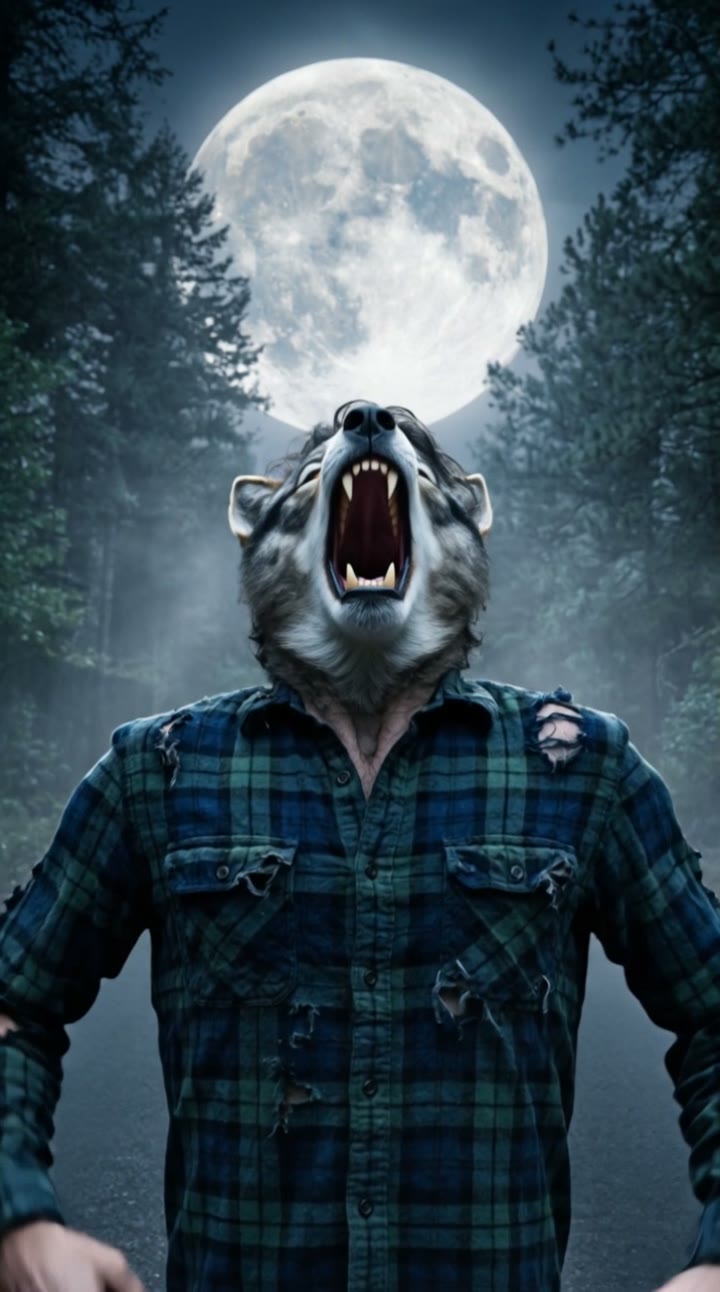
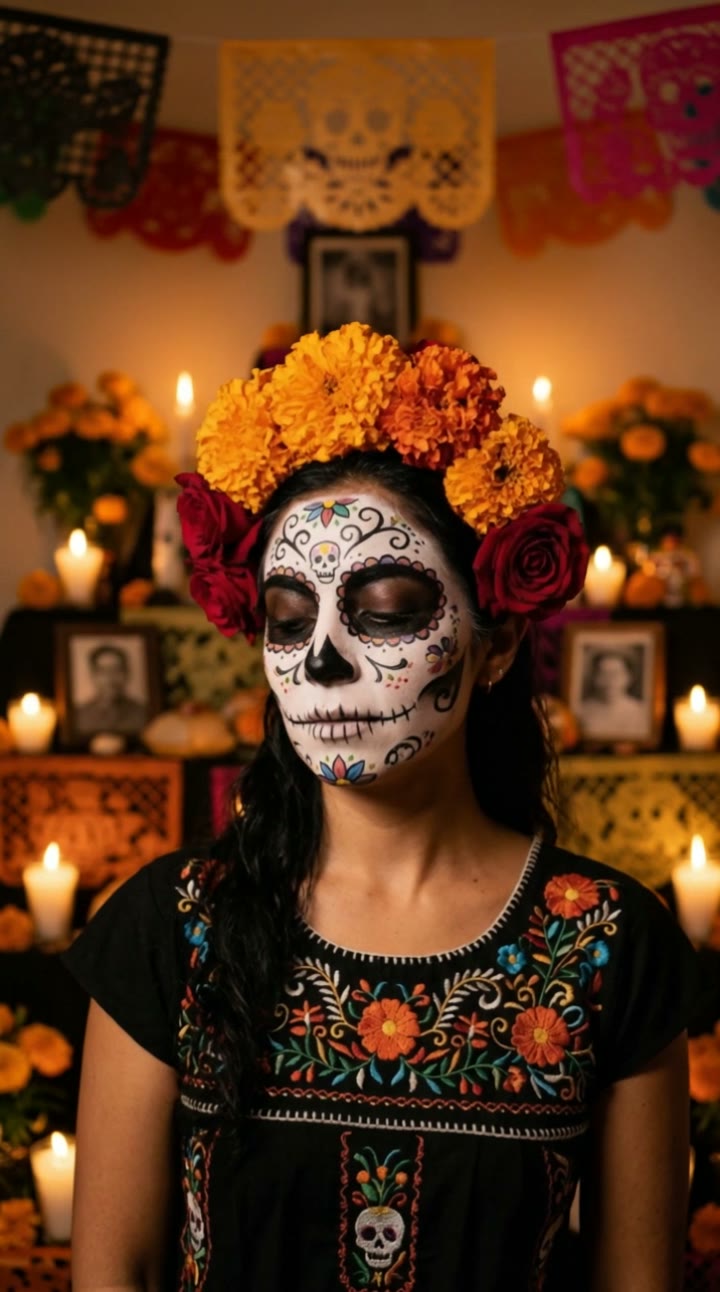
What is the AI vampire video?
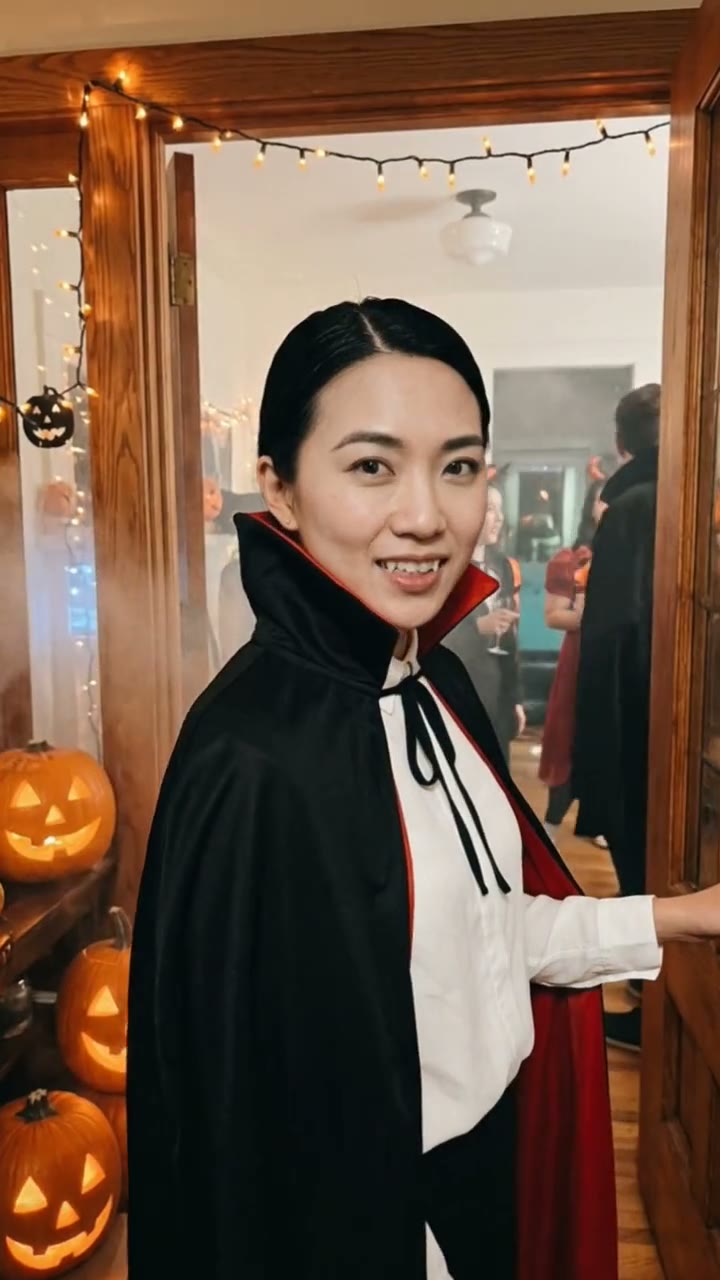
The AI vampire video turns you into an elegant vampire in a few seconds. You stand in a candlelit gothic hall with pale skin, dark red lips and a high-collared black cape, holding a calm, cold stare. Then a slow smile spreads, sharp fangs appear and your eyes flash red. It is a favorite in spooky season, and it works all year for cosplay, gothic edits and "vampire filter" posts. It is slow and elegant, never gory.
SelfieTrend builds it from one photo. First we turn you into the vampire as a still, which you can check and adjust. Then we animate the smile, the red eyes, the flickering candles and the cape lifting in a cold draft into a 10-second vertical video with original sound: crackling candles, a low wind and a dark organ chord, no trending song included.
Updated October 30, 2026
How to make an AI vampire video
- 1
Upload one clear photo
One adult, face fully visible, no sunglasses or masks. A calm, closed-mouth expression works best; the smile comes in the video.
- 2
Style your vampire
Keep the dark eyes and red silk lining or describe your own details: slicked-back hair, a silver brooch, a velvet collar, pale gold eyes. Re-create the still until the vampire looks like you.
- 3
Make the video and download it
Confirm the price and we animate the slow smile, the fangs and the red flash. Download the MP4 and post it, or add your own audio first.
The reveal, beat by beat
0-3s
The cold stare
You stand perfectly still in the candlelit hall, cape collar high, looking straight into the camera.
3-7s
The slow smile
A slow smile spreads across your face and reveals sharp fangs while the candles crackle.
7-10s
Red eyes
Your eyes flash red, the candles flicker and the cape lifts slightly in a cold draft over a dark organ chord.
Tips for an elegant vampire
Start with a neutral face
A relaxed, closed-mouth photo gives the smile somewhere to go and makes the fang reveal land.
Add one detail, not ten
A brooch, a lace cravat or a velvet collar reads well under candlelight. Too many accessories distract from the eyes.
Front-facing, well-lit photo
A sharp photo with the face clear keeps your likeness under the pale makeup and dark lips.
Check the still first
The video starts from the still, so make sure the vampire looks like you before you animate it.
Adding your own audio
Our video comes with original generated sound: crackling candles, a low wind and a dark organ chord that lands with the red eyes. If the trend you are following uses a specific song, it is not included. Download the video and add that audio in TikTok, Instagram Reels or CapCut, timing the beat to the fang reveal.
Not only for Halloween
Vampires peak in spooky season, but this clip works all year: a gothic edit, a cosplay reveal, a dark-academia post or a birthday surprise for a friend who loves the night. Try captions like "I do not do daylight", "Invite me in" or "POV: you stayed too late at the castle". Hashtags like #vampire #aivampire #gothic #aivideo help it travel.
Pricing
Each person gets one free watermarked preview, with no sign-in. Once you have a video in your balance, you can make more previews. The video costs $6.90 for one or $24.90 for five ($4.98 each), a one-time payment with no subscription, valid for 365 days. Sign-in is needed to buy and make the video, and a failed video is returned to your balance automatically.
Consent comes first
Only use photos of yourself or adults who agreed. Do not upload public figures or anyone under 18. Our sample clips use fictional AI people.
Frequently asked questions
Is the AI vampire video generator free?
The first preview is free, watermarked and needs no sign-in, so you can see yourself as a vampire before paying. The video costs $6.90, or $24.90 for five.
How much does the video cost?
$6.90 for one video or $24.90 for five ($4.98 each). One-time payment, no subscription, valid for 365 days. A failed video is returned to your balance automatically.
How long is it and does it have sound?
10 seconds, vertical 9:16, with original generated sound: crackling candles, a low wind and an organ chord. No trending song is included; add one in TikTok or Reels after downloading.
Is this an AI vampire filter?
It works like one, but goes further. Instead of an overlay on your camera, we create a new still of you as a vampire from one photo and then animate the fang reveal and red eyes.
Which photo works best?
A sharp, front-facing photo of one adult with the face fully visible, ideally from the chest up. Avoid group photos, sunglasses and heavy filters.
Is it gory?
No. The clip is slow and elegant: a smile, fangs and red eyes in candlelight, with no blood or gore.
Can I change the look?
Yes. The description box controls details such as eye color, hair, jewelry and the cape lining. The candlelit hall and the black cape stay. Re-create the still until you like it.
Is my photo private?
Yes. Your photos and results stay in your private library and are never added to the public explore feed. Only upload photos of yourself or people who agreed.