What is the AI fairy video trend?
The AI fairy trend has been spreading through short videos since October 2026. You appear in an enchanted forest at dusk in a flowing pastel gown and a flower crown, delicate butterfly wings shimmering behind you, and the wings flutter as you lift gently off the forest floor. It is the moving version of the fairy filter: the whole scene glows, not just a sticker on a selfie.
SelfieTrend builds it from one photo. We first create a still of you as a fairy, which you can check and adjust. Then we animate the fluttering wings, the swirling sparkles and the drifting fireflies as a 10-second vertical video with original sound: twinkling chimes, forest sounds and a dreamy harp melody, no trending song included.
Updated October 30, 2026
How to make an AI fairy video
- 1
Upload one clear photo
One adult, face fully visible. A chest-up photo matches the framing of the fairy shot.
- 2
Choose your wings and details
Keep the iridescent lilac wings or describe your own: pale gold wings, a crown of white roses, a mint-green gown. Re-create the still until it feels magical.
- 3
Make the video and download it
Confirm the price and your wings start to flutter. Download the MP4 and post it with your own audio if you like.
The magic, beat by beat
0-3s
In the glowing forest
You stand in an enchanted forest at dusk, butterfly wings shimmering behind you.
3-7s
Wings in motion
Your wings flutter and you lift gently off the forest floor as glowing sparkles start to swirl.
7-10s
Fireflies and a smile
Sparkles circle around you, fireflies drift past and you smile at the camera.
Tips for a dreamy fairy shot
Pick one wing color
Iridescent lilac, pale blue or soft gold all glow nicely in the dusk forest. Name one color so the wings look consistent.
Soft, pastel details
Flower crowns, pastel gowns and loose hair suit the scene. Keep the description to a few details.
Front-facing, well-lit photo
A sharp photo with the face clear keeps your likeness among the sparkles.
Check the still first
The video starts from the still, so make sure it looks like you before animating.
Adding your own audio
Our video comes with original generated sound: twinkling chimes, soft forest sounds and a dreamy harp melody. If the trend you are following uses a specific song, it is not included. Download the video and add that audio in TikTok, Instagram Reels or CapCut, timing the beat to the moment you lift off.
Caption and hashtag ideas
Try "Off to the fairy realm", "Main character in the enchanted forest" or "POV: you found the fairy door". Hashtags like #fairy #fairycore #aivideo #fairyfilter help it travel.
Pricing
Each person gets one free watermarked preview, with no sign-in. Once you have a video in your balance, you can make more previews. The video costs $6.90 for one or $24.90 for five ($4.98 each), a one-time payment with no subscription, valid for 365 days. Sign-in is needed to buy and make the video, and a failed video is returned to your balance automatically.
Consent comes first
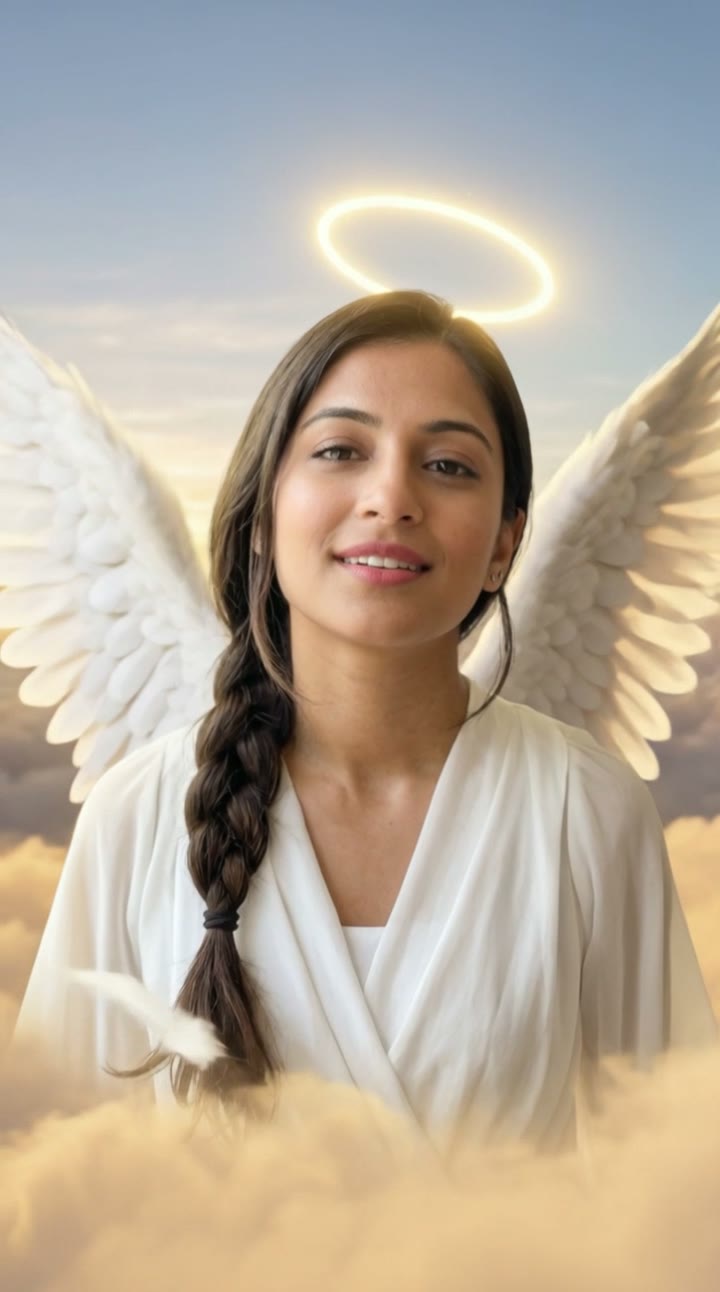
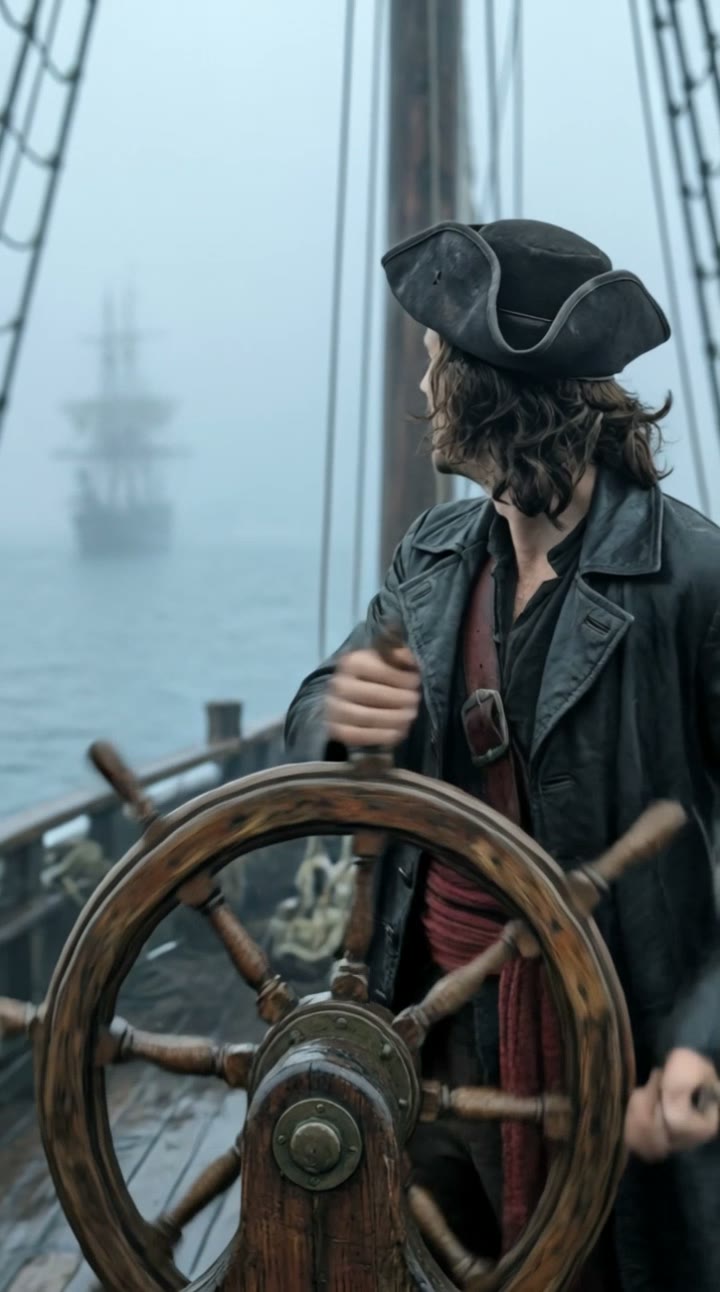
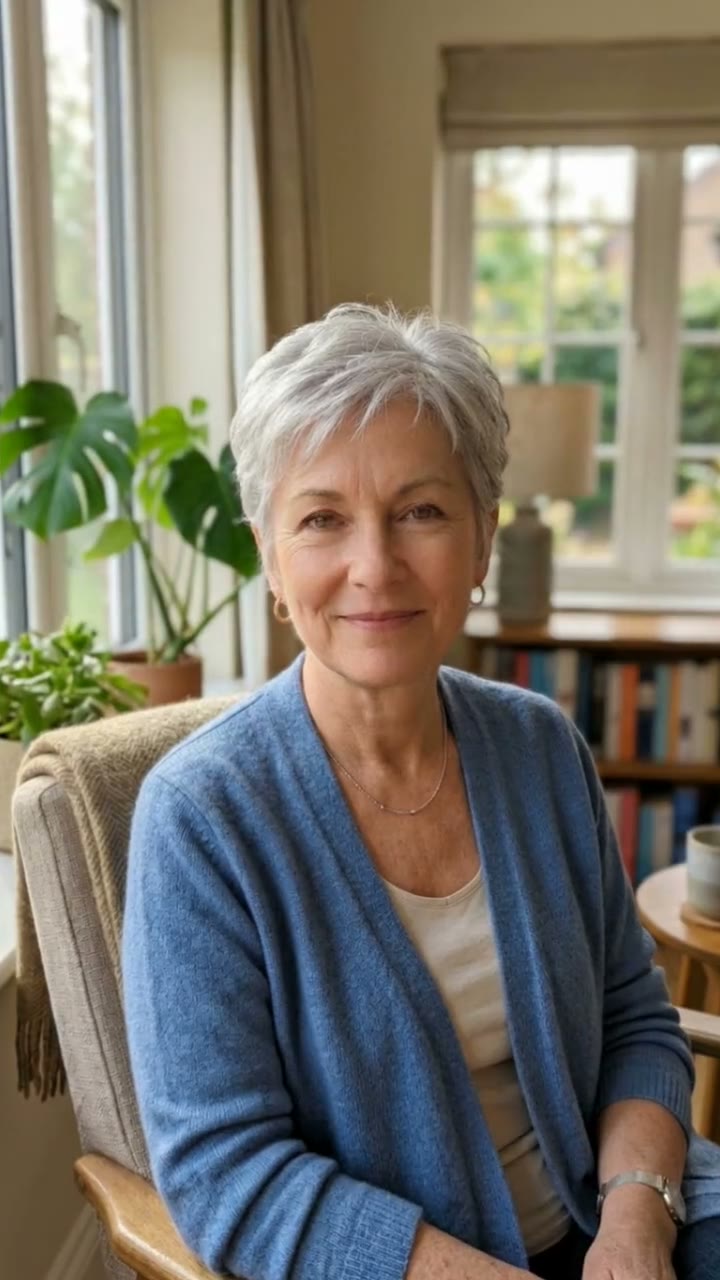
Only use photos of yourself or adults who agreed. Do not upload public figures or anyone under 18. Our sample clips use fictional AI people.
Frequently asked questions
Is the AI fairy video generator free?
The first preview is free, watermarked and needs no sign-in, so you can see yourself as a fairy before paying. The video costs $6.90, or $24.90 for five.
How much does the video cost?
$6.90 for one video or $24.90 for five ($4.98 each). One-time payment, no subscription, valid for 365 days. A failed video is returned to your balance automatically.
How long is it and does it have sound?
10 seconds, vertical 9:16, with original generated sound: twinkling chimes, forest sounds and a dreamy harp melody. No trending song is included; add one in TikTok or Reels after downloading.
Which photo works best?
A sharp, front-facing photo of one adult with the face fully visible, ideally from the chest up. Avoid group photos, sunglasses and heavy filters.
Is this the same as a fairy filter?
A filter adds wings or sparkles to your live camera. This makes a full scene instead: you as a fairy in a glowing forest, wings fluttering as you lift off among sparkles and fireflies in a 10-second video.
Can I change the wings or the gown?
Yes. The description box controls your look in the still, such as the wing color, the gown, the flower crown or the lights around you. Re-create the still until you like it.
Can I make more versions?
Each person gets one free preview. Once you have a video in your balance you can make more previews to try other wings or gowns.
Is my photo private?
Yes. Your photos and results stay in your private library and are never added to the public explore feed. Only upload photos of yourself or people who agreed.