What is the cat human AI trend?
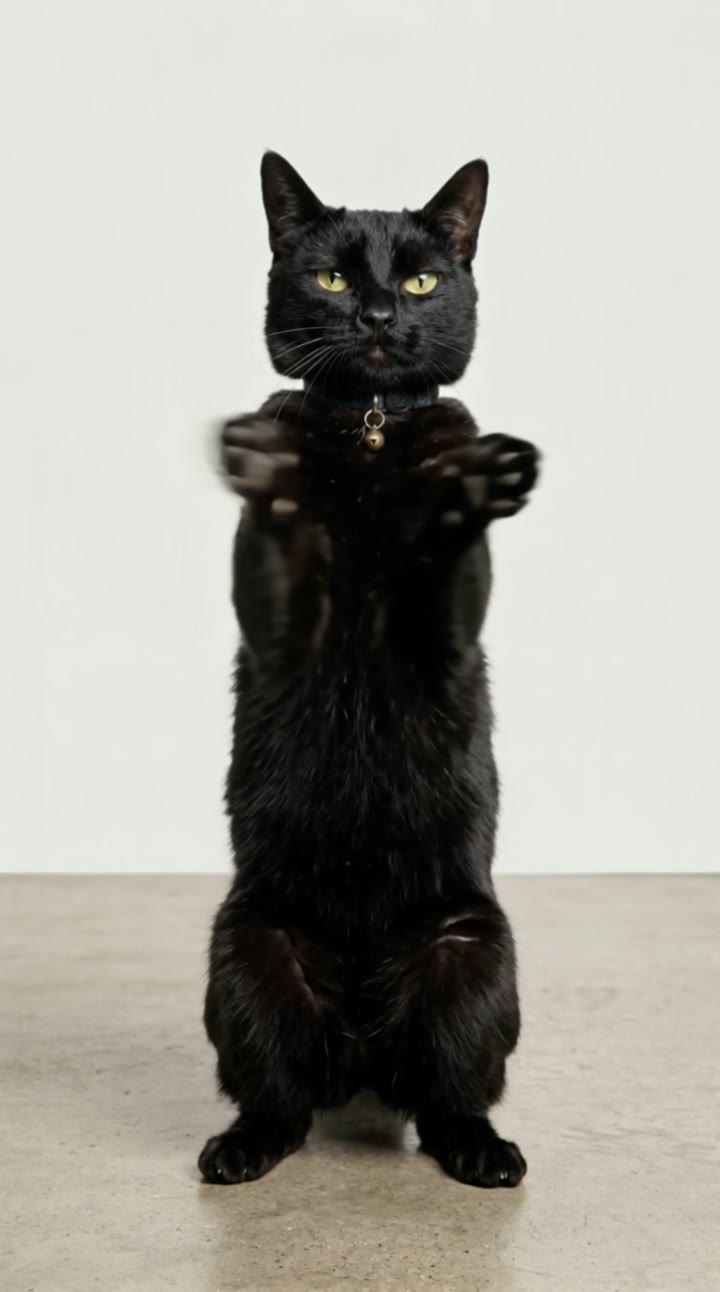
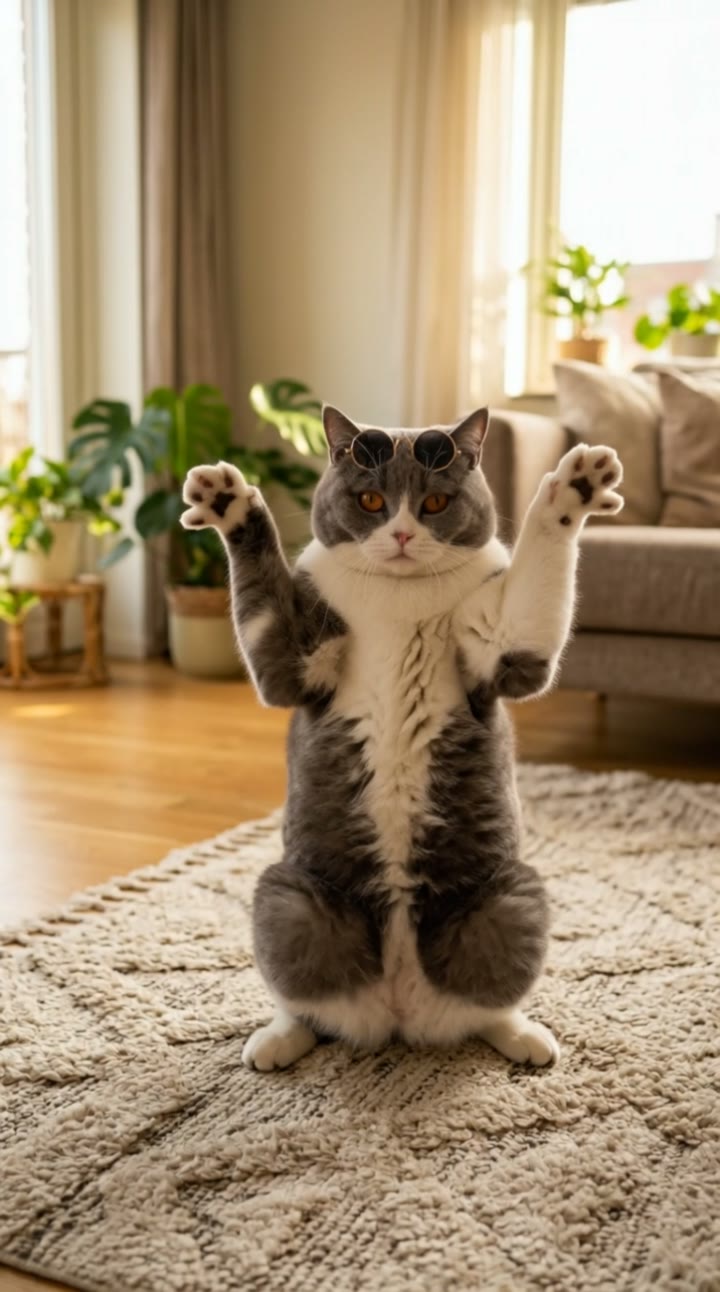
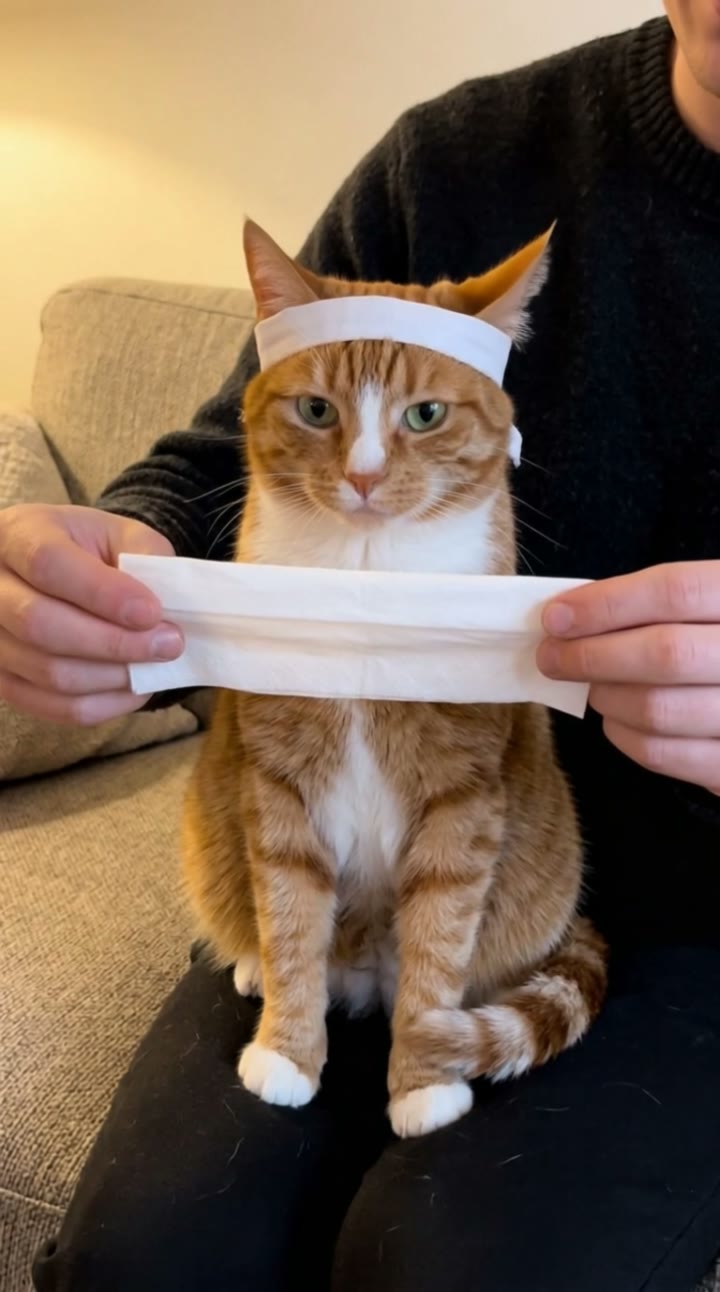
Cat human AI clips are one of the biggest pet formats on TikTok and Instagram in October 2026. A cat’s real head sits on a human body, and the cat acts like a person at work: an office worker at a desk, a chef at the stove, a barista behind the counter. The deadpan contrast is the joke, and “my cat turned human” is one of the fastest-rising searches as people try it with their own pets.
SelfieTrend makes it from one photo of your cat. We first create a still of your cat as a serious office worker in a suit, keeping its face, fur and markings, which you can check and adjust. Then we animate it into a 10-second vertical video: paws typing on the laptop, a sip of coffee and a slow, unimpressed blink at the camera, with office sounds and a light original comedic beat.
Updated October 30, 2026
How to make a cat human AI video
- 1
Upload one clear cat photo
One cat, face visible from the front with both eyes and ears. A sharp photo keeps its fur colors and markings true.
- 2
Pick the job and the look
Keep the grey suit and blue tie or describe your own role: a chef, a doctor, a barista, a gamer. Re-create the still until it looks like your cat.
- 3
Make the video and download it
Confirm the price and your cat gets to work. Download the MP4 and post it with a trending sound if you like.
The workday, beat by beat
0-3s
Hard at work
Your cat person types fast on the laptop with its paws, keyboard clicks filling the office.
3-7s
Coffee break
It picks up the coffee mug and takes a calm, serious sip.
7-10s
The slow blink
It turns to the camera, gives a slow, unimpressed blink and goes straight back to typing.
Tips for the best cat photo
Face the camera
A front-facing head gives the most natural cat human look. Profiles and backs of heads do not work well.
Use good, soft light
Daylight from a window works best. Dark or blurry photos lose fur color and markings.
Show the whole head
Both eyes and both ears should be visible. Avoid cropped or half-hidden faces.
One pet, nobody else
Keep other animals and people out of the frame so the AI knows exactly which pet to use.
Change the job or the scene
The office worker is the default, but the description box decides the role. Try a chef in a white hat, a doctor in a white coat, a barista at a coffee bar or a gamer with a headset. The still shows you the result before you pay; the motion keeps the same deadpan routine of busy paws, a sip and the slow blink.
Caption, hashtag and sound ideas
Try "My cat got a job", "Monday meeting energy" or "Per my last email". Hashtags like #cathuman #catsoftiktok #aivideo help it travel. The clip has original office sound and a light comedic beat; add a trending sound in TikTok, Instagram Reels or CapCut if you like.
Pricing
Each person gets one free watermarked preview, with no sign-in. Once you have a video in your balance, you can make more previews. The video costs $6.90 for one or $24.90 for five ($4.98 each), a one-time payment with no subscription, valid for 365 days. Sign-in is needed to buy and make the video, and a failed video is returned to your balance automatically.
Consent comes first
Only upload your own pet or a pet whose owner agreed. Do not upload photos showing people’s faces; the body in the video is generated and always wears your pet’s head. Our sample clip uses a fictional AI cat.
Frequently asked questions
Is the cat human AI generator free?
The first preview is free, watermarked and needs no sign-in, so you can see your cat in its suit before paying. The video costs $6.90, or $24.90 for five.
How much does the video cost?
$6.90 for one video or $24.90 for five ($4.98 each). One-time payment, no subscription, valid for 365 days. A failed video is returned to your balance automatically.
How long is it and does it have sound?
10 seconds, vertical 9:16, with original generated sound: office ambience, keyboard clicks and a light comedic beat. No trending song is included; add one in TikTok, Reels or CapCut after downloading.
Will my cat get a human face?
No. Your cat keeps its own head, face, fur and eyes; only the body is human, with cat paws instead of hands. That contrast is what makes the cat as human format funny.
Does it work with dogs too?
Yes. A dog human works just as well: upload a dog photo and write "dog person" in the description box. Other pets may work, but cats and dogs look the most natural.
Can I change the job or the outfit?
Yes. The description box controls the role, outfit and place, such as a chef, a doctor, a barista or a gamer. Re-create the still until you like it.
Which photo works best?
A sharp, well-lit photo of one pet facing the camera, with both eyes and ears visible. One pet per video; avoid blurry shots, heavy filters and other animals or people in frame.
Is my pet’s photo private?
Yes. Your photos and results stay in your private library and are never added to the public explore feed. Only upload your own pet or a pet whose owner agreed.