What does an AI pet video generator do?
An AI pet video generator turns one still photo of your pet into a short video where it moves naturally. Here your cat, dog, rabbit, hamster or bird blinks, tilts its head curiously, sniffs the air, looks around and turns back to the camera, with ears and whiskers twitching as it breathes. The setting and your pet’s look stay as they are in the photo.
SelfieTrend works in two steps. First we recreate your photo as a sharp vertical still, so you can check that it looks like your pet and adjust the light, background or accessories. Then we animate that still into a 10-second 9:16 video with soft ambient sound and a gentle original melody. The still is a free watermarked preview; you only pay for the video.
Updated October 30, 2026
How to turn a pet photo into a video
- 1
Upload one clear pet photo
Any pet works: a cat, a dog, a rabbit, a hamster, a bird. Pick a sharp photo with its face in frame so fur, feathers and markings stay true.
- 2
Check the still and adjust it
We recreate your photo as a vertical still. Keep the original look or use the description box to change the light, the background or add a bandana or bow tie, then re-run the preview.
- 3
Make the video and download it
Sign in, confirm the price and your pet comes to life with a blink, a head tilt and a curious look around. Download the MP4.
What happens in the 10 seconds
0-3s
A blink and a breath
Your pet settles, breathes gently and blinks as the camera begins to move very slowly.
3-7s
Curious head tilt
It tilts its head, sniffs the air and looks around, ears and whiskers twitching.
7-10s
Back to you
It turns back and looks straight at the camera over soft ambient sound and a gentle melody.
Tips for a pet photo that moves well
Get down to eye level
Shoot from your pet’s eye height, not from above. It keeps the face and proportions natural when it moves.
Use good, soft light
Daylight from a window works best. Dark or blurry photos lose fur color and markings and look noisy when animated.
Show the face and ears
Both eyes, the nose and the ears should be visible. Avoid cropped or half-hidden faces.
One pet, nobody else
Keep other animals and people out of the frame so the AI knows exactly which pet to animate.
What it can and cannot do
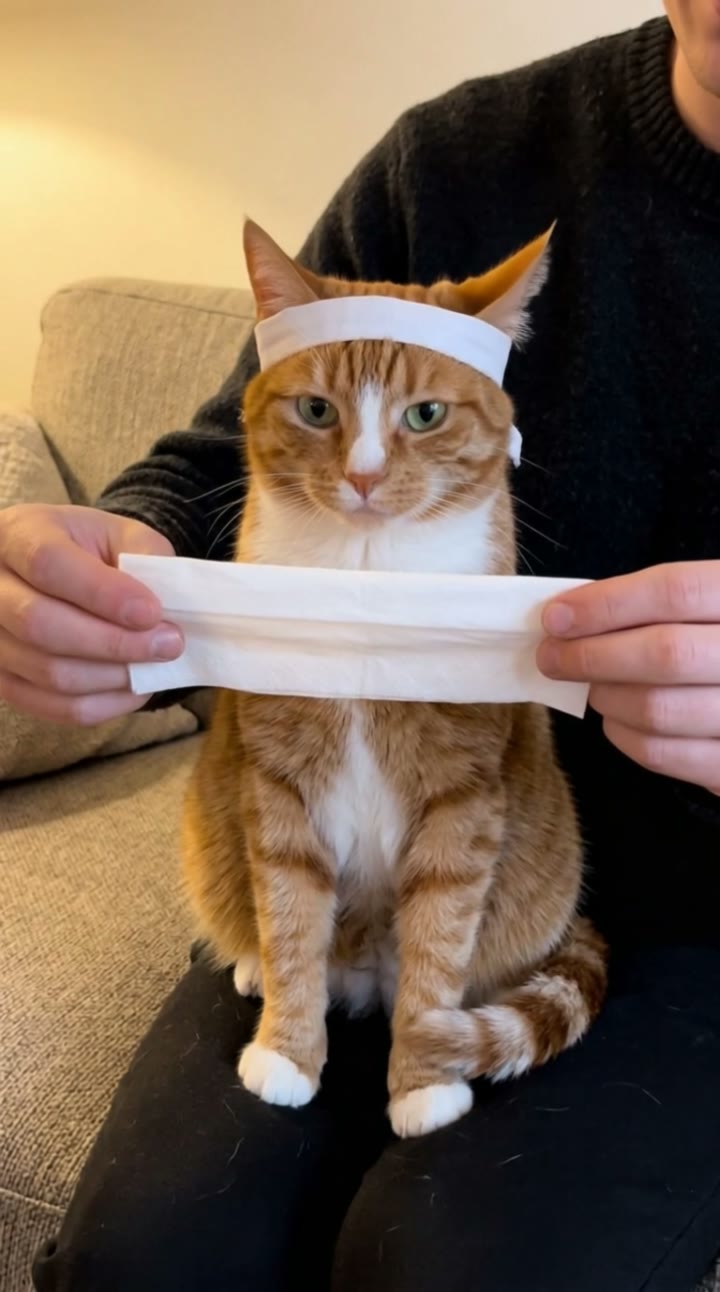
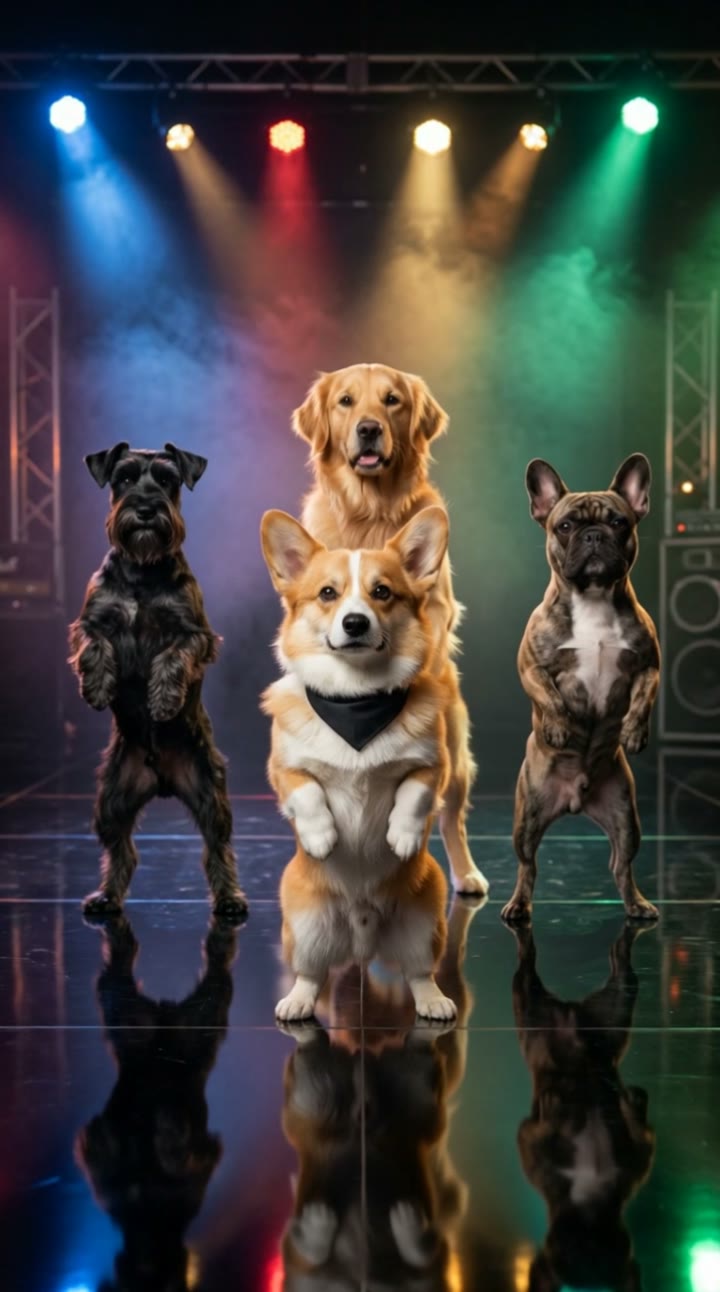
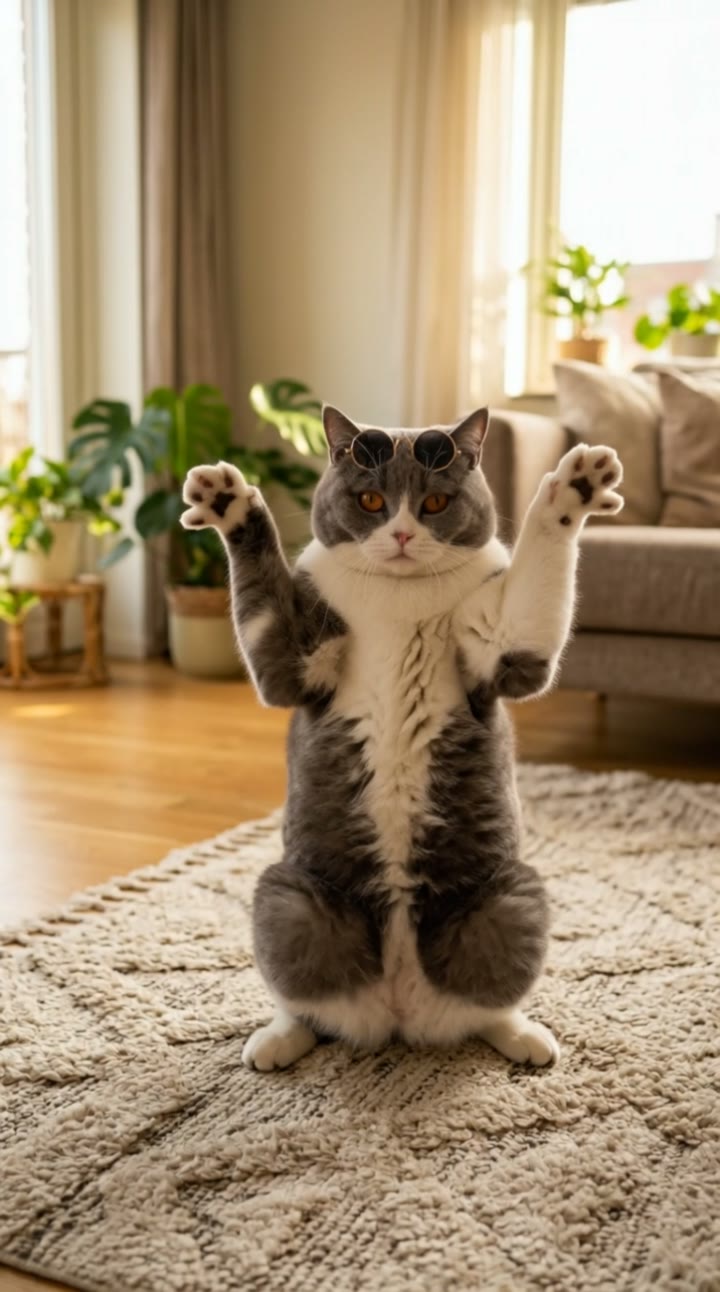
This is a pet photo animator: it keeps your pet in its own setting and adds small, natural motion, such as blinks, a head tilt, sniffing and looking around and back at you. It will not make your pet dance, talk or do tricks. For funnier formats, try our pet trend templates such as the kung fu cat, the dog dance and the cat dance.
Adding captions or music
The clip comes with soft ambient sound and a gentle original melody, and it is easy to replace. Download the MP4 and add captions, a voice-over or a trending song in TikTok, Instagram Reels or CapCut. It is vertical 9:16, ready for Reels, TikTok and Shorts.
Pricing
Each person gets one free watermarked preview, with no sign-in. Once you have a video in your balance, you can make more previews. The video costs $6.90 for one or $24.90 for five ($4.98 each), a one-time payment with no subscription, valid for 365 days. Sign-in is needed to buy and make the video, and a failed video is returned to your balance automatically.
Consent comes first
Only upload your own pet or a pet whose owner agreed. Do not upload photos showing people’s faces; crop people out so only the pet is in frame. Our sample clip uses a fictional AI puppy.
Frequently asked questions
Is the AI pet video generator free?
The first preview is free, watermarked and needs no sign-in, so you can see your pet’s still before paying. The video costs $6.90, or $24.90 for five.
How much does the video cost?
$6.90 for one video or $24.90 for five ($4.98 each). One-time payment, no subscription, valid for 365 days. A failed video is returned to your balance automatically.
How long is it and does it have sound?
10 seconds, vertical 9:16, with soft ambient sound and a gentle original melody generated with it. You can replace it in TikTok, Reels or CapCut after downloading.
Which pets does it work with?
Cats and dogs work best, and rabbits, hamsters, guinea pigs, birds and other pets work too as long as the face is clear. One pet per video; if you have several, make one for each.
Which photo works best?
A sharp, well-lit photo of one pet taken at eye level, with both eyes and the ears visible. Avoid blurry shots, heavy filters and other animals or people in frame.
Will it keep the background and my pet’s look?
Yes. By default the still keeps the original setting and your pet’s look. You can change the light, the background or add accessories such as a bandana in the description box before making the video.
Can my pet dance or do something funny?
Not on this page: the motion is calm and natural on purpose, so it still looks like your pet. For funnier clips, use our pet trend templates such as the kung fu cat, the dog dance or the cat dance.
Is my pet’s photo private?
Yes. Your photos and results stay in your private library and are never added to the public explore feed. Only upload your own pet or a pet whose owner agreed.