What is the wizard cat trend?
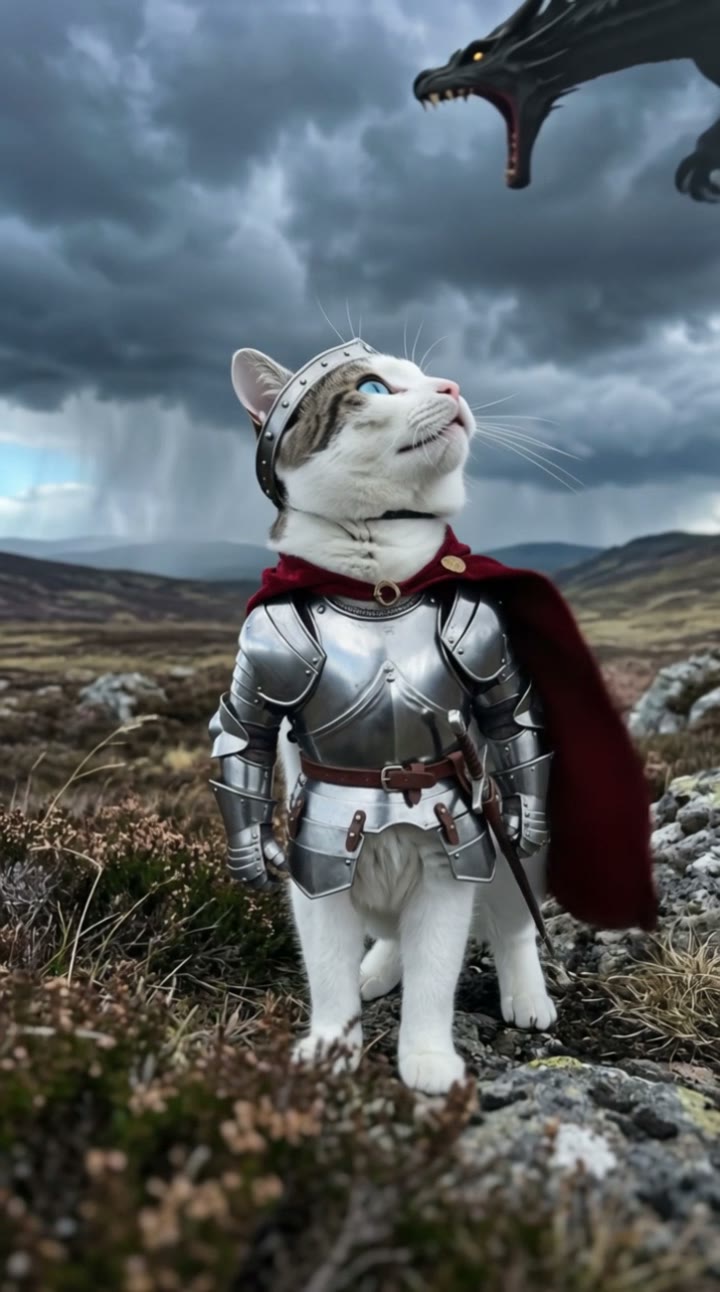
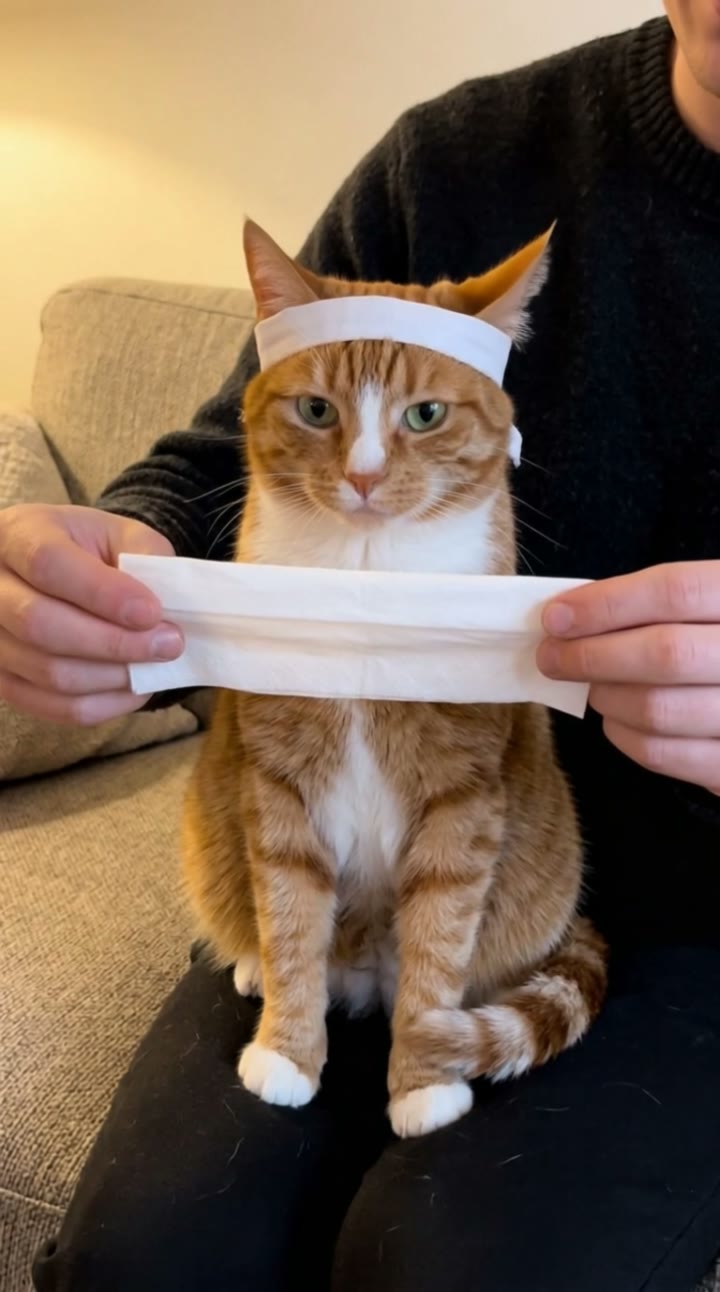
The wizard cat is an AI pet trend that has been spreading on TikTok since 7 October 2026. A chubby cat in a tall blue wizard hat sits at a laptop and types furiously with both paws, its face perfectly calm and serious, while little blue magic sparks fly off the keyboard. It is the busy-office mood everyone knows, cast as a spell, and now people want to see their own cat at the keyboard.
SelfieTrend makes it from one photo of your pet. We first put your cat in a blue wizard hat with silver stars at a desk with an open laptop as a still, which you can check and adjust. Then we animate the typing into a 10-second vertical video with original sound: rapid keyboard clicks and magic sparkles over a quirky original beat, no trending song included.
Updated October 30, 2026
How to make a wizard cat video with AI
- 1
Upload one clear pet photo
One cat, with its face and chest in frame. A sharp photo keeps its fur colors and markings true. Dogs can try too.
- 2
Style your wizard cat
Keep the candle and old spell book by the laptop or describe your own desk: a crystal ball, a mug of potion, a stack of scrolls. Re-create the still until it looks like your cat.
- 3
Make the video and download it
Confirm the price and your cat starts typing spells. Download the MP4 and post it with the trending sound if you like.
The spell, beat by beat
0-3s
At the keyboard
Your cat sits at the desk in its blue star hat, front paws on the laptop keys, face calm and serious.
3-7s
Furious typing
Both paws hammer the keys at full speed while small blue magic sparks fly up from the keyboard.
7-10s
Not a flicker
The sparks keep flying and the wizard hat wobbles, but your cat’s face stays perfectly calm.
Tips for the best pet photo
Get down to eye level
Shoot from your cat’s eye height, not from above. It keeps the face and proportions natural behind the laptop.
Use good, soft light
Daylight from a window works best. Dark or blurry photos lose fur color and markings.
Show the head and chest
Both eyes, the ears and the chest should be visible; the still is framed chest-up. Avoid cropped or half-hidden faces.
One pet, nobody else
Keep other animals and people out of the frame so the AI knows exactly which pet to use.
Adding the trending sound
Our video comes with original generated sound: rapid keyboard clicks and magic sparkles over a quirky original beat. The audio used in viral wizard cat clips is not included. Download the video and add that sound in TikTok, Instagram Reels or CapCut, starting it as the typing speeds up.
Caption and hashtag ideas
Try "Me answering emails at 9am", "Debugging with magic" or "He is in his wizard era". Hashtags like #wizardcat #catsoftiktok #catlife #aivideo help it travel.
Pricing
Each person gets one free watermarked preview, with no sign-in. Once you have a video in your balance, you can make more previews. The video costs $6.90 for one or $24.90 for five ($4.98 each), a one-time payment with no subscription, valid for 365 days. Sign-in is needed to buy and make the video, and a failed video is returned to your balance automatically.
Consent comes first
Only upload your own pet or a pet whose owner agreed. Do not upload photos of people, including children; the scene only shows your pet. Our sample clip uses a fictional AI cat.
Frequently asked questions
Is the wizard cat AI generator free?
The first preview is free, watermarked and needs no sign-in, so you can see your cat in its wizard hat before paying. The video costs $6.90, or $24.90 for five.
How much does the video cost?
$6.90 for one video or $24.90 for five ($4.98 each). One-time payment, no subscription, valid for 365 days. A failed video is returned to your balance automatically.
How long is it and does it have sound?
10 seconds, vertical 9:16, with original generated sound: keyboard clicks and magic sparkles over a quirky beat. No trending song is included; add one in TikTok, Reels or CapCut after downloading.
Does it work with dogs or other pets?
It works best with cats, since the scene is written for a cat at a laptop. Dogs can try and often look just as funny, but results vary more. Other pets are not recommended.
Can I put two pets in one video?
One pet per video. If you have several, make a video for each of them and post them as a series.
Which photo works best?
A sharp, well-lit photo of one pet taken at eye level, with the whole head and the chest visible. Avoid blurry shots, heavy filters and other animals or people in frame.
Can I change the desk or the look?
Yes. The description box controls the details, such as the candle, the spell book, a potion mug or the room. The blue star hat and the laptop are part of the trend. Re-create the still until you like it.
Is my pet’s photo private?
Yes. Your photos and results stay in your private library and are never added to the public explore feed. Only upload your own pet or a pet whose owner agreed.