What is the AI cat dance trend?
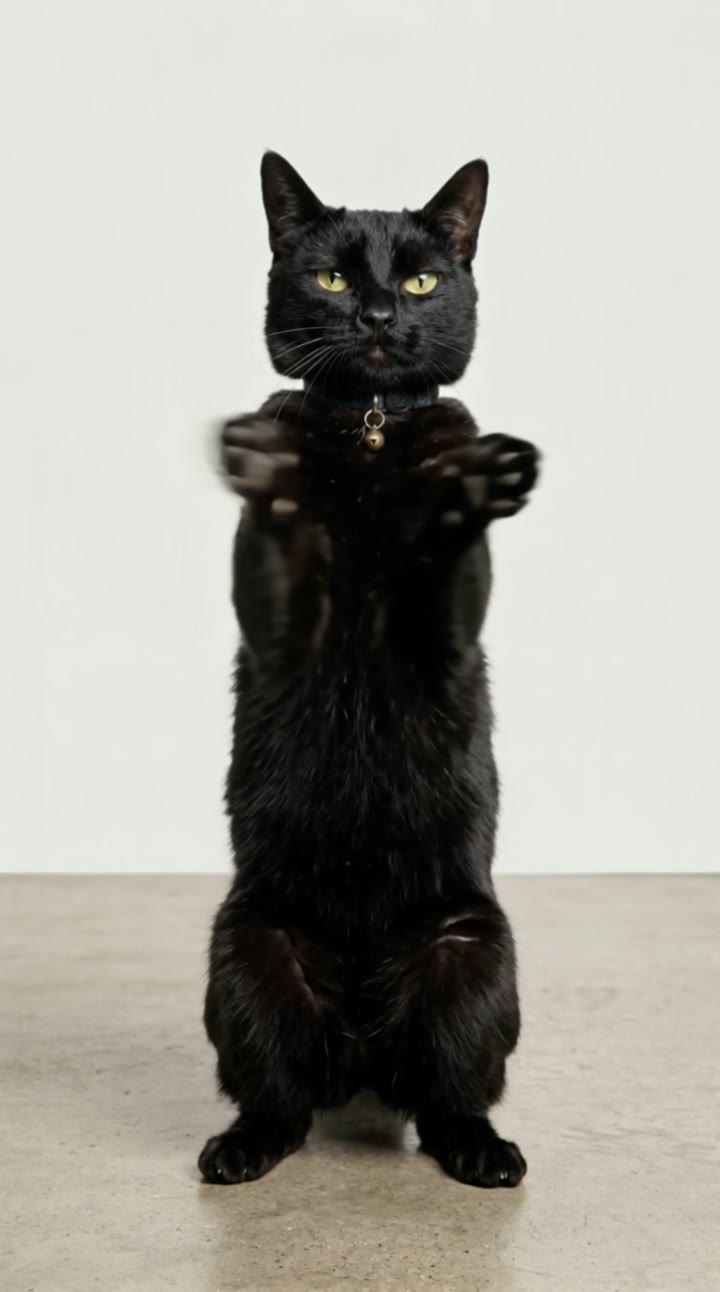
AI cat dance videos are one of the fastest-growing pet trends right now: searches for "ai cat dance" rose about 90% in the last month. The idea is simple and very shareable. A cat stands up on its hind legs in an ordinary living room and suddenly dances like it has been practising all week, swaying its hips, waving its paws and landing a cool final pose. People post their own cat dancing AI clips as reels, birthday greetings and pure jokes.
SelfieTrend makes it from one photo of your cat. We first stand your cat upright on a cozy living-room rug as a still, keeping its breed, fur colors and markings, and you can check and adjust it. Then we animate the dance into a 10-second vertical video with original sound: an upbeat hip-hop beat with no vocals, no trending song included.
Updated October 30, 2026
How to make an AI cat dance video
- 1
Upload one clear cat photo
One cat, with its face and body in frame. A sharp photo keeps its fur colors and markings true.
- 2
Style your dancing cat
Keep the tiny sunglasses pushed up on its head or describe your own look: a gold chain, a backwards cap, a tiny tracksuit. Re-create the still until it looks like your cat.
- 3
Make the video and download it
Confirm the price and your cat starts dancing. Download the MP4 and post it with a trending sound if you like.
The dance, beat by beat
0-3s
Ready to groove
Your cat stands upright on the living-room rug, sunglasses on its head, as the beat kicks in.
3-7s
Hips and paws
It sways its hips to the rhythm, waves its front paws and pulls off a little spin.
7-10s
Shuffle and freeze
After a quick foot shuffle, it freezes in a cool pose looking straight at the camera.
Tips for the best cat photo
Get down to eye level
Shoot from your cat’s eye height, not from above. It keeps the face and proportions natural when it stands up.
Use good, soft light
Daylight from a window works best. Dark or blurry photos lose fur color and markings.
Show the whole cat
Head, ears, body and paws should all be visible. Avoid cropped or half-hidden shots; the AI needs the full body to make your cat stand and dance.
One cat, nobody else
Keep other animals and people out of the frame so the AI knows exactly which cat to use.
Adding a trending sound
Our video comes with original generated sound: an upbeat hip-hop beat with no vocals, timed to the moves. No trending song is included. If you want one, download the video and add the audio in TikTok, Instagram Reels or CapCut, lining up the freeze pose with a drop or a pause.
Caption and hashtag ideas
Try "My cat when the beat drops", "He practised all week for this" or "Rent is due, so we dance". Hashtags like #aicatdance #catdance #catsoftiktok #aivideo help it travel.
Pricing
Each person gets one free watermarked preview, with no sign-in. Once you have a video in your balance, you can make more previews. The video costs $6.90 for one or $24.90 for five ($4.98 each), a one-time payment with no subscription, valid for 365 days. Sign-in is needed to buy and make the video, and a failed video is returned to your balance automatically.
Consent comes first
Only upload your own pet or a pet whose owner agreed. Do not upload photos showing people’s faces; the scene shows no people. Our sample clip uses a fictional AI cat.
Frequently asked questions
Is the AI cat dance generator free?
The first preview is free, watermarked and needs no sign-in, so you can see your cat standing ready to dance before paying. The video costs $6.90, or $24.90 for five.
How much does the video cost?
$6.90 for one video or $24.90 for five ($4.98 each). One-time payment, no subscription, valid for 365 days. A failed video is returned to your balance automatically.
How long is it and does it have sound?
10 seconds, vertical 9:16, with original generated sound: an upbeat hip-hop beat with no vocals. No trending song is included; add one in TikTok, Reels or CapCut after downloading.
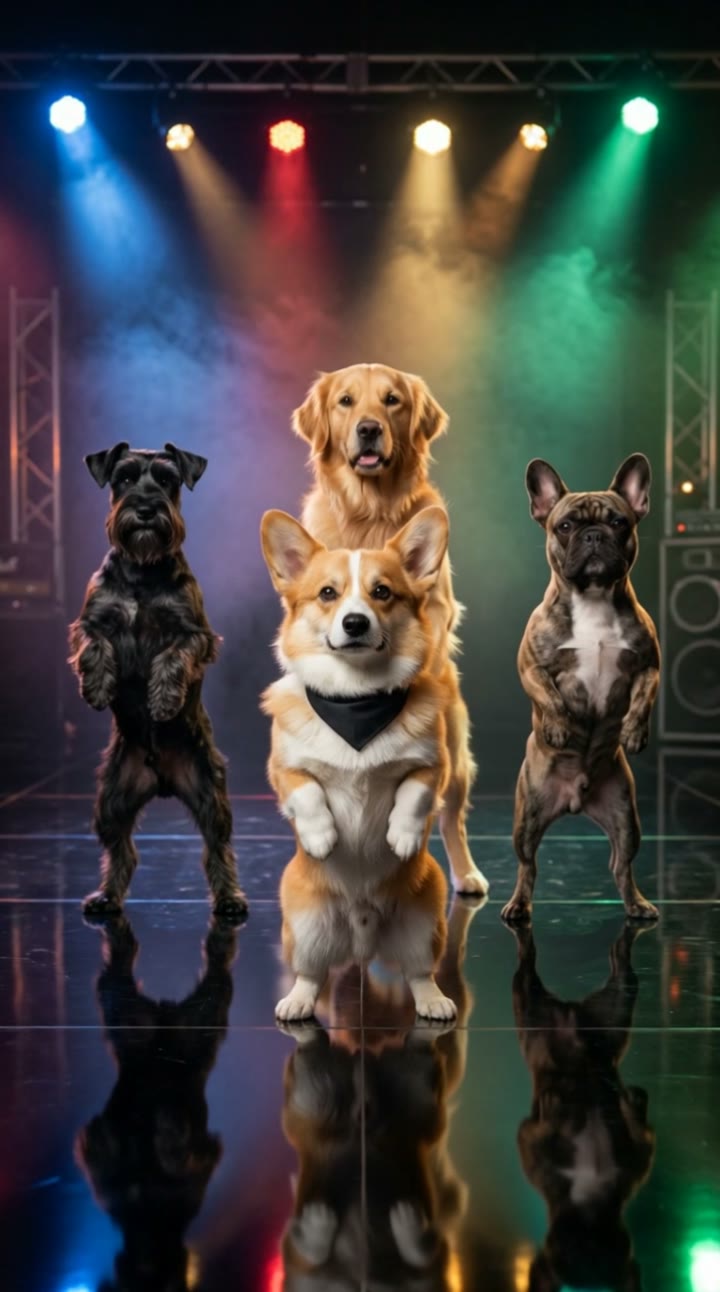
Can I make my dog dance instead?
This page is tuned for cats. For dogs, use our AI dog dance page, which has its own dog-friendly scene and moves. Other pets such as rabbits may work here, but the upright dance looks most natural with cats.
Can I put two cats in one video?
One cat per video. If you have several, make a video for each and post them as a dance-off series.
Which photo works best?
A sharp, well-lit photo of one cat taken at eye level, with the whole body visible. Avoid blurry shots, heavy filters and other animals or people in frame.
Can I change the sunglasses or the look?
Yes. The description box controls the details, such as the sunglasses, a cap, a gold chain or the expression. Re-create the still until you like it. The dance moves stay the same.
Is my cat’s photo private?
Yes. Your photos and results stay in your private library and are never added to the public explore feed. Only upload your own pet or a pet whose owner agreed.