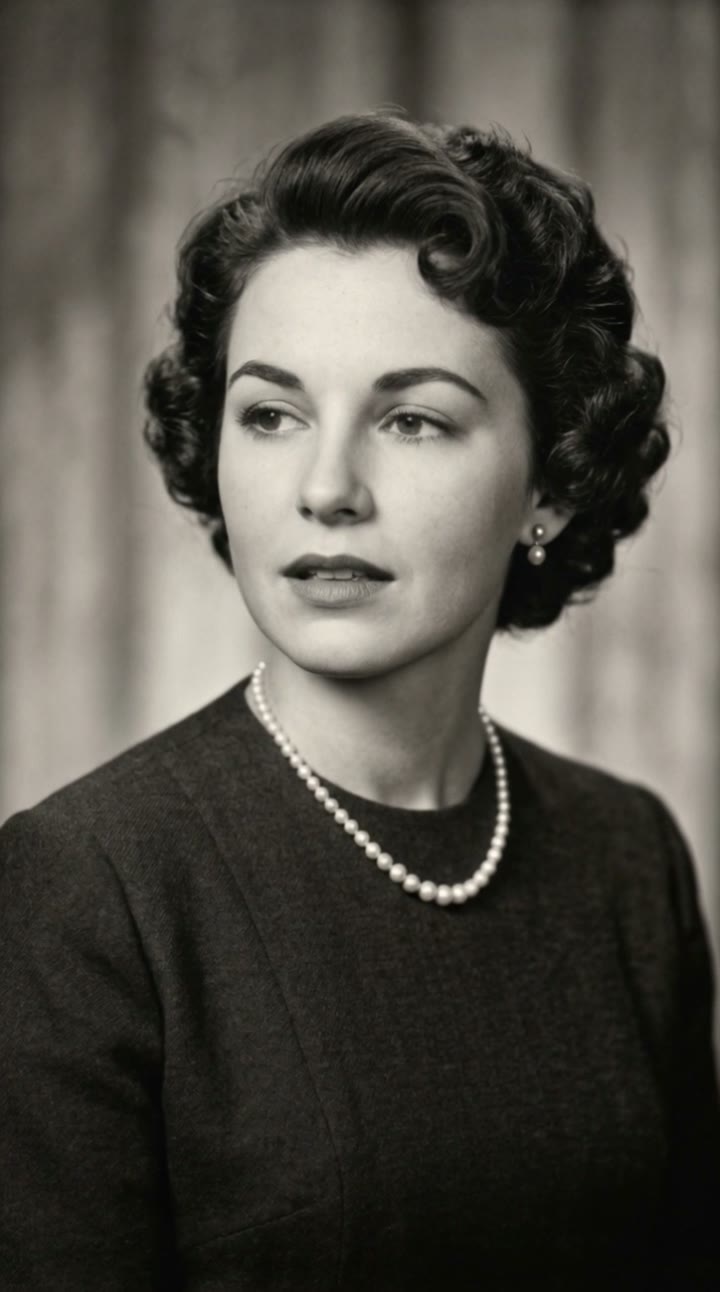
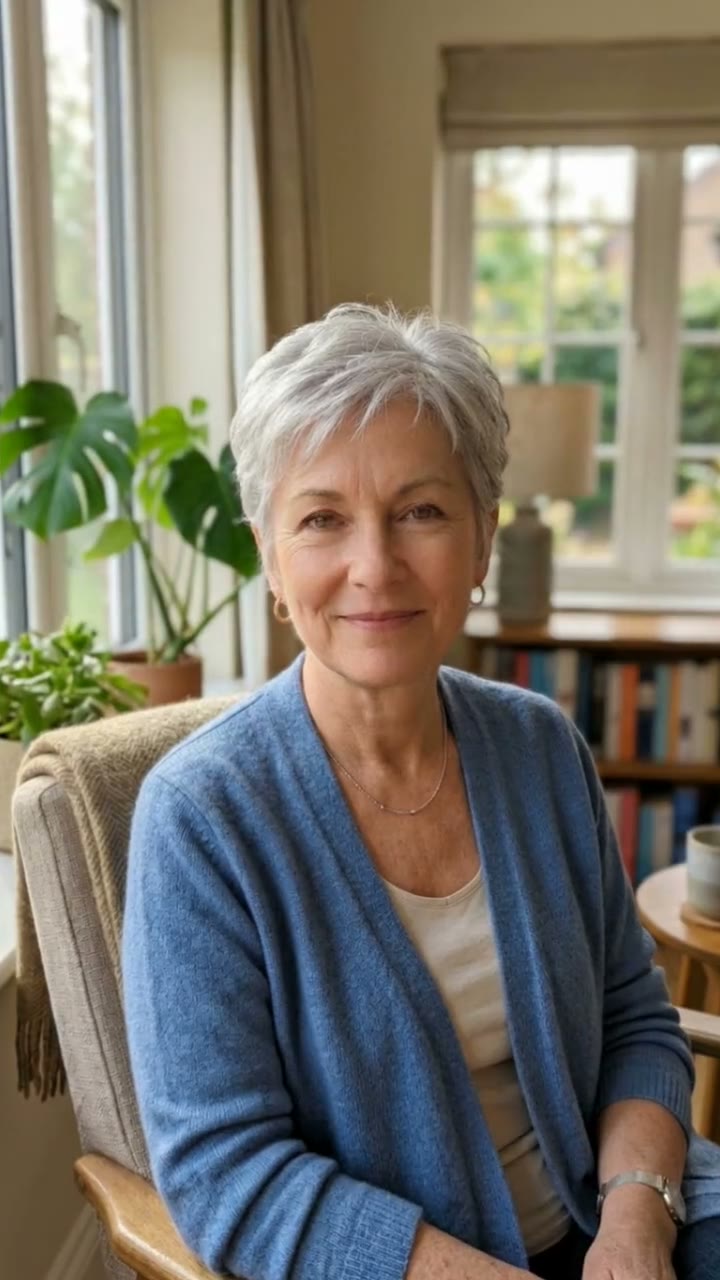
What is an AI aging video?
An AI aging video shows you as an older person. It is the video version of the "old age filter" people have played with for years: you see yourself with grey hair, wrinkles and laugh lines, and get a strange, often touching look at a possible future you.
SelfieTrend makes it from one photo. We first create a still of you at about 80, keeping your eyes and face shape, sitting on a garden bench in warm afternoon sun, which you can check and adjust. Then we animate it into a 10-second vertical video: you look down thoughtfully, lift your head, give the camera a warm smile, laugh gently and nod as leaves drift past. The sound is original: birdsong and a soft acoustic guitar melody. The video shows the older you throughout; it is not a morph from your young face to an old one.
Updated October 30, 2026
How to make an AI aging video
- 1
Upload one clear photo
One adult, face fully visible and looking at the camera. The aging keeps your eyes and face shape, so a sharp, recent photo gives the most recognizable result.
- 2
Describe the older you
Keep the soft cardigan or describe your own look: a linen shirt, a straw hat, reading glasses, a favorite scarf. Re-create the still until it feels like you at 80.
- 3
Make the video and download it
Confirm the price and the older you comes to life. Download the MP4 and post it, maybe next to a photo of you today.
The aging video, beat by beat
0-3s
A quiet moment
The older you sits on a garden bench in warm afternoon sun and looks down thoughtfully.
3-7s
The smile
You lift your head and give the camera a warm, wise smile as the camera slowly pushes in.
7-10s
A gentle laugh
You laugh softly and nod while leaves drift through the light, with birdsong and guitar.
Tips for a convincing aging video
Recent, front-facing photo
A sharp photo with the whole face visible keeps your eyes and face shape recognizable at 80.
Keep the face uncovered
Avoid sunglasses, hats pulled low, heavy makeup and beauty filters; they hide what the aging is based on.
Dress the older you
Small details make it believable: a cardigan, a knitted vest, reading glasses, a flower on the lapel.
Check the still first
The whole video comes from the still, so make sure the older face still feels like you before animating.
An older you, not a live morph
Many people search for an "AI aging filter" or "old age filter" that ages your face live on camera, or a clip that morphs from young to old. Our video works differently: it shows the older you for all 10 seconds, smiling in a garden. For a before and after, post your original photo first or put the two side by side in CapCut. The aged face is an AI imagination, not a prediction of how you will really age.
Adding your own audio and captions
Our video comes with original generated sound: birdsong and a soft acoustic guitar melody. No trending song is included; add one in TikTok, Instagram Reels or CapCut after downloading. Captions like "Me at 80, still laughing", "Growing old gracefully" or "Hi from the future" and hashtags like #aiaging #oldagefilter #futureme #aivideo fit well.
Pricing
Each person gets one free watermarked preview, with no sign-in. Once you have a video in your balance, you can make more previews. The video costs $6.90 for one or $24.90 for five ($4.98 each), a one-time payment with no subscription, valid for 365 days. Sign-in is needed to buy and make the video, and a failed video is returned to your balance automatically.
Consent comes first
Only use photos of yourself or adults who agreed. Do not upload public figures or anyone under 18. Our sample clips use fictional AI people.
Frequently asked questions
Is the AI aging video generator free?
The first preview is free, watermarked and needs no sign-in, so you can see the older you before paying. The video costs $6.90, or $24.90 for five.
How much does the video cost?
$6.90 for one video or $24.90 for five ($4.98 each). One-time payment, no subscription, valid for 365 days. A failed video is returned to your balance automatically.
How long is it and does it have sound?
10 seconds, vertical 9:16, with original generated sound: birdsong and a soft acoustic guitar melody. No trending song is included; add one in TikTok or Reels after downloading.
Does the video morph from young to old?
No. The video shows you at about 80 for the whole clip: looking down, smiling, laughing and nodding in a garden. To show the change, post your original photo before it or side by side.
Will I really look like this when I am old?
No one can know that. The aged face is an AI imagination based on your photo, keeping your eyes and face shape. Treat it as a fun, sometimes moving glimpse, not a prediction.
Which photo works best?
A sharp, recent, front-facing photo of one adult with the face fully visible, ideally from the chest up. Avoid group photos, sunglasses and heavy filters.
Can I change the outfit or the details?
Yes. The description box controls your look and the details around you, such as clothing, glasses or the flowers in the garden. Re-create the still until you like it. Once you have a video in your balance you can make more previews.
Is my photo private?
Yes. Your photos and results stay in your private library and are never added to the public explore feed. Only upload photos of yourself or people who agreed.