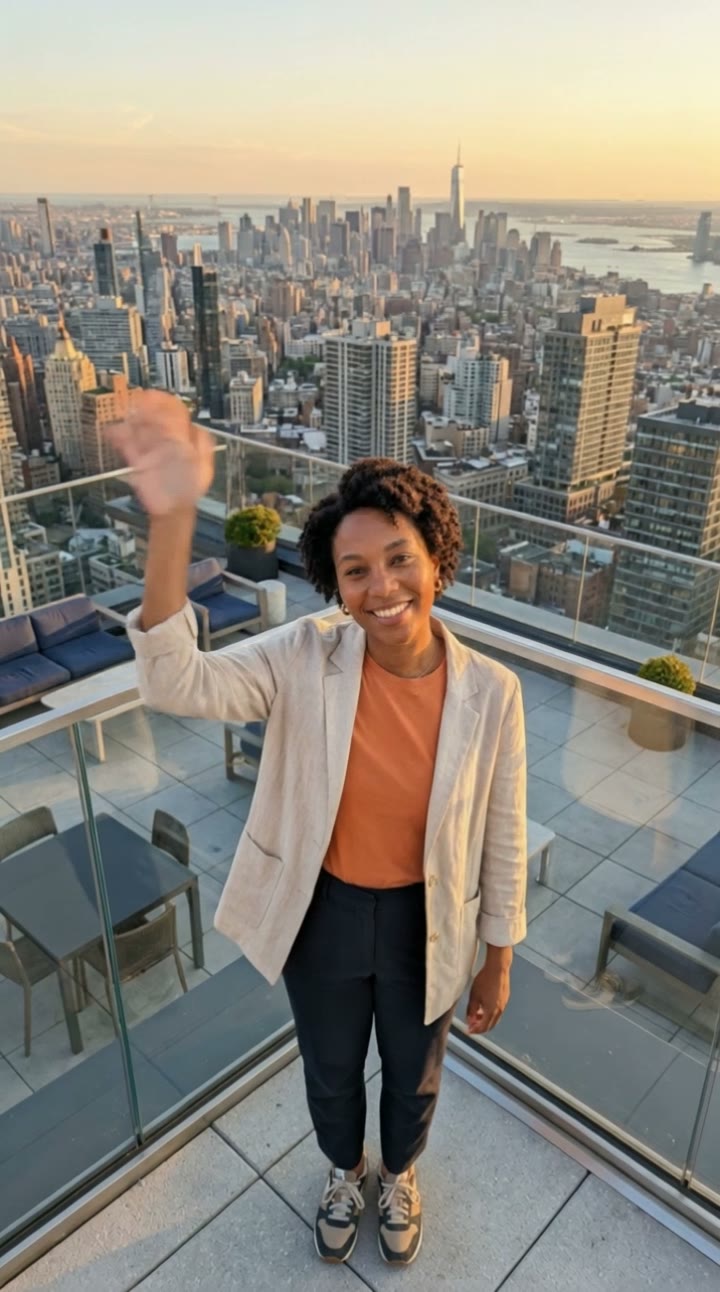
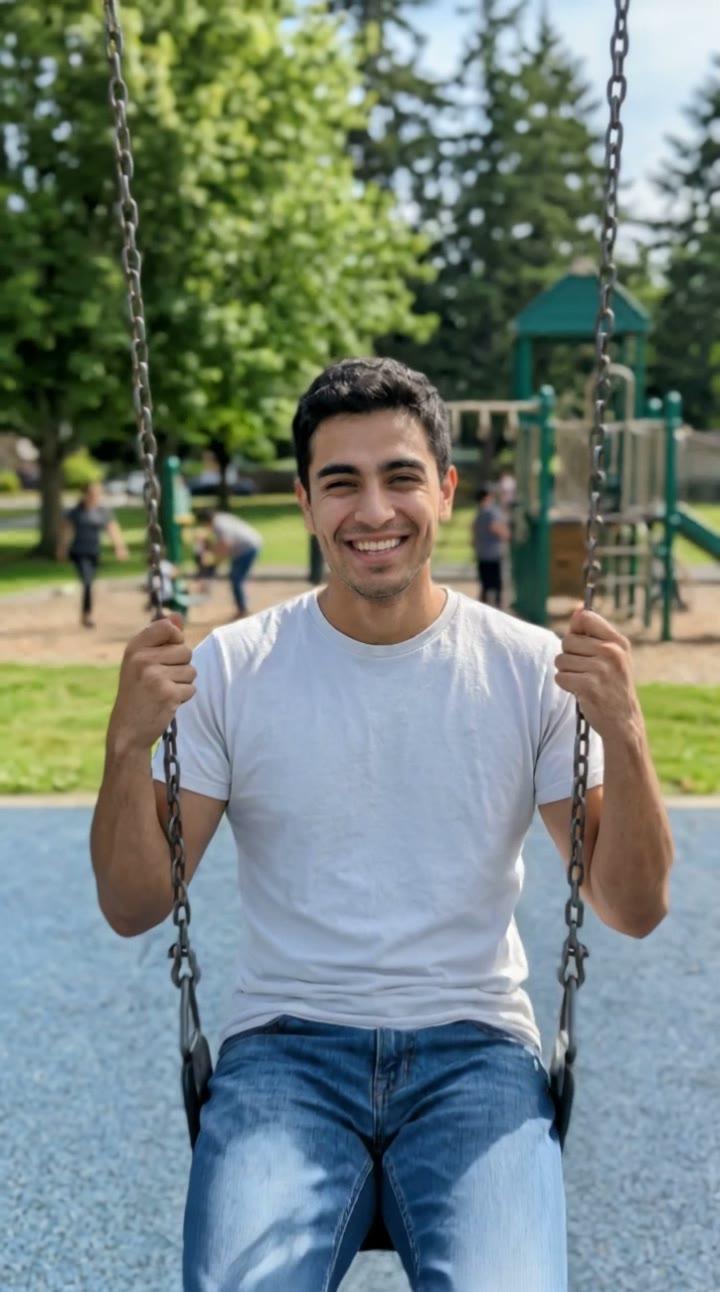
What is the airplane over head trend?
The airplane over head trend took off on TikTok in September 2026. You stand on a hill with one arm stretched to the sky, and a huge passenger jet roars past just above your hand, so close it looks like you could touch it. The wind hits, you duck and laugh, and the clip is over before anyone can believe it.
SelfieTrend builds it from one photo. We first place you on a grassy hilltop under a clear blue sky, arm raised and seen from a low angle, as a still you can check and adjust. Then we animate the jet fly-past into a 10-second vertical video with original sound: a deafening engine roar and wind, then a short original beat, no trending song included.
Updated October 30, 2026
How to make an airplane over head video with AI
- 1
Upload one clear photo
One adult, face fully visible. A photo that shows some of your body helps the full-body hilltop shot look natural.
- 2
Style your hilltop look
Keep the windbreaker or describe your own look: a hoodie, a flowing summer dress, a bright scarf. Re-create the still until it feels right.
- 3
Make the video and download it
Confirm the price and the jet roars past your hand. Download the MP4 and post it with your own audio if you like.
The fly-past, beat by beat
0-3s
Hand to the sky
You stand on a grassy hilltop under a clear blue sky, one arm raised high, seen from below.
3-7s
The jet
A large passenger jet roars in just above your hand, close enough to touch, engines deafening.
7-10s
Duck and laugh
The wind whips your hair and jacket, you duck and laugh as it passes, and a short original beat kicks in.
Tips for a jaw-dropping fly-past
Clothes that catch the wind
Jackets, loose shirts, scarves and long hair show the blast of air best. Tight, plain clothes hide it.
Describe the excitement
Wide eyes, a big grin or an open-mouthed shout make the reaction land. Keep it to one clear emotion.
Front-facing, well-lit photo
The shot is low-angle and full body, so a sharp photo with your face clear keeps your likeness.
Check the still first
Make sure the still looks like you and your arm is up before animating.
Adding your own audio
Our video comes with original generated sound: the deafening roar of the jet engines and rushing wind, then a short original beat. If the trend you are following uses a specific song, it is not included. Download the video and add that audio in TikTok or Instagram Reels, timing the drop to the moment the jet passes.
Caption and hashtag ideas
Try "Almost caught a flight", "Reaching for my next vacation" or "POV: the plane said hi". Hashtags like #airplaneoverhead #airplanetrend #aivideo #fyp help it travel.
Pricing
Each person gets one free watermarked preview, with no sign-in. Once you have a video in your balance, you can make more previews. The video costs $6.90 for one or $24.90 for five ($4.98 each), a one-time payment with no subscription, valid for 365 days. Sign-in is needed to buy and make the video, and a failed video is returned to your balance automatically.
Consent comes first
Only use photos of yourself or adults who agreed. Do not upload public figures or anyone under 18. Our sample clips use fictional AI people.
Frequently asked questions
Is the airplane over head AI generator free?
The first preview is free, watermarked and needs no sign-in, so you can see yourself on the hilltop before paying. The video costs $6.90, or $24.90 for five.
How much does the video cost?
$6.90 for one video or $24.90 for five ($4.98 each). One-time payment, no subscription, valid for 365 days. A failed video is returned to your balance automatically.
How long is it and does it have sound?
10 seconds, vertical 9:16, with original generated sound: a jet engine roar, wind and a short beat. No trending song is included; add one in TikTok or Reels after downloading.
Which photo works best?
A sharp, front-facing photo of one adult with the face fully visible, ideally showing the upper body or more. Avoid group photos, sunglasses and heavy filters.
Can I change the outfit or the scene?
Yes. The description box controls how you look and small details around you, such as clothing, expression or the time of day. Re-create the still until you like it.
Is the plane real?
No. The jet, the hill and the wind are all generated by AI. Never try to recreate this near a real airport or flight path.
Can I make more versions?
Each person gets one free preview. Once you have a video in your balance you can make more previews to try other outfits or reactions.
Is my photo private?
Yes. Your photos and results stay in your private library and are never added to the public explore feed. Only upload photos of yourself or people who agreed.